Windows on Arm is no longer an experiment, but it still asks for a different buying decision. The Samsung Galaxy Book6 Edge combines a large AMOLED touchscreen, low weight and modern Snapdragon hardware. Its appeal is easy to understand. The real question is whether its software compatibility fits the work you already do.
This Samsung Galaxy Book6 Edge review is based on desk research. Specs Universe has not physically tested the laptop. Hard specifications come from the published 16-inch 16GB device record. Official sources, independent reporting and recurring owner discussions provide context. We separate claims from measured evidence.
Samsung Galaxy Book6 Edge review: quick verdict
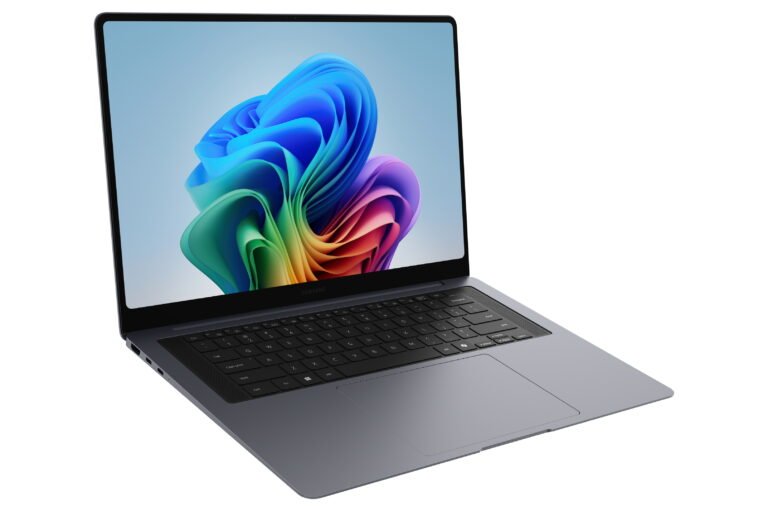
The Galaxy Book6 Edge 16-inch 16GB is a strong travel and productivity laptop for people whose applications work properly on Windows on Arm. Its 16-inch Dynamic AMOLED 2X touchscreen has a 2880 x 1800 resolution, 120Hz refresh rate and listed 500-nit brightness. At 1.55kg and 12.3mm thick, it gives a large workspace without the usual 16-inch weight.
Performance comes from the Snapdragon X2 Elite X2E-88-100 and Qualcomm Adreno graphics. The canonical model has 16GB LPDDR5X memory on board. Storage is 512GB or 1TB eUFS, depending on market and configuration. Internal storage is not a normal M.2 upgrade, although microSD support provides simple expansion.
The 61.8Wh battery supports 65W USB-C Power Delivery. Samsung claims up to 22 hours of local video playback and up to 40 percent charge in about 30 minutes from two percent. Those are controlled manufacturer figures, not promises for mixed daily work.
We recommend it for web-based work, Microsoft 365, communication, streaming and compatible creative applications. We would avoid it when specialist legacy software, drivers or unusual peripherals are essential. Compatibility matters more than benchmark numbers here.
The exact configuration matters
- 16-inch Dynamic AMOLED 2X touchscreen
- 2880 x 1800 resolution and 120Hz refresh rate
- Snapdragon X2 Elite X2E-88-100
- Qualcomm Adreno GPU
- 16GB LPDDR5X memory on board
- 512GB or 1TB eUFS storage
- 61.8Wh battery with 65W USB-C charging
- Wi-Fi 7, Bluetooth 5.4 and Windows 11 Home
This record is not the Intel-powered Book6, Pro or Ultra. It is also separate from older Book Edge generations. Therefore, benchmark figures and battery results from those laptops do not belong here.
Sixteen gigabytes is suitable for normal productivity and moderate multitasking. However, the memory is on board. It cannot be treated as a later upgrade. Heavy virtual machines, large development projects and advanced media work may need more capacity from the start.
The AMOLED screen is a major strength
The 16-inch AMOLED display gives documents, timelines and split-screen work plenty of room. Its 2880 x 1800 resolution keeps text sharp, while 120Hz makes scrolling and animations smooth. Touch input helps with maps, presentations and quick navigation.
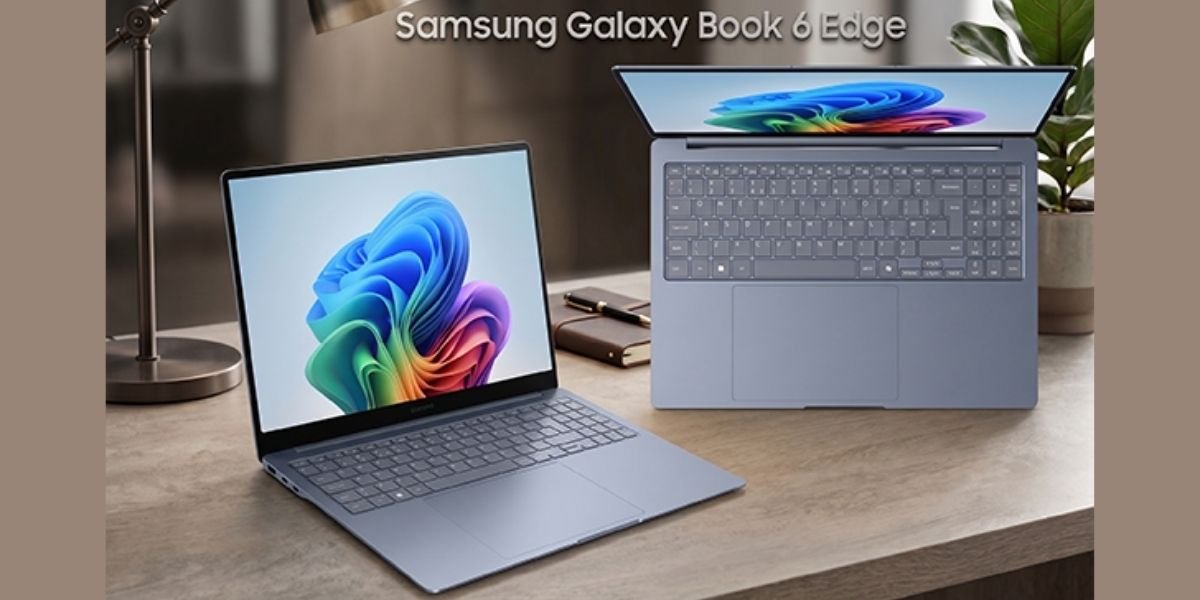
AMOLED provides deep blacks and strong contrast. HDR support is listed in general terms, and Corning Gorilla Glass with DX protects the display. The 500-nit figure is useful indoors and in brighter rooms, although reflective glass can still show windows and overhead lights.
This is a traditional laptop, not a stated 360-degree convertible. Touch is an extra way to work rather than a full tablet mode. A Lenovo Yoga remains the better choice when folding and pen use define the purchase.
Thin design, full keyboard
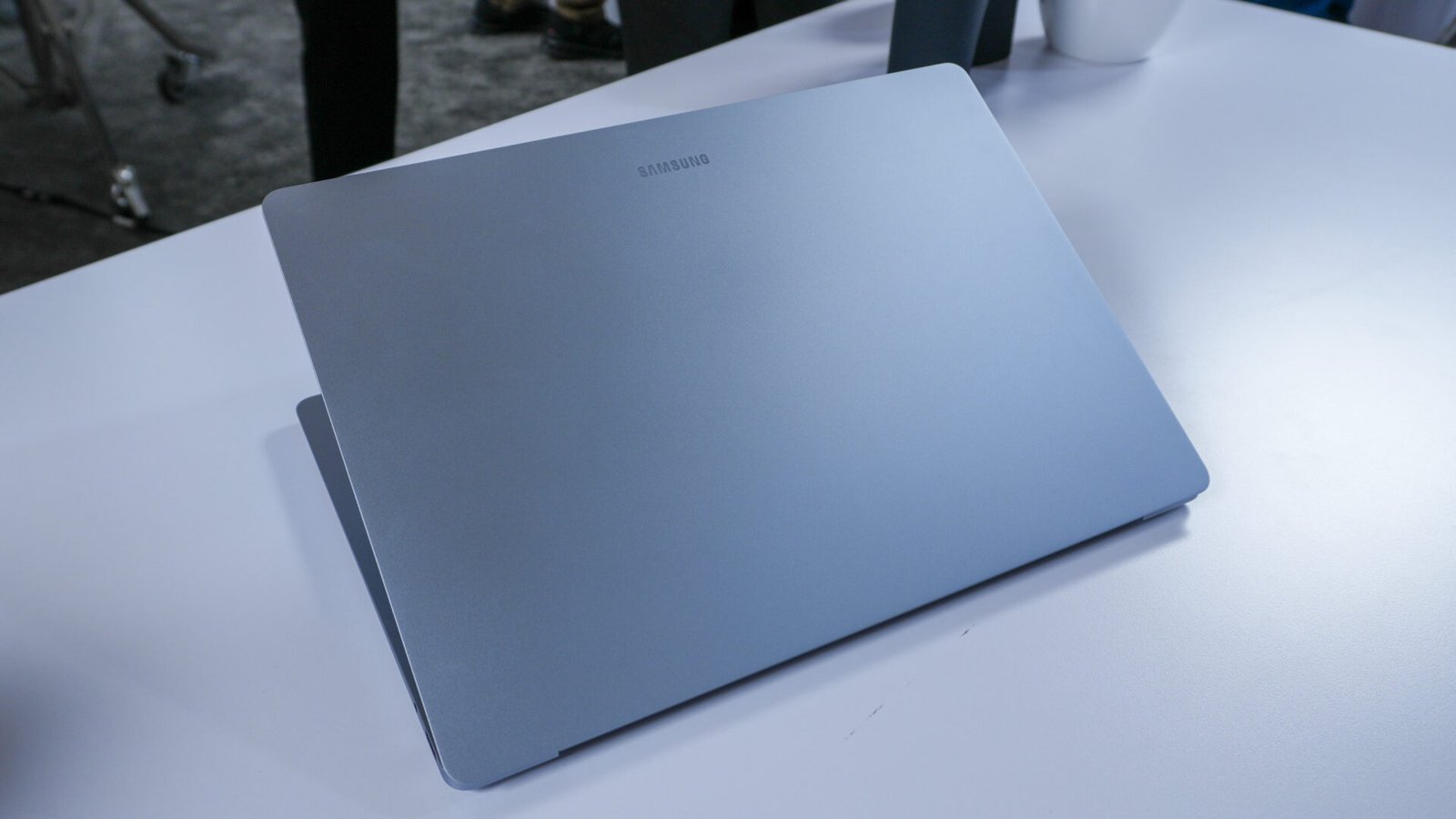
The body measures 355.4 x 250.4 x 12.3mm and weighs 1.55kg. That is excellent for a 16-inch laptop. Gray Blue is the listed color. Samsung does not state the exact chassis alloy in the specifications checked by Specs Universe, so we will not guess.
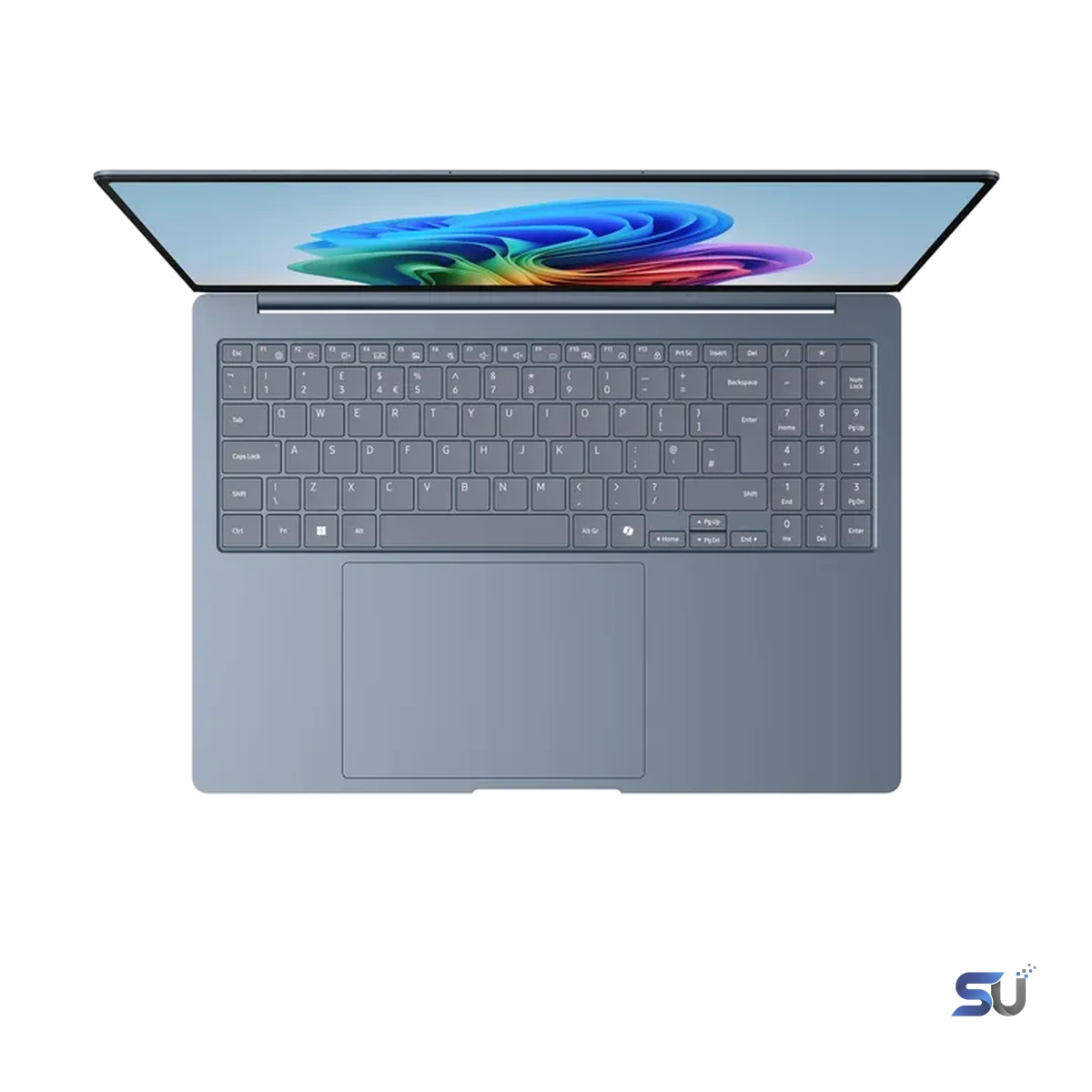
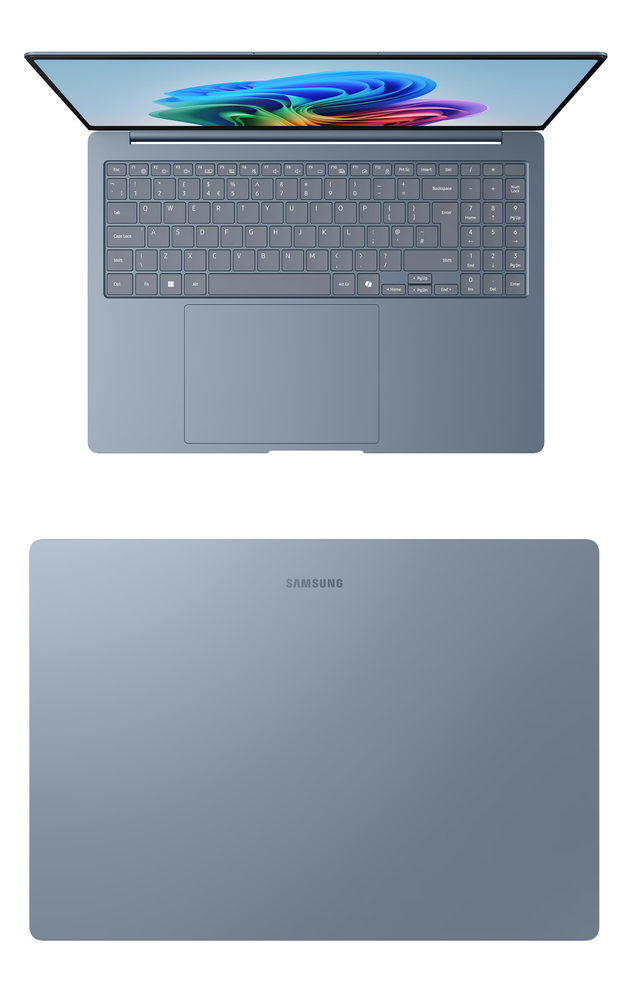
The backlit Pro keyboard includes a numeric keypad. That suits spreadsheets and repeated numerical entry, although it shifts the typing position. The conventional clickpad should handle normal gestures, while the fingerprint reader provides quick sign-in.
Exact key-travel and click-force measurements are not published for this configuration. Long-form writers should judge comfort during the return window. A thin body is valuable, but the keyboard still has to support daily work.
Snapdragon performance and the Arm question
Samsung Galaxy Book6 Edge performance depends on the Snapdragon X2 Elite platform and software support. Native Arm applications can use the processor efficiently. Many common Windows programs now run natively or through emulation, but compatibility is not universal.
Microsoft 365, modern browsers, communication tools and mainstream media applications are the safest use cases. Specialist plug-ins, older security software, engineering tools and peripheral drivers require checking before purchase. A fast processor cannot run software that refuses to install.
Specs Universe lists no verified exact-device Cinebench, Geekbench, 3DMark or gaming result. We will not substitute numbers from another Snapdragon laptop. Qualcomm Adreno graphics support media and lighter creative work, but this is not a dedicated gaming machine.
Windows gaming on Arm continues to improve. Still, anti-cheat systems, launchers and drivers can create problems. Anyone with a fixed game library should verify every important title. An Intel laptop or a machine with dedicated graphics remains safer for broad gaming support.
Ports and storage require attention
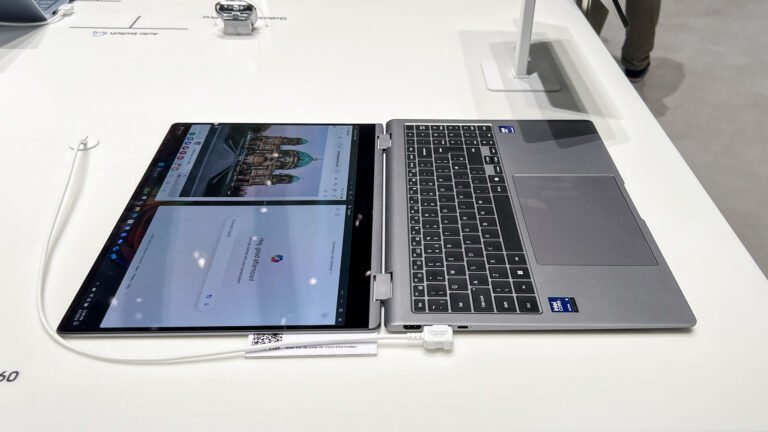
The laptop includes two USB4 ports, USB-A 3.2, HDMI 2.1, microSD and a headphone/microphone connection. That is a useful mix for displays, drives and familiar accessories. Wi-Fi 7 and Bluetooth 5.4 cover modern wireless connections.
USB4 supports capable docks and fast external storage. Even so, Arm driver support should be confirmed for specialist audio, capture and industrial hardware. Basic storage and display accessories are less likely to cause trouble.
The eUFS drive is the important compromise. It is not a standard M.2 SSD that can be replaced easily. Choose the capacity expected to last through ownership. MicroSD helps with documents and media, but it does not offer the same speed as internal storage.
Webcam, speakers and ecosystem
The 2MP webcam records at 1080p Full HD. Quad speakers use Smart Amp and Dolby Atmos, while dual-array microphones handle calls. These specifications suit meetings and entertainment, although exact independent audio and webcam measurements are not stored for this model.
Galaxy apps can connect the laptop with Samsung phones and tablets. File sharing and device controls are useful when the ecosystem is already part of daily life. Otherwise, the computer still operates as a normal Windows 11 Home laptop.
Copilot+ PC and Galaxy AI features are included, but availability can vary by account, software version and region. Buy for the screen, battery, weight and compatibility first. AI tools will change more quickly than the hardware.
Battery life and charging
The 61.8Wh battery is paired with efficient Arm hardware. Samsung’s maximum claim is 22 hours of local video playback. Real work with bright display settings, meetings and several applications will reduce that figure.
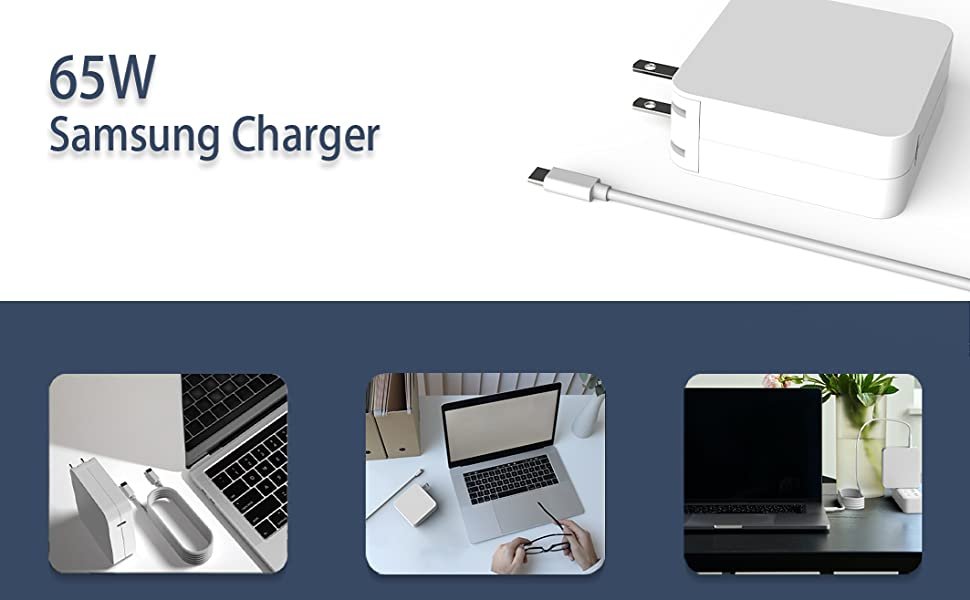
The 65W USB-C charger is practical for travel. Samsung also claims up to 40 percent in about 30 minutes from two percent. A compatible Power Delivery charger and cable are required for full speed.
Owner discussions around Galaxy Book Edge laptops often praise quiet operation and endurance. They also return to app compatibility and occasional sleep or driver concerns. These themes are useful checks, not proof of a universal fault.
US price and alternatives
US pricing must be judged against the exact memory and storage configuration. Promotions can change quickly, while imported versions may have different keyboards, warranties and software. Confirm the model code and Samsung US service coverage before checkout.
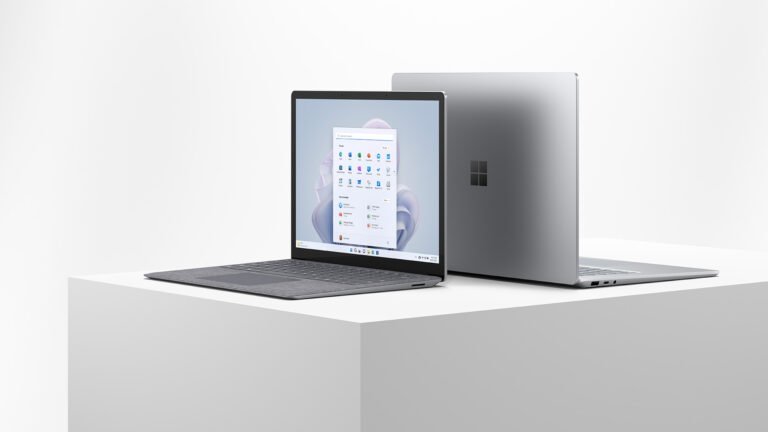
The Microsoft Surface Laptop with Snapdragon is the closest alternative. It offers a clean Windows design and the same broad Arm compatibility question. Choose Samsung for the larger AMOLED screen and wider port mix.
The Intel-powered Galaxy Book6 Pro is safer for older Windows software and offers an excellent AMOLED display. It is the better choice when compatibility must be predictable. A MacBook Air is another efficient option for people comfortable with macOS and Apple software.
Who should buy it?
Choose the Galaxy Book6 Edge for frequent travel, long workdays and a large premium screen. It suits web-first professionals, students and people who already use Galaxy products. The 1.55kg weight is a genuine advantage.
Skip it if memory or internal storage upgrades matter. Also avoid it when essential software or hardware lacks Arm support. Compatibility should be confirmed before the return period ends.
Samsung Galaxy Book6 Edge review verdict
The Galaxy Book6 Edge 16-inch 16GB succeeds as a thin, efficient productivity laptop. Its AMOLED touchscreen, low weight, useful ports and Snapdragon processor create a strong everyday machine.
The main weakness is not speed. It is uncertainty around legacy Windows software and peripherals. On-board memory and eUFS storage also limit future upgrades.
We recommend it when your essential applications already support Windows on Arm and portability matters. Choose 1TB if local storage needs are likely to grow. For broader compatibility, the Intel-powered Book6 Pro remains the safer purchase.