The Galaxy Book6 Ultra has a difficult job. It must deliver serious creator performance, long battery life and a first-class screen without turning into a thick gaming laptop. Samsung gets much of that balance right. The bigger question is whether the exact configuration and its price make sense for the work you actually do.
This is a desk-research editorial assessment. Specs Universe has not physically tested the laptop. Hard specifications come from the published Specs Universe device record. We use Samsung’s US information, independent testing and recurring owner feedback for real-world context. We identify manufacturer claims clearly rather than presenting them as measured results.
Galaxy Book6 Ultra review: quick verdict
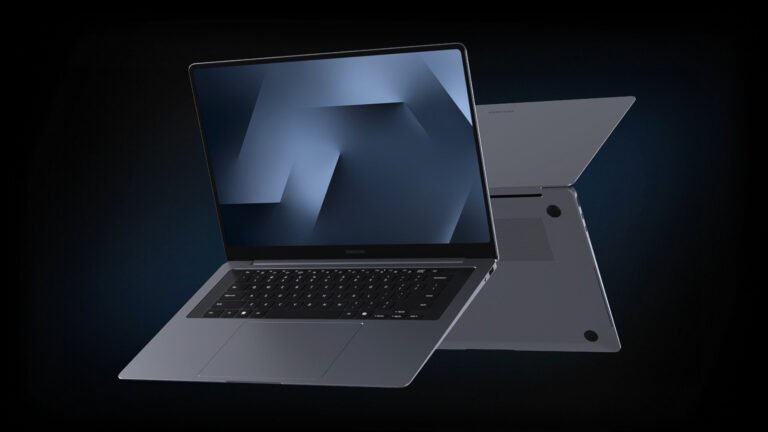
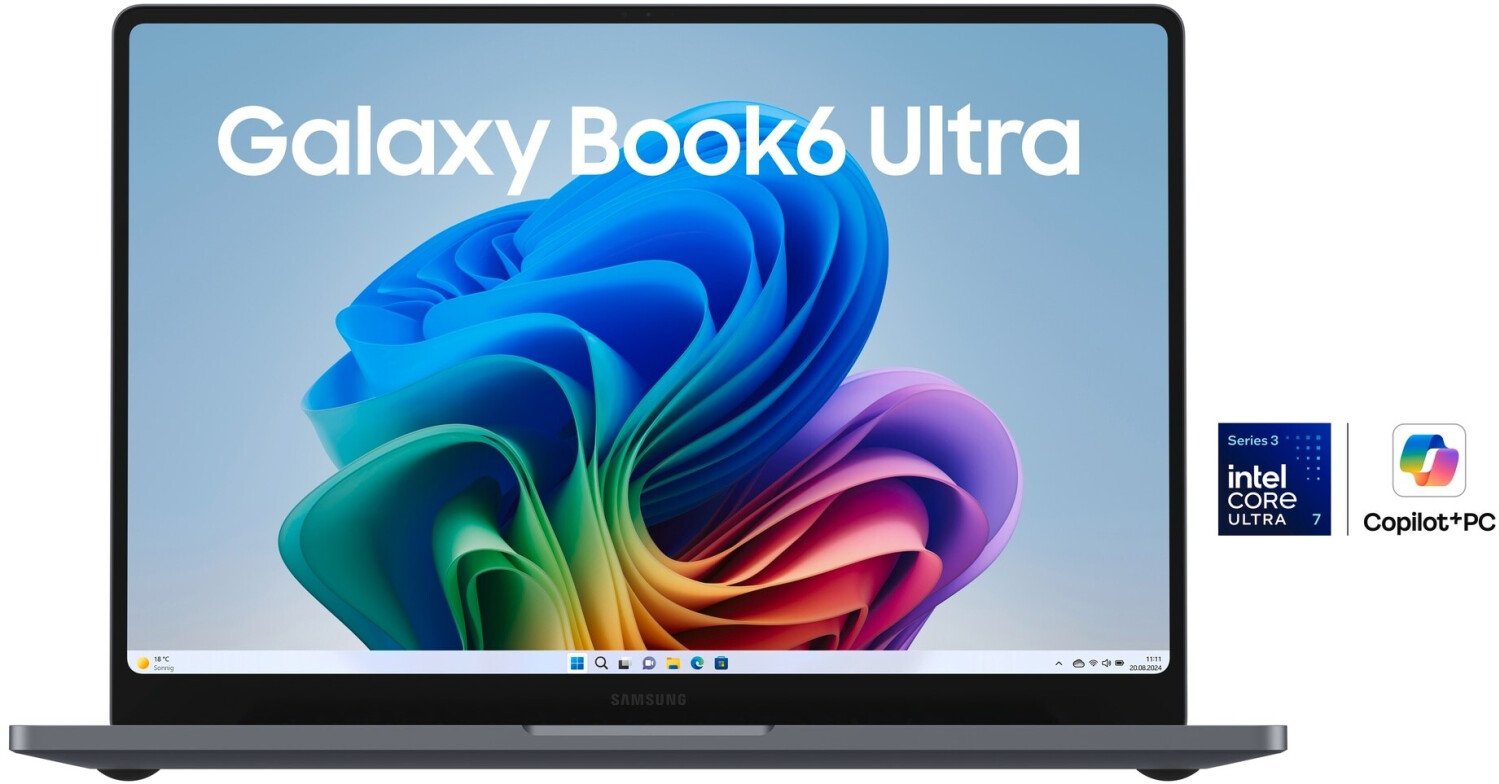
The Galaxy Book6 Ultra 16-inch 32GB is one of Samsung’s most capable Windows laptops. Its 2880 x 1800 Dynamic AMOLED 2X touchscreen, 120Hz refresh rate and listed 1000-nit brightness give creative work and entertainment a strong foundation. A thin 15.4mm body, sensible ports and a six-speaker system make it more useful away from a fixed desk than many performance laptops.
Configuration matters more than the Ultra badge. Specs Universe lists Intel Core Ultra 9, X7 or 7 Series 3 processors, depending on the model. Graphics can be Intel Arc or an NVIDIA GeForce RTX 5060 or RTX 5070. The integrated version prioritizes lower weight and a smaller charger. By contrast, RTX versions make far more sense for 3D work, GPU-accelerated editing and gaming.
The 32GB LPDDR5X memory is appropriate for demanding multitasking, and common 32GB configurations use a 1TB PCIe SSD. Internal SSD expansion and a full-size SD card slot improve its creator credentials. Battery life is impressive for the category, although the RTX model will naturally behave differently from the integrated-graphics version.
Price is the central weakness. Samsung announced US pricing from $2,449.99, while specific configurations can cost much more. At the upper end, a MacBook Pro or a dedicated gaming and creator laptop may offer stronger performance for the money. We recommend the Book6 Ultra when its AMOLED display, Windows software support, Galaxy ecosystem and portable design matter together—not simply because it is Samsung’s most expensive laptop.
The exact configuration changes the whole recommendation
There is no single performance profile for this model. The Specs Universe record covers a 32GB family with several Intel Core Ultra Series 3 processors and three graphics directions. A retailer may use the same product name for machines that suit very different workloads.
The Intel Arc configuration is the lighter choice at 1.79kg and uses a 100W USB-C charger. It should handle office work, software development, large browser sessions, photo editing and everyday media without difficulty. It is not the configuration we would choose for regular 3D rendering, advanced effects work or demanding games.
Discrete-graphics versions use an NVIDIA GeForce RTX 5060 or RTX 5070. They weigh 1.89kg and use a 140W USB-C charger. That extra 100g is a small price for much stronger GPU capability, but the larger adapter and higher power use matter during travel. The RTX 5070 is the obvious top choice for GPU-heavy work, yet it is also the version most likely to enter uncomfortable price territory.
Always check the full model code, processor, GPU and storage at checkout. “Galaxy Book6 Ultra, 32GB” does not tell you enough. Samsung’s US store separates configurations, and the price difference pays for more than a minor speed increase.
A serious laptop that remains portable
The body measures 356.9 x 248.0 x 15.4mm. That is impressively slim for a 16-inch laptop with optional RTX graphics. The integrated version weighs 1.79kg, while discrete-GPU models weigh 1.89kg. Neither feels like a small travel laptop, but both are far easier to carry than many gaming machines with comparable graphics ambitions.
Samsung offers Gray and Silver. The canonical record does not name a specific chassis alloy, so we will not invent one. Independent reviewers consistently praise the solid construction and clean design. The look is restrained enough for a studio, office or client meeting.
The backlit two-tone Pro keyboard includes a numeric keypad according to the Specs Universe record. That will appeal to spreadsheet-heavy work, accounting and data entry. Independent opinions about key travel are less positive. Tom’s Guide calls the keyboard shallow, while The Verge is much harsher about its comfort.
Keyboard preference is personal, but this is not a small detail on a premium work machine. If you write thousands of words each day, try the keyboard before the return period ends. A thin chassis does not excuse an input surface that slows down paid work.
The haptic touchpad is large and modern. Published feedback is mixed: some reviewers and early owners praise its size and smooth gestures, while others report occasional delayed or repeated input. That pattern is not proof of a universal fault. It is a reason to test dragging, text selection and multi-finger gestures carefully after setup.
The AMOLED screen is excellent
The 16-inch Dynamic AMOLED 2X touchscreen uses a 2880 x 1800 resolution, 120Hz refresh rate and Corning Gorilla Glass with DXC. Specs Universe lists brightness at 1000 nits and generic HDR support. These are strong foundations for editing, design, media and a large multi-window workspace.
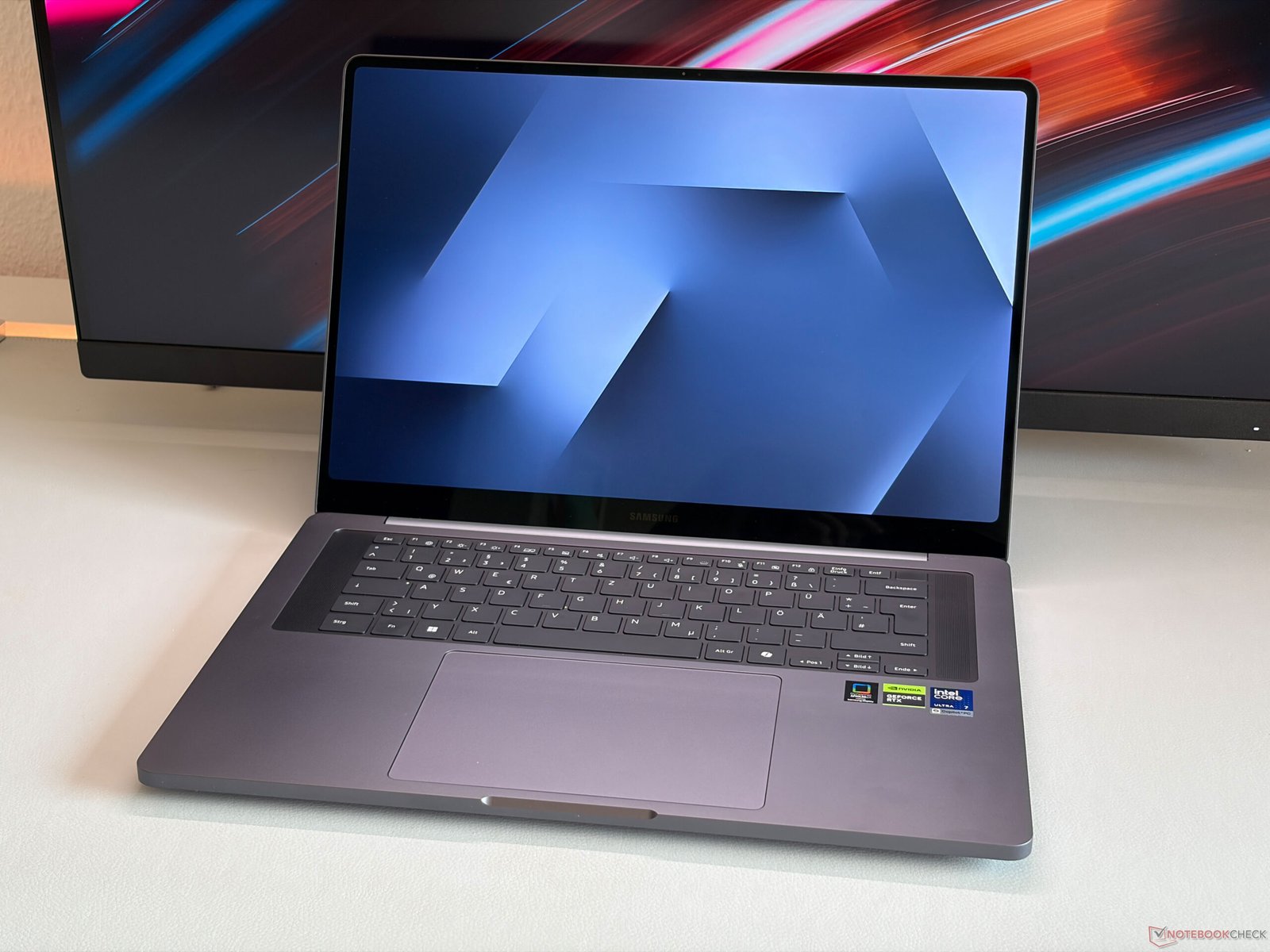
AMOLED gives dark scenes deep blacks and high contrast. The resolution keeps text and fine interface elements sharp without the battery cost of a 4K panel. A 16-inch workspace also gives editing timelines, code windows and large spreadsheets room to breathe.
The 120Hz refresh rate improves scrolling and motion. It also supports smoother games on the RTX configurations when performance allows. Touch input is useful for quick navigation, maps and client presentations. This is a traditional laptop rather than a 360-degree convertible, so the touchscreen is an addition to the keyboard and touchpad, not a tablet replacement.
Independent testing supports the positive view. Tom’s Guide measured strong color and accuracy, while also finding the display less bright in its own test than Samsung’s maximum specification suggests. That is not a contradiction with the Specs Universe record: a listed peak figure and a reviewer’s measured result use different conditions. The important conclusion is simpler. The screen is one of the best reasons to consider this laptop.
There is no 4K option. Some video editors may want native 4K preview, but 2880 x 1800 is a sensible compromise for battery life, interface scaling and GPU load. Higher resolution would not automatically make the laptop better.
CPU performance and 32GB memory
Processor choice varies among Intel Core Ultra 9, X7 and 7 Series 3 chips. Exact core and thread counts depend on the selected SKU. Do not transfer a benchmark from one processor to every Book6 Ultra configuration.
Independent testing of an Intel Core Ultra 7 356H model shows strong multitasking and useful creator speed. Tom’s Guide recorded a Geekbench 6 result of 2,852 single-core and 16,655 multi-core on its specific RTX 5070 test unit. Those figures describe that review machine, not every configuration stored on Specs Universe.
The broader performance picture is good rather than unbeatable. Large browser sessions, office work, coding and photo applications should run quickly. Video export and other sustained jobs benefit from the updated cooling design, although a thin Windows laptop still faces tighter thermal limits than a thicker workstation.
32GB LPDDR5X is the right memory capacity for this class. It allows heavier multitasking, large photo libraries, development tools and more demanding editing projects than 16GB comfortably supports. The record does not promise user-upgradeable RAM, so choose the capacity you expect to need throughout ownership.
Common 32GB configurations use a 1TB PCIe SSD with M.2 PCIe 4.0 technology. One terabyte is a practical starting point for applications and active projects, but video libraries can fill it quickly. Internal SSD expansion matters here. The full-size SD reader also gives photographers and camera operators a direct import route without a dongle.
RTX 5060 or RTX 5070: who needs the upgrade?
The RTX versions turn the Galaxy Book6 Ultra into a credible portable creator and gaming machine. GPU acceleration can shorten supported video, 3D and AI workloads. It also gives current games far more room than Intel Arc graphics.
Tom’s Guide tested the RTX 5070 configuration and found every game in its selected 1080p tests stayed above 30 frames per second at medium settings. It recorded 54fps in Assassin’s Creed Shadows, 36fps in Cyberpunk 2077 and 115fps in Shadow of the Tomb Raider. Those are independent results from one defined configuration and test method, not figures for the RTX 5060 or integrated model.
DLSS can improve frame rates further in supported games. That makes casual and weekend gaming genuinely practical. It does not make this the best gaming value. Dedicated gaming laptops often use thicker cooling systems and higher GPU power limits, so they can deliver more speed for the same money.
The RTX 5060 should suit lighter creator and gaming needs when its price is meaningfully lower. The RTX 5070 is easier to justify for regular GPU-accelerated work that earns money or saves substantial time. If most days involve documents, code, meetings and media, Intel Arc may be enough—and the Galaxy Book6 Pro may be a better value altogether.
Thermal behavior deserves attention. Samsung claims an enlarged vapor chamber and redesigned dual-path cooling. Specs Universe does not list a verified independent throttle percentage or measured noise result. The Verge reported manageable fan noise in gaming but significant heat near the rear underside on its RTX unit. Avoid blocking the vents during demanding work, and expect the fans to become audible when the GPU is active.
Ports finally fit the creator brief
The Galaxy Book6 Ultra includes two Thunderbolt 4 ports, USB-A, HDMI 2.1, a full-size SD card slot and a headphone/microphone combo jack. That is a practical set for cameras, displays, storage and existing accessories.
The move to full-size SD is especially welcome. Many cameras still use SD cards, and creators should not need an adapter for the most obvious transfer job. HDMI makes projectors and external displays easier to connect. USB-A keeps older peripherals useful.
Thunderbolt 4 supports fast external storage, docks, charging and compatible displays. Some rivals now offer Thunderbolt 5, which would have been easier to defend at this price. Still, the current selection covers most real workflows without forcing a desk full of adapters.
Wireless connections include Wi-Fi 7 and Bluetooth 5.4. Wi-Fi 7 needs a compatible router and network to deliver its full benefit. Otherwise, the laptop works with older Wi-Fi standards. There is no reason to replace a reliable network only to match the number on the specification sheet.
Webcam and six-speaker audio
The 2MP webcam records at 1080p Full HD. Its resolution sounds adequate, but published reviews criticize image processing and clarity. The Verge reported a grainy, heavily processed picture on its test unit. That is disappointing for a premium laptop aimed at professionals.
The fingerprint reader sits in the power button. It provides convenient biometric sign-in without relying on the webcam for face recognition. For important presentations, streaming or client-facing calls, a good external webcam remains the safer choice.
Audio is more convincing. Samsung uses six speakers: four woofers, two tweeters and Dolby Atmos. Independent reports generally praise the volume, clarity and wide presentation. MacBook Pro speakers remain a difficult benchmark, but the Book6 Ultra should handle films, music and calls without immediately demanding external speakers.
Owner feedback is still developing because the laptop is relatively new. Recurring early comments praise the screen, touchpad and speakers. Concerns focus on price, keyboard feel, repairability and uncertainty about battery behavior across graphics configurations. These reports add useful context, but they do not replace controlled testing.
Galaxy Book6 Ultra battery life and charging
The 80.20Wh battery supports two charging arrangements. Integrated-graphics models use a 100W USB-C adapter, while discrete-GPU versions use 140W USB-C. Samsung claims up to 30 hours of video playback and up to 63 percent charge in 30 minutes on a supported configuration.
Real work will not match a controlled maximum video figure. Brightness, GPU use, background software, meetings and external devices can change endurance sharply. RTX graphics add another variable because the laptop must manage switching between integrated and discrete hardware.
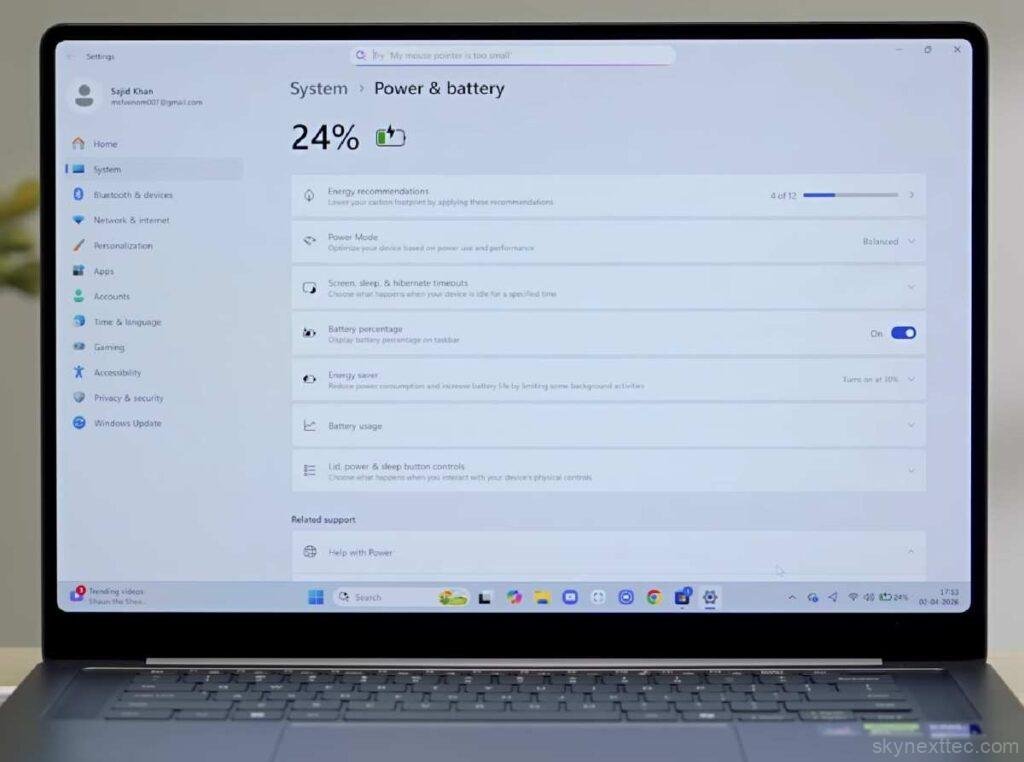
Tom’s Guide measured 15 hours and 12 minutes in its Wi-Fi web test on an RTX 5070 review unit. That is excellent for a powerful 16-inch Windows laptop. The Verge saw less consistent daily results, ranging from roughly seven to more than ten hours during light use. Different methods and software states explain part of the gap.
The fair conclusion is optimistic but careful. Battery life can be a major strength, especially when Windows keeps the discrete GPU asleep. GPU-heavy editing and gaming will drain it much faster. Anyone buying the RTX model should update graphics drivers and Samsung software, then check idle drain and sleep behavior during the return period.
USB-C charging is convenient, though the 140W adapter is naturally larger than the 100W unit. A spare charger must support the required USB-C power level and cable specification. A basic phone charger will not deliver full performance.
Windows, Galaxy features and support
The laptop runs Windows 11 Home. Samsung includes Galaxy AI, ecosystem apps and Copilot+ PC features. Windows, graphics-driver and Samsung software updates come through their supported vendor channels.
Galaxy integration has real value if you already use a Samsung phone or tablet. File sharing, phone connections and multi-device controls can reduce small daily interruptions. Outside that ecosystem, the laptop still functions normally, but some of Samsung’s software advantage disappears.
AI features should not drive the purchase. Their availability and usefulness change with Windows updates, accounts and regions. The CPU, GPU, memory, screen and ports will influence work every day. Buy for those basics first.
Samsung preloads several applications. Some support updates or ecosystem tools; others may feel unnecessary. Remove software you do not use only after confirming it is not required for hardware controls, firmware or features you want.
US price and value
Samsung announced the Galaxy Book6 Ultra in the United States from $2,449.99. That entry price does not describe every 32GB configuration. CPU, graphics and storage choices can push the total much higher, so compare the exact checkout model rather than the family headline.
At the lower end, the laptop competes as a thin premium Windows machine with an excellent display and optional GPU power. At the upper end, value becomes difficult. A 16-inch MacBook Pro can offer stronger efficiency and creative performance in supported software, while gaming-focused Windows laptops can deliver more graphics speed per dollar.
Discounts change the verdict quickly. A meaningful promotion on an RTX 5060 or RTX 5070 configuration can turn this into a strong creator option. At full premium pricing, the keyboard, webcam and lack of Thunderbolt 5 deserve more weight.
International versions may differ in processor, GPU, charger, keyboard and warranty coverage. Confirm the model code and local service terms. An imported discount is less attractive if Samsung US will not provide the same warranty support.
Three alternatives to compare
Apple MacBook Pro 16-inch: choose the MacBook for excellent battery consistency, strong creative performance and macOS. Choose Samsung for Windows, touch input, broader game compatibility and tighter Galaxy integration.
Dell XPS 16: compare Dell if you want another premium 16-inch Windows creator laptop. The exact CPU, GPU, display and price matter. Samsung has the clearer advantage when AMOLED touch, the SD reader and Galaxy features fit your workflow.
ASUS ROG Zephyrus G16: choose the ASUS when gaming performance and higher sustained GPU output matter more than Samsung’s ecosystem or restrained office design. Choose the Book6 Ultra when battery life, touch support and a creator-friendly appearance matter more.
The Galaxy Book6 Pro is also worth considering inside Samsung’s own range. It is the sensible choice when you love the screen and ecosystem but do not need NVIDIA graphics.
Who should buy it?
- Buy it for a portable 16-inch creator laptop with an excellent AMOLED touchscreen and useful ports.
- Choose an RTX configuration for regular 3D work, GPU-accelerated editing or gaming.
- Choose Intel Arc or the Book6 Pro when battery, price and normal productivity matter more than graphics speed.
- Skip it if a deep keyboard, class-leading webcam or maximum gaming value is essential.
Owners of a recent Book4 Ultra do not need to upgrade automatically. The brighter display specification, newer platform, improved audio and battery gains matter, but a working RTX laptop can remain capable for years. Upgrade when the new model solves a measured limit in your current workflow.
Galaxy Book6 Ultra review verdict
The Galaxy Book6 Ultra is a strong premium Windows laptop with an excellent screen, useful ports, long battery potential and real RTX creator performance. It stays impressively portable for a 16-inch machine with this level of graphics capability.
The main reason not to buy is price. Keyboard comfort and webcam quality also fall short of what we expect at the top of the market. Configuration complexity means the wrong version can waste money or fail to deliver the GPU speed you expected.
We recommend the 32GB model when you need its display, Windows software support and optional NVIDIA graphics in one slim laptop. The RTX 5060 is likely the best balance for many creators, while the RTX 5070 makes sense when GPU-heavy work justifies the extra cost. Confirm the exact processor, graphics, storage, charger and US warranty before ordering.