The Surface Laptop 13-inch has a clear job. It needs to provide the polish of Microsoft’s more expensive computers without becoming heavy, complicated or difficult to carry. The 13-inch model largely succeeds. Its strongest qualities are excellent mobility, long battery potential and a design that stays focused on ordinary work.
This is a desk-research assessment of the published 13-inch configuration with 16GB of LPDDR5x memory. Specs Universe has not physically tested this laptop. The published Specs Universe Surface Laptop device page supplies every hard specification. Independent reporting adds real-world context only.
Microsoft Surface Laptop review: quick verdict
The Surface Laptop 13-inch is a strong choice for writing, research, Microsoft 365, web applications, video calls and travel. It weighs only 1.22kg, its 3:2 touchscreen gives documents useful vertical room, and 16GB of memory is sensible for modern Windows multitasking.
Battery life is the main attraction. Microsoft claims up to 23 hours of local video playback or 16 hours of active web use. Mixed daily use will produce a different result. Independent reviews still recorded notably strong endurance, with results ranging from about 12 hours of practical work to more than 17 hours in a dedicated battery test.
The compromises are equally clear. Its display refreshes at 60Hz, the port selection remains narrow, and owners cannot upgrade the factory-selected UFS storage. Moreover, the Snapdragon platform requires a software check when work depends on specialist applications, unusual drivers or multiplayer games.
Pros and cons
What works well
- Very easy to carry
- Strong real-world battery potential
- Comfortable keyboard and reliable precision trackpad
- Tall 3:2 touchscreen
- Good aluminum construction
- 16GB memory suits everyday productivity
What needs consideration
- Only two USB-C ports and a headphone connection are listed
- The 60Hz screen feels basic beside premium rivals
- Internal storage is not user-upgradeable
- Arm compatibility is not universal
- Integrated graphics are unsuitable for demanding gaming
Important specifications
| Display | 13-inch PixelSense touchscreen LCD |
|---|---|
| Resolution | 1920 x 1280 |
| Refresh rate | 60Hz |
| Processor | Snapdragon X Plus, 8-core |
| Graphics | Qualcomm Adreno GPU |
| Memory | 16GB LPDDR5x |
| Storage | 256GB or 512GB UFS |
| Battery | 50Wh nominal |
| Charging | 45W USB-C adapter |
| Weight | 1.22kg |
| Operating system | Windows 11 Home |
A small screen that works well with documents
The 13-inch PixelSense LCD uses a 3:2 shape. That taller ratio shows more lines of a document, webpage or spreadsheet than a similarly sized 16:9 panel. The compact display therefore feels less restrictive during office work than its diagonal measurement suggests.
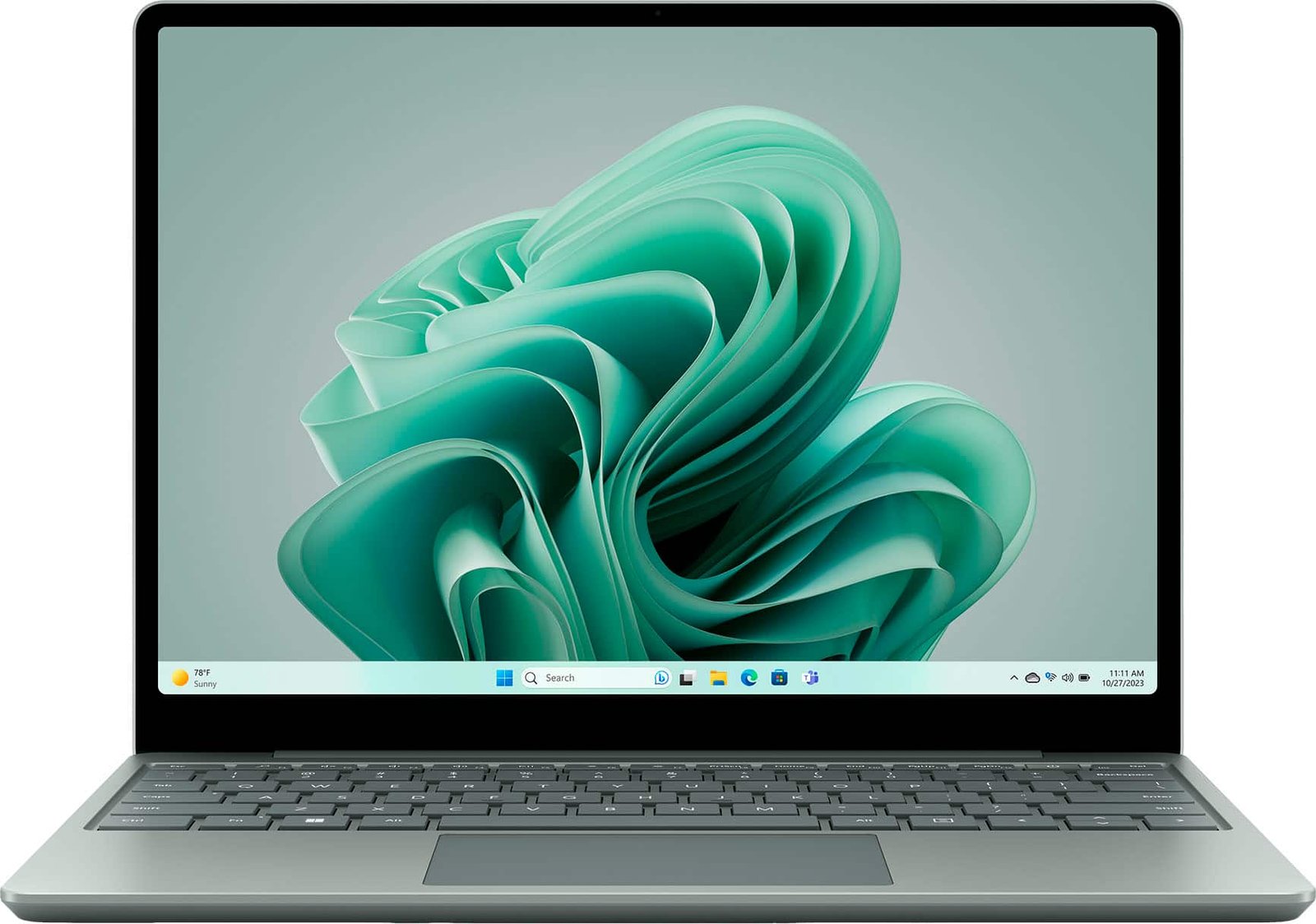
Its 1920 x 1280 resolution is sharp enough for normal viewing distances, while published brightness reaches 400 nits. The screen supports touch and uses strengthened glass, although Microsoft does not identify a named Gorilla Glass grade for this model.
The weak point is motion. A 60Hz refresh rate makes scrolling and animation look less fluid than on Microsoft’s 120Hz Surface displays. This is not a poor screen, but it is one of the clearest ways Microsoft distinguishes the smaller, less expensive laptop.
Design, keyboard and portability
The anodized aluminum enclosure measures 285.65 x 214.14 x 15.6mm. At 1.22kg, it is comfortable to move between classes, meeting rooms and shared workspaces. Platinum is the restrained option, while Ocean and Violet add personality where available.
The full-size backlit keyboard includes a Copilot key. Published reviews generally praise its comfort, and the precision trackpad provides predictable gestures and clicking. These details matter during long working sessions because neither component forces the user to adapt to an unusual layout.
Microsoft places a fingerprint reader inside the power button. The 1080p webcam handles meetings, while Omnisonic speakers support Dolby Atmos. The communication package is appropriate for study and office use rather than professional broadcasting.
Microsoft Surface Laptop performance
The eight-core Snapdragon X Plus targets efficient daily computing. Native versions of Microsoft 365, modern browsers and common communication tools should run smoothly. Sixteen gigabytes of LPDDR5x memory gives a realistic combination of tabs, documents and background applications enough room.
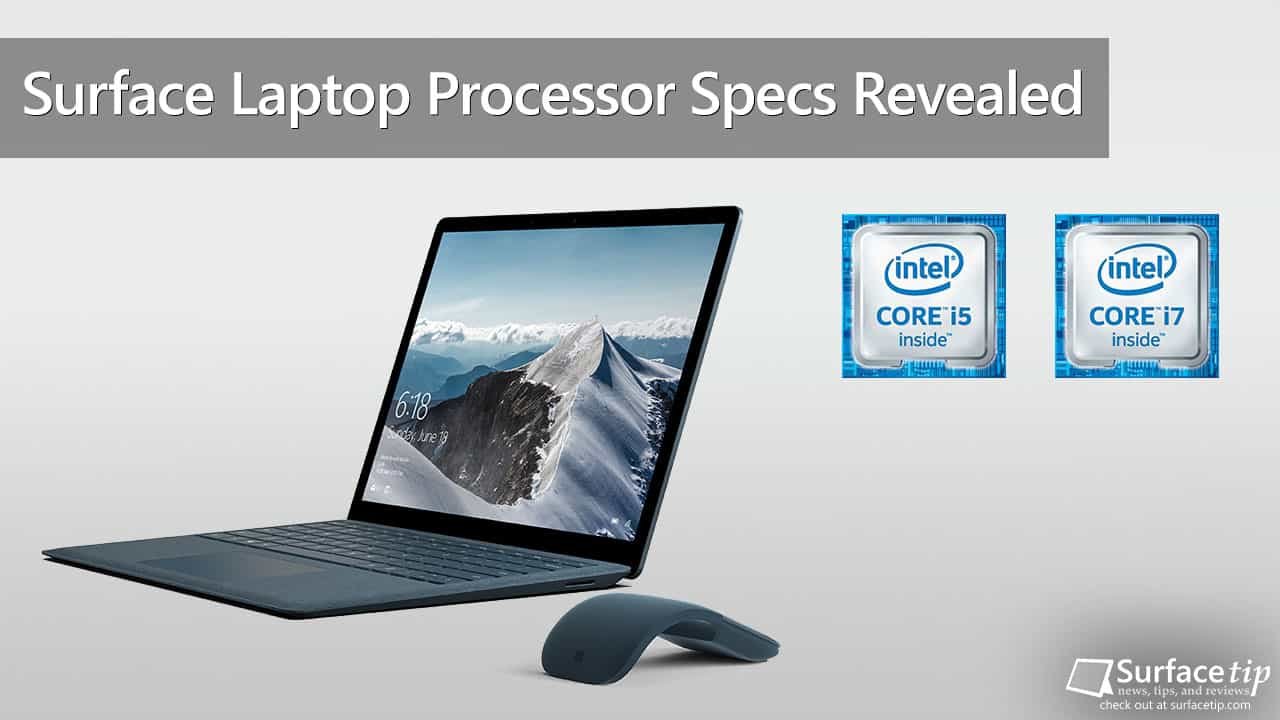
Performance is less convincing for sustained rendering, advanced engineering programs and GPU-heavy creative work. Qualcomm’s integrated Adreno graphics can support media acceleration, basic editing and lighter games, but it is not a substitute for dedicated graphics.
Compatibility matters more than a single benchmark. Windows on Arm now supports a broad range of mainstream software, and Microsoft’s emulation can run many conventional Windows applications. Some specialist utilities, peripheral drivers and games with anti-cheat systems can still fail or perform poorly. Confirm every essential program before purchasing.
Fan noise is generally reported as restrained during ordinary work. Sustained multitasking can activate the cooling system, but this remains a productivity laptop rather than a machine designed to run heavy loads continuously.
Storage choice and upgradeability
The published record covers 256GB and 512GB UFS configurations. Microsoft selects the storage at the factory and provides no internal upgrade slot. That makes the original capacity decision unusually important.
The 256GB model works when documents live mainly in cloud storage and large applications are unnecessary. The 512GB version is the safer long-term choice for offline media, photographs and several years of application growth. External USB-C storage remains possible, although it occupies one of the laptop’s limited ports.
Treat the memory as fixed as well. The included 16GB is appropriate for this laptop’s intended work, but it does not turn the machine into a workstation.
Surface Laptop battery life and charging
Microsoft pairs the 50Wh nominal battery with claims of up to 23 hours of local video playback and 16 hours of active web use. Real runtime changes with screen brightness, calls, wireless activity and whether applications run natively or through emulation.
Independent reviews support the broader conclusion that endurance is excellent for a compact Windows computer. A full workday is realistic under light or moderate productivity, while repeated video meetings and demanding browser sessions will reduce the margin.
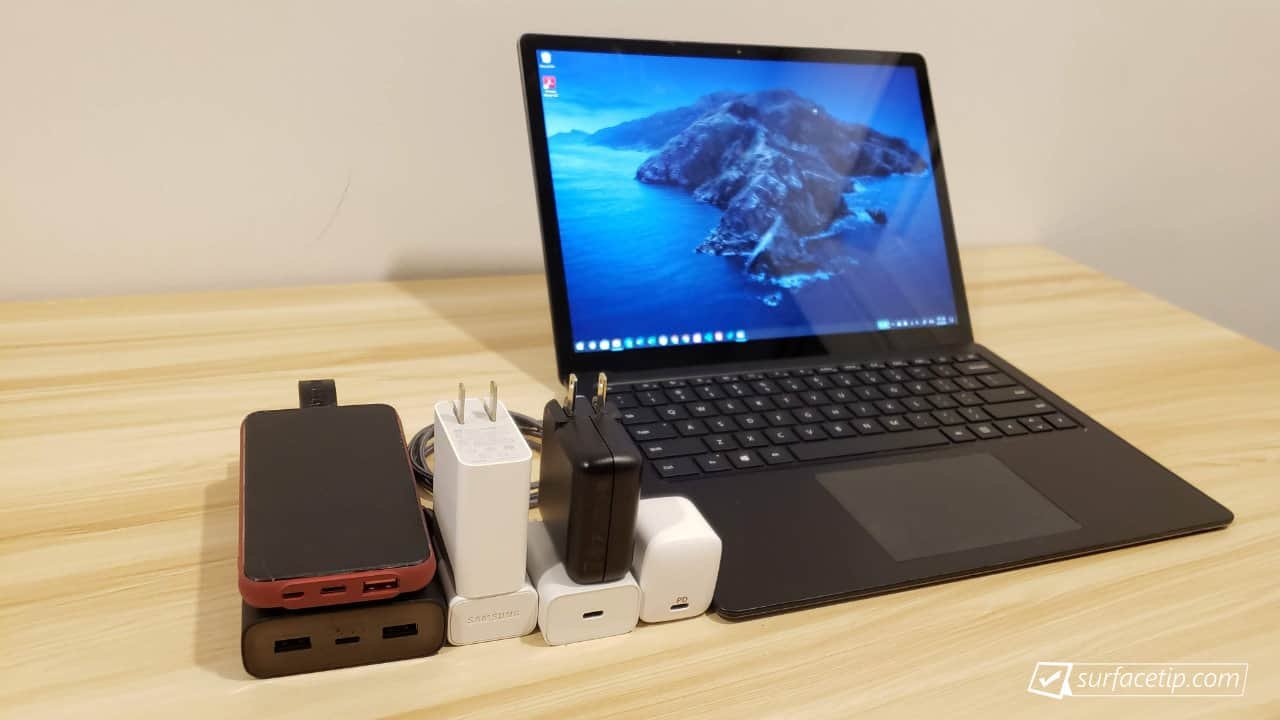
Microsoft includes a 45W USB-C wall charger. Microsoft specifies a compatible charger rated at least 60W for fast charging. The bundled adapter is compact, but it does not deliver the fastest supported refill.
Ports and wireless connections
The Specs Universe record lists two USB-C 3.2 ports and a 3.5mm headphone jack. That is restrictive. Charging, an external display and storage can quickly consume the available connections, so many desks will need a hub.
Wi-Fi 7 and Bluetooth 5.4 provide a current wireless foundation. There is no need to replace an existing router immediately, but Wi-Fi 7 support improves the laptop’s readiness for future network upgrades.
Software and Copilot features
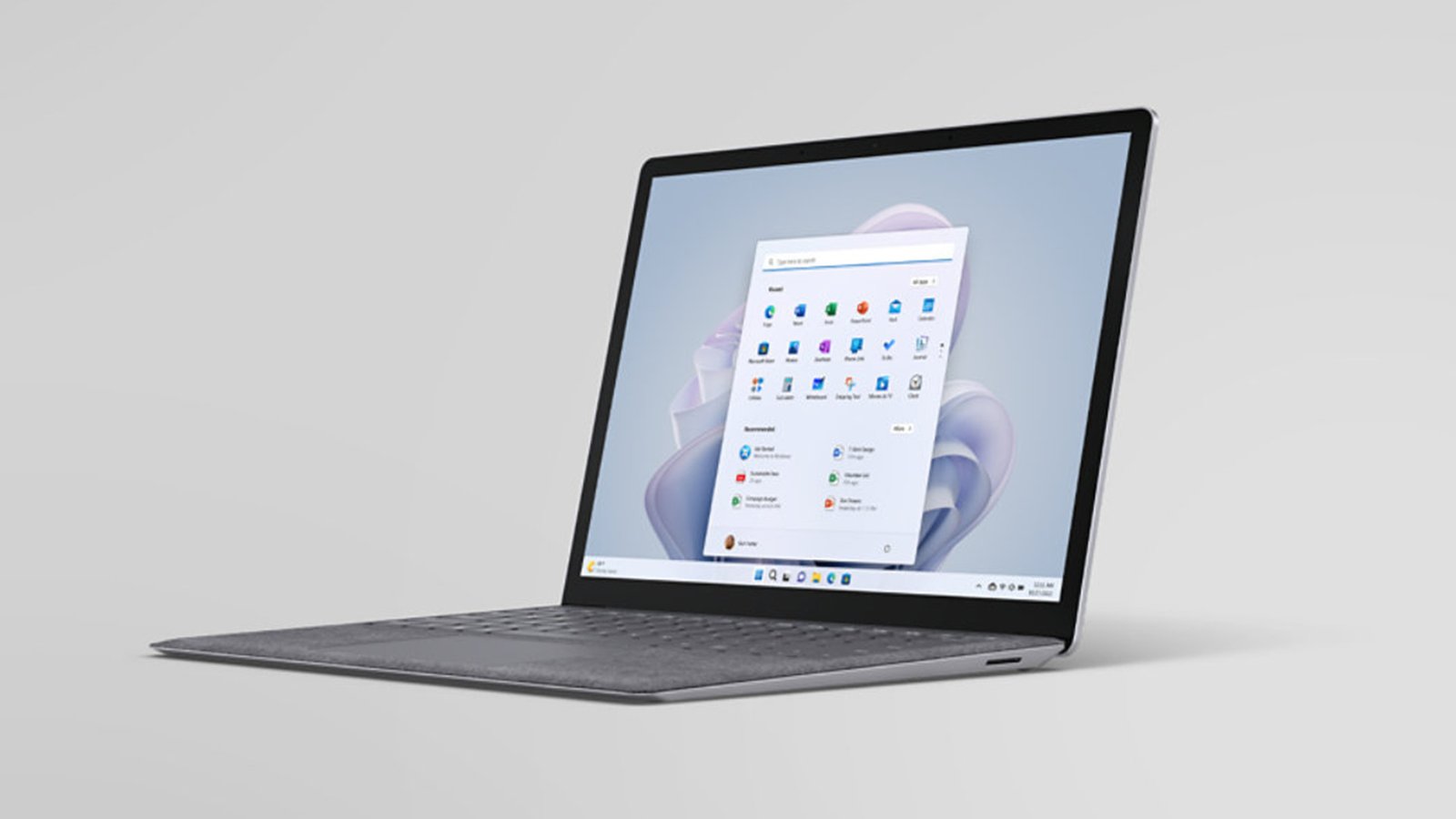
Windows 11 Home and supported Copilot+ PC features form the software base. Microsoft’s own hardware avoids some of the promotional utilities commonly installed by other laptop makers, resulting in a relatively clean starting point.
AI features should remain a secondary consideration. Battery life, application compatibility, storage and keyboard quality will affect daily ownership far more often. Microsoft distributes Windows, firmware and Surface driver updates through its support channels.
US price and value
The 13-inch Surface Laptop launched in the United States at $899.99 with 256GB, while the 512GB model added roughly $100. Current retail pricing can change, so compare the exact capacity rather than relying on a family-level advertisement.
At its original price, the laptop competes with the MacBook Air and a wide group of Intel and AMD ultraportables. The Surface earns consideration through low weight, battery endurance, touch input and a comfortable 3:2 screen. It does not win through upgradeability or port count.
Realistic alternatives
The MacBook Air is the strongest alternative when macOS is acceptable and performance efficiency matters more than touch. A conventional Intel or AMD Windows laptop is safer when specialist x86 software or peripheral compatibility is essential. Microsoft’s larger Surface Laptop provides a sharper, faster display and more capable configurations, but costs more and adds weight.
Students should also compare discounted business laptops. They may look less distinctive, yet often include more ports, replaceable storage and established compatibility.
Who should buy it?
Choose the Surface Laptop 13-inch for portable study, office work, writing and travel. It particularly suits someone whose working day happens in a browser, Microsoft 365 and mainstream communication applications.
Skip it for serious gaming, large video projects, 3D work or a workflow tied to unsupported software. It is also a poor match for anyone expecting to replace the internal drive later.
Frequently asked questions
Is the Surface Laptop 13-inch good for students?
Yes. Its light weight, long battery potential and comfortable keyboard fit classes and library work. Confirm that course-specific software supports Windows on Arm.
Should I choose 256GB or 512GB?
The 512GB configuration offers the safer choice because owners cannot upgrade the internal storage. The 256GB version suits cloud-focused work.
Can it handle gaming?
It can run lighter compatible games, but integrated Adreno graphics and Arm compatibility make it unsuitable as a dedicated gaming laptop.
Does it have a touchscreen?
Yes. The 13-inch PixelSense LCD supports touch input.
What a full working day looks like
A laptop can post a good battery number and still frustrate during ordinary work. The Surface avoids many common problems because its design stays simple. Its tall screen gives documents enough room. Meanwhile, the keyboard supports long typing sessions. Finally, the light chassis moves easily from a desk to a meeting room.
For example, a typical office day may combine Outlook, Teams, a browser, Word and several cloud services. The 16GB memory can hold that combination without constant pressure. Moreover, native Arm applications use the processor efficiently. Heavy emulation changes the picture, so the exact software mix still matters.
Students face a similar decision. Research, online classes and written assignments fit the hardware well. However, engineering, architecture and media courses may require specialist programs. A university support page can confirm compatibility before purchase. That single check matters more than a long list of synthetic results.
Business use and security
The Surface Laptop 13-inch also makes sense for small-business travel. Its compact body occupies little room on a shared desk. Wi-Fi 7 supports newer office networks, while the fingerprint reader provides quick sign-in. Windows 11 Home remains the installed edition on this record. A company that requires Windows 11 Pro should include the upgrade cost in its budget.
The limited port selection creates the main office inconvenience. Two USB-C connections can disappear quickly when one handles charging and another drives a monitor. Therefore, a suitable dock may become part of the real purchase price. Check the dock’s display support, power delivery and network connection rather than choosing the cheapest option.
The 1080p webcam gives calls a useful level of detail. Good lighting will still improve any meeting more than software effects. Likewise, a headset remains worthwhile in a noisy room even though the laptop includes built-in microphones and Omnisonic speakers.
Travel strengths and practical limits
Low weight changes how often a laptop leaves home. At 1.22kg, this model can stay in a bag without dominating it. The compact USB-C charger also takes less room than a large proprietary power brick. The Surface Laptop 13-inch keeps the complete travel setup manageable. As a result, the complete travel setup remains manageable.
Still, the small body demands preparation. There is no built-in memory-card reader in the published record. Photographers may need an adapter. Presenters may need HDMI through a hub. In addition, the glossy touchscreen can reflect bright windows and overhead lights. Moving the screen angle usually helps indoors.
The 400-nit brightness supports normal offices, libraries and cafés. It does not make direct sunlight comfortable. A shaded seat will preserve visibility and reduce battery use at the same time.
Photo editing, video work and gaming
Basic photo adjustments fit the Surface well. The processor can manage crop, color and export tasks in compatible software. The screen’s 3:2 shape also leaves useful vertical room around an image. Nevertheless, anyone who depends on precise color should consult measured display coverage from a review of the exact model.
Short video projects remain possible, especially with efficient codecs and native applications. Larger timelines, several effects and high-resolution exports demand more patience. The 16GB memory and integrated graphics define that limit. Extra storage cannot improve rendering speed.
Gaming presents two separate problems. The Adreno GPU has limited power for demanding titles. Meanwhile, some anti-cheat systems do not support Windows on Arm. Cloud gaming avoids much of the local graphics burden, but it depends on a fast and stable connection. Casual games offer the safer expectation.
Repair, warranty and long-term ownership
The Surface Laptop 13-inch does not provide an internal storage upgrade path. That decision reduces flexibility and makes the original capacity more important. It also means an external drive may become necessary as local files grow.
Before purchase, check Microsoft’s current US warranty terms and any retailer return window. A return period provides useful protection when compatibility cannot be confirmed in advance. Business use may justify extended coverage, especially when the laptop travels daily.
Battery health will also shape long-term ownership. Moderate heat, sensible charging habits and current firmware can help. Windows offers power and battery controls, so there is little reason to run the highest performance mode during basic writing or browsing.
How it compares with a larger Surface
The larger Surface Laptop provides more room and may offer a sharper, faster panel. It also costs more and occupies additional bag space. The 13-inch model wins when portability comes first. The larger model wins when several windows must stay visible throughout the day.
Performance comparisons require care because Surface generations and processor choices differ. Do not use a result from a Snapdragon X Elite configuration to judge this eight-core Snapdragon X Plus record. The exact processor remains the anchor.
A practical buying checklist
- Confirm that every essential Windows application supports Arm.
- Choose 512GB if local storage will grow.
- Budget for a USB-C hub when HDMI, Ethernet or USB-A matters.
- Check whether 60Hz motion feels acceptable in person.
- Compare the final price with larger Surface and MacBook Air offers.
- Review the retailer’s warranty and return terms.
These checks keep the decision tied to daily work. They also prevent a low headline price from hiding the cost of storage, adapters or incompatible software.
Microsoft Surface Laptop review verdict
The Surface Laptop 13-inch understands its role. It is a compact productivity machine with good construction, comfortable controls and unusually strong battery potential.
The 60Hz screen, sparse connections, fixed storage and remaining Arm compatibility issues prevent an automatic recommendation. None is hidden by the laptop’s polished appearance.
We would choose the 512GB version when the price difference remains modest. For mainstream work, study and travel, it is a serious ultraportable with enough practical strengths to justify its limits.
Research references: Microsoft Surface and The Verge’s independent assessment.