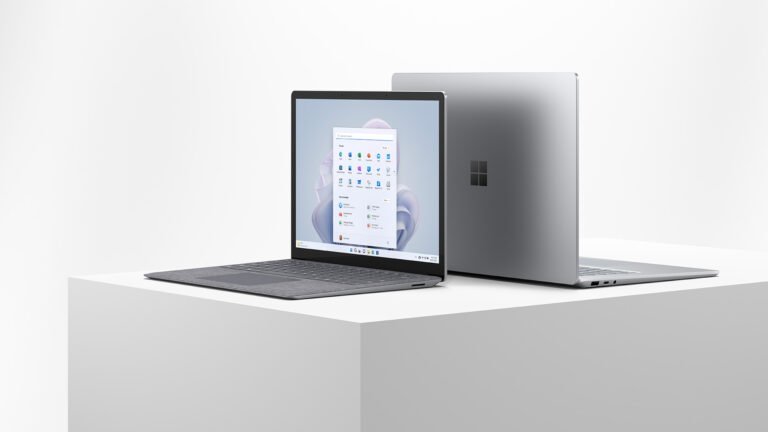
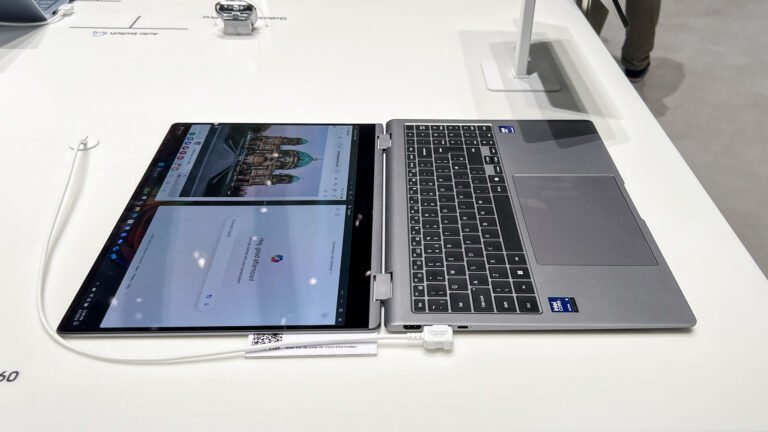
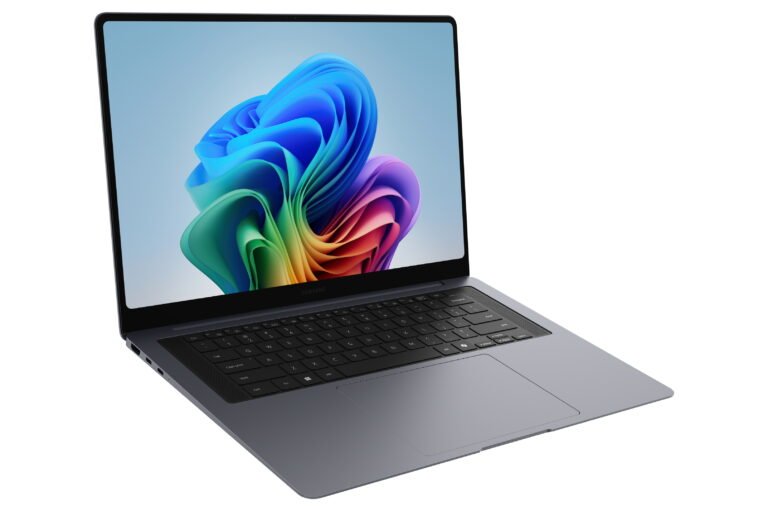
The 13.8-inch Surface Laptop follows a familiar idea: make Windows feel calm, polished and easy to carry. This Microsoft Surface Laptop 8th Edition review examines whether that focus justifies the premium price. Microsoft has not tried to turn it into a gaming machine or a mobile workstation. Instead, the 8th Edition puts its effort into a sharp touch display, long battery life, a strong keyboard and a cleaner Windows experience.
That focus works. Published testing points to fast everyday performance and genuinely useful endurance from the Snapdragon X2 platform. A haptic trackpad brings another real improvement. Yet the price asks a difficult question. With a $1,599.99 US price for a 16GB configuration, this laptop competes with some excellent machines, including the MacBook Air and premium Windows alternatives that may offer broader software compatibility.
Specs Universe presents a desk-research editorial assessment. Specs Universe has not physically tested this laptop. Hard specifications come from the exact Specs Universe record, while official information, independent testing and recurring owner feedback guide the performance, battery and usability judgments.
Quick verdict: Microsoft Surface Laptop 8th Edition review
Our Microsoft Surface Laptop 8th Edition review reaches a positive but price-sensitive conclusion. Few thin-and-light Windows laptops feel this refined. Its 13.8-inch 120Hz touchscreen works well for documents, websites and creative work. Its backlit keyboard, haptic precision touchpad and 1080p webcam also support long workdays without drawing attention to themselves.
For normal productivity, 16GB LPDDR5x is the sensible starting point for normal productivity. It has enough memory for office apps, research, communication tools and moderate creative work. Storage runs from 256GB to 1TB on a removable PCIe Gen 4 SSD, so capacity deserves careful attention at checkout. Avoid 256GB unless most files live in the cloud.
Battery life is a major strength. Microsoft claims up to 20 hours of local video playback and up to 16 hours of web use. Independent mixed-use testing came close to 14 hours, which is excellent for a premium Windows laptop. Windows on Arm remains the important weakness. Most common software now runs well, but specialist plug-ins, older drivers and some games can still cause trouble. Check essential apps before buying.
Pros and cons
Pros
- Excellent 120Hz touchscreen for work and everyday media
- Strong real-world battery life from the Snapdragon X2 platform
- Comfortable backlit keyboard and useful haptic precision touchpad
- Premium recycled aluminum enclosure without excessive weight
- Clean Windows 11 Home setup with Windows Hello facial recognition
- Removable PCIe Gen 4 SSD improves long-term service options
Cons
- High US starting price for a 16GB thin-and-light laptop
- Arm compatibility still needs checking for specialist software and peripherals
- No HDMI or built-in card reader
- Memory is not presented as user-upgradeable
- Not designed for demanding gaming or sustained workstation loads
Key specifications
| Display | 13.8-inch HDR PixelSense touchscreen LCD |
|---|---|
| Resolution | 2304 x 1536 |
| Refresh rate | 120Hz |
| Brightness | 600 nits |
| Processor | Snapdragon X2 Plus 10-core or Snapdragon X2 Elite 12-core, configuration dependent |
| Graphics | Qualcomm Adreno GPU |
| Memory | 16GB LPDDR5x |
| Storage | 256GB to 1TB removable Gen 4 SSD |
| Ports | Two USB-C/USB4, USB-A 3.2, 3.5mm audio and Surface Connect |
| Wireless | Wi-Fi 7 and Bluetooth 5.4 |
| Webcam | 1080p Full HD front camera |
| Weight | 1.36kg |
| Software | Windows 11 Home |
A familiar design that still feels properly premium
Microsoft has kept the design restrained. Recycled aluminum gives the enclosure a clean shape and avoids the visual clutter found on some business laptops. Weighing 1.36kg, the reviewed model is light enough for daily travel without feeling unusually delicate. Although lighter rivals exist, the balance makes sense for a laptop with a touch display and full-size keyboard.
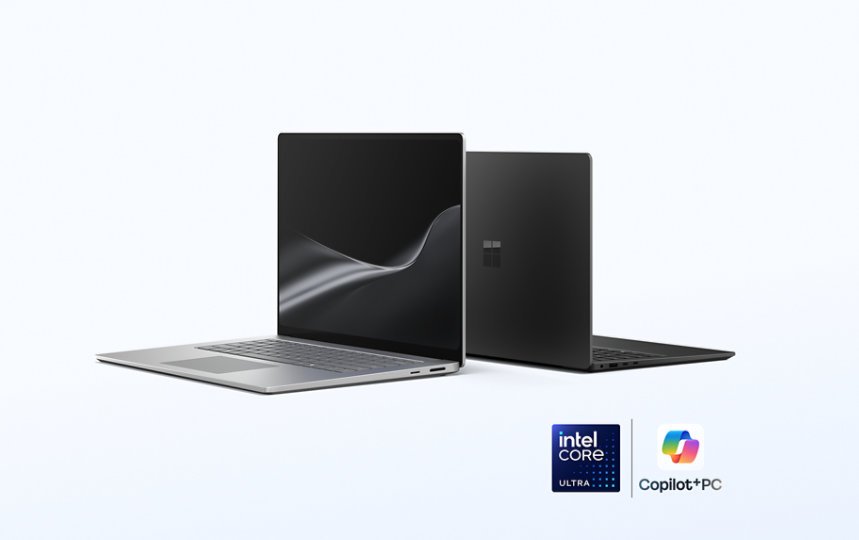
Moreover, the design supports the product’s purpose. A full-size backlit keyboard matters more than decorative lighting on a work laptop. Published reviewers consistently praise the layout and typing quality. Owner comments follow the same pattern, often comparing the keyboard and trackpad favorably with the MacBook. That agreement across independent reviews and owner discussions is more useful than one enthusiastic comment.
More importantly, the haptic precision touchpad improves daily use. It replaces the uneven click of a hinged pad with consistent feedback across a larger area. Windows 11 also supports haptic signals for certain interface actions. Although small, the feature makes common gestures and window management feel more deliberate. People can notice that improvement during daily work, even if it never appears on a performance chart.
The screen suits real work
The screen is a 13.8-inch HDR PixelSense touchscreen LCD with a 2304 x 1536 resolution, 120Hz refresh rate and a listed brightness of 600 nits. Its taller shape gives documents, web pages and spreadsheets more vertical room than a conventional widescreen panel. That makes the laptop feel spacious without requiring a 15-inch body.
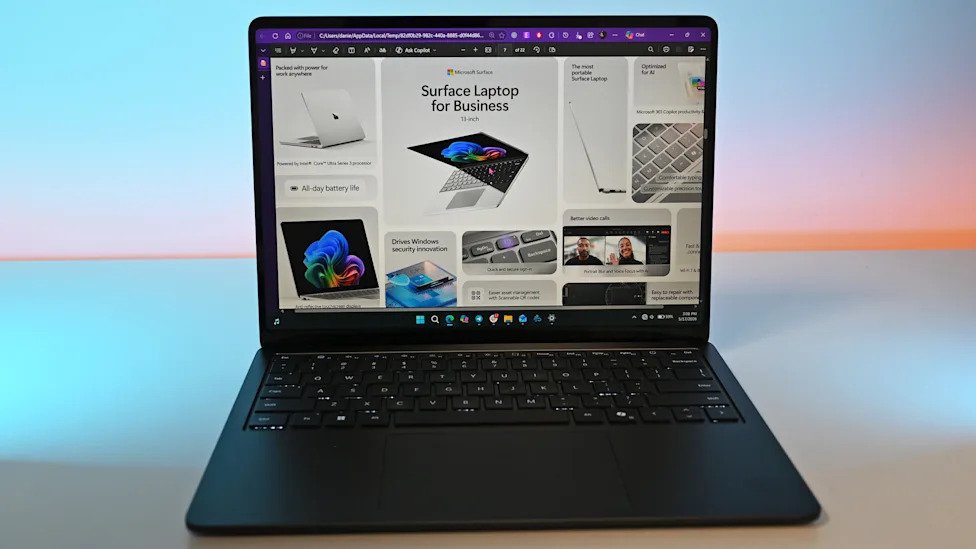
A 120Hz refresh rate improves scrolling and pointer movement. It does not make office software faster, but it helps the interface feel immediate. Touch input is useful for direct navigation, signing a document or moving through a presentation. Despite touch support, the traditional hinge makes direct input a convenience rather than the main way to use it.
Independent coverage describes the display as bright, crisp and high quality, with good HDR presentation. Overhead lights can reflect on the glossy surface, which matters in open offices and bright rooms. We would prefer stronger glare control at this price. Still, the combination of sharp text, smooth motion and a practical aspect ratio makes the screen one of the strongest reasons to choose this model.
Snapdragon X2 performance and the 16GB question
The exact Specs Universe record covers 16GB LPDDR5x memory and a choice of Snapdragon X2 Plus with 10 cores or Snapdragon X2 Elite with 12 cores, depending on configuration. Graphics come from the Qualcomm Adreno GPU. That means the processor choice can change performance even when two listings both say 16GB.
For office work, research, large browser sessions and video calls, either processor should provide the responsive behavior expected from a premium laptop. Independent testing of the X2 Elite model reports quick everyday performance, strong short workloads and quiet operation during normal use. It also found a clear step forward from the previous generation, though not enough to transform the category.
Sixteen gigabytes of memory is suitable for mainstream productivity and moderate photo work. Large development environments, several virtual machines or heavy professional media projects demand more headroom. You cannot add memory later, so demanding workflows need more memory from the start. Cost creates the problem: higher configurations move the laptop into territory where stronger creator machines become realistic alternatives.
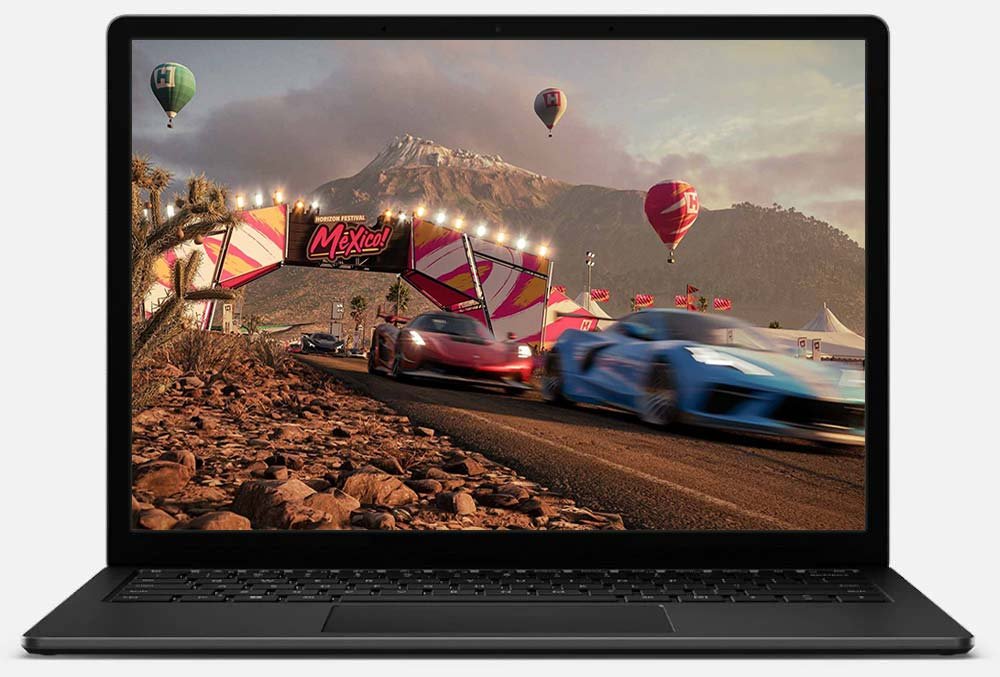
Gaming is not the purpose of this laptop. Qualcomm’s Adreno GPU can support light games and some creative acceleration, but compatibility matters as much as raw speed. Certain multiplayer titles and older utilities may depend on drivers or anti-cheat systems that do not work properly on Arm. Anyone with one essential game or specialist tool should verify it rather than assume Windows support guarantees Arm support.
Windows on Arm is better, but the check still matters
Windows 11 Home is the operating system on this consumer model. Native Arm versions of major browsers, Microsoft 365 tools, communication apps and many creative programs now make daily use much easier than it was on early Arm PCs. Microsoft’s Prism translation layer also lets many traditional x64 programs run without requiring manual setup.
That progress removes the issue for many people, not everyone. Published testing still finds slower behavior in some emulated apps. Drivers, specialist business tools, audio plug-ins and certain games can be a bigger problem because translation cannot solve every dependency. A safe approach is simple: write down the five programs and peripherals you cannot replace, then confirm their current Arm support.
Microsoft includes Copilot+ features where it makes them available, though accounts, regions and updates can affect individual tools. Some features are useful shortcuts; others are easy to ignore. They do not justify spending this much on their own. More value comes from a well-integrated Windows setup, regular Microsoft firmware delivery and fewer unnecessary preinstalled apps than many third-party laptops include.
Battery life is the practical advantage
Battery evidence gives this Microsoft Surface Laptop 8th Edition review its strongest positive finding.
Specs Universe records Microsoft’s claim of up to 20 hours of local video playback and up to 16 hours of web use. Those are controlled manufacturer figures rather than promises for every workload. Screen brightness, video meetings, background syncing and creative apps can change the result considerably.
Independent mixed-use testing is encouraging. Independent testing from The Guardian reported just under 14 hours while using Chrome with many tabs, writing and communication apps, plus several hours of photo editing. That is a demanding enough routine to make the result meaningful. It supports the idea that this laptop can cover a full workday with room left, rather than merely surviving until the final meeting.
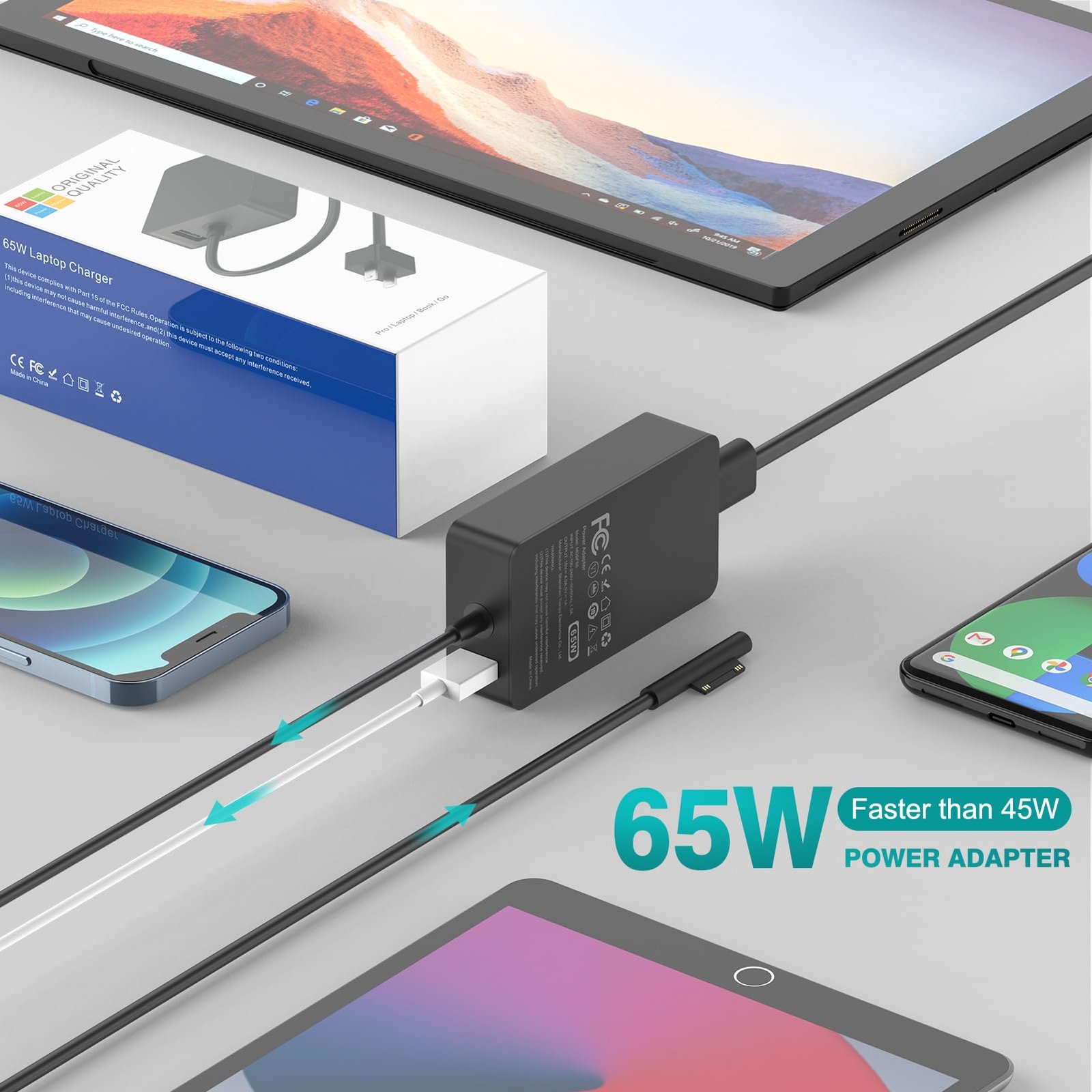
Charging is also flexible. Specs Universe lists a 39W included power supply and recommends 60W for fast charging. USB-C charging reduces the need to carry a dedicated adapter, while Surface Connect remains available for Microsoft’s own power and docking accessories. Charger inclusion can differ by market, so international purchases deserve a careful box-content check.
Ports, webcam and daily communication
The Microsoft Surface Laptop 8th Edition keeps its port selection practical rather than generous.
Connection options include two USB-C/USB4 ports, one USB-A 3.2 port, a 3.5mm audio jack and Surface Connect. That covers a charger, modern display and one older accessory, but the selection is not generous. There is no built-in HDMI port or card reader on the reviewed configuration. A dock may become part of the real cost for desk use.
Wi-Fi 7 and Bluetooth 5.4 cover current wireless needs when paired with compatible equipment. A 1080p Full HD front camera supports video calls, while Windows Hello facial recognition provides quick sign-in. Published reviews are consistently positive about the webcam, microphones and speakers. Omnisonic speakers support Dolby Atmos, and reports describe clear output even if deep bass remains limited by the thin chassis.
These features give the laptop a strong remote-work case. Together, the camera, microphone system, keyboard and screen contribute during meetings. None is unusual in isolation. Together, they make everyday communication feel less like a list of compromises.
Storage, repair and long-term ownership
Storage options run from 256GB to 1TB on a removable PCIe Gen 4 SSD. A removable drive is useful for service and replacement, although Microsoft documentation should guide any work inside the chassis. Still, removable storage does not guarantee an easy tool-free upgrade. Meanwhile, the reviewed model lacks the microSDXC Express slot found on the 15-inch version.
We would choose at least 512GB for a premium laptop intended to last several years. Windows, applications, offline media and creative files can make 256GB feel restrictive quickly. Cloud storage helps, but it does not replace local capacity when traveling or working with large files.
Microsoft publishes Surface service information, firmware updates and out-of-warranty repair pricing. That transparency is welcome. Memory creates the more important long-term limit because the record does not present it as replaceable. Sixteen gigabytes is reasonable today, yet a heavier future workload may expose the lack of headroom before the processor feels old.
Price and the three alternatives that matter
Value is the hardest part of the Microsoft Surface Laptop 8th Edition review because excellent hardware does not erase a steep final price.
In the US, the Microsoft Surface Laptop 8th Edition starts at $1,599.99, while the X2 Elite version costs more. Value at that level depends on how much you appreciate its screen shape, long battery life, haptic trackpad and clean Windows setup. Even excellent hardware cannot turn this into a bargain.
Apple’s MacBook Air is the obvious alternative if macOS fits your software. It offers strong efficiency, mature Arm-native applications and excellent build quality. Choose the Surface for Windows, touch input and the taller 120Hz display. Choose the MacBook when battery efficiency and Apple’s ecosystem matter more than touch.
Dell’s current XPS 13 is a better comparison for someone who wants a compact premium Windows machine with conventional processor options. It may suit specialist x86 software more easily. Microsoft counters with a more useful aspect ratio, a strong haptic trackpad and the uncluttered first-party Windows experience.
Lenovo’s Yoga Slim 7x family is the value-focused Arm alternative. It can deliver similar everyday strengths at a lower price, depending on configuration and sales. Microsoft’s advantage is its careful input hardware, service ecosystem and design consistency. Lenovo becomes harder to ignore when the price gap is large.
US shoppers should also consider warranty coverage and authorized-retailer returns. An attractive import price loses value when it brings the wrong keyboard, missing charger or difficult service. International pricing and included accessories vary, so do not assume a global listing matches the US configuration.
Who should buy it, and who should skip it?
For mobile professionals, students and home-office workers who want a premium Windows laptop with excellent battery life. Long daily sessions make its keyboard, trackpad and screen especially appealing. For most people, the 512GB configuration is the best practical starting point for most people.
Skip it if an essential program, game or peripheral lacks proven Windows-on-Arm support. Serious gaming, heavy 3D work and sustained professional rendering remain poor matches. A less expensive Windows laptop will handle ordinary office work, while a dedicated creator model can provide stronger graphics and broader ports.
Owners of a recent Surface Laptop should not upgrade automatically. New Snapdragon chips are faster, but the familiar design and similar core experience mean the value depends on battery wear, performance needs and a good trade-in offer.
Final verdict
In the end, this Microsoft Surface Laptop 8th Edition review gives a clear recommendation: buy it for refined Windows mobility, not for maximum performance per dollar. Its 120Hz touchscreen, strong battery life, excellent input hardware and quiet Snapdragon platform make it easy to like.
Price remains the main reason to pause. Above $1,599.99, the laptop needs to fit your work closely. Confirm Arm compatibility, choose enough storage and compare the final configuration against the MacBook Air, Dell XPS 13 and Lenovo Yoga Slim 7x. If Windows is essential and those checks pass, this is a polished laptop that should make everyday work pleasantly uneventful.
Frequently asked questions
Which configuration does this article cover?
It covers the Specs Universe Microsoft Surface Laptop 13.8-inch 8th Edition 16GB record. Processor choice includes Snapdragon X2 Plus or Snapdragon X2 Elite, depending on the selected configuration.
Is 16GB of RAM enough?
Yes for office work, study, research, communication apps and moderate creative use. Heavy virtual machines, large development projects and professional media work may benefit from more memory.
Can the SSD be replaced?
Specs Universe lists a removable PCIe Gen 4 SSD. Follow Microsoft service documentation because removable does not mean every upgrade is simple or covered by warranty.
Does it have a touchscreen?
Yes. Microsoft’s PixelSense LCD supports touch, runs at 120Hz and has a 2304 x 1536 resolution.
Is it suitable for gaming?
It can handle light gaming, but it is not built as a gaming laptop. Check each game’s Arm and anti-cheat support before buying.