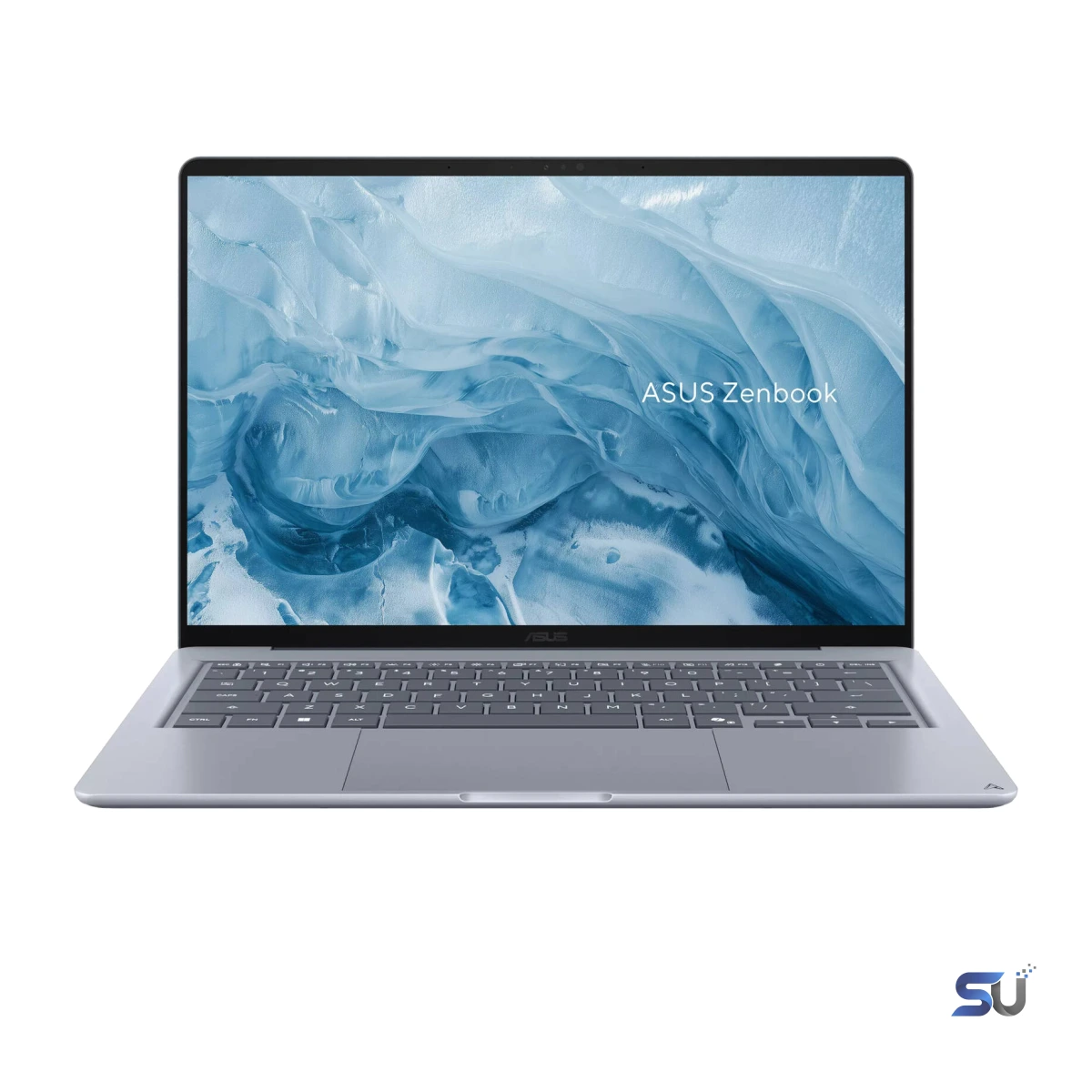
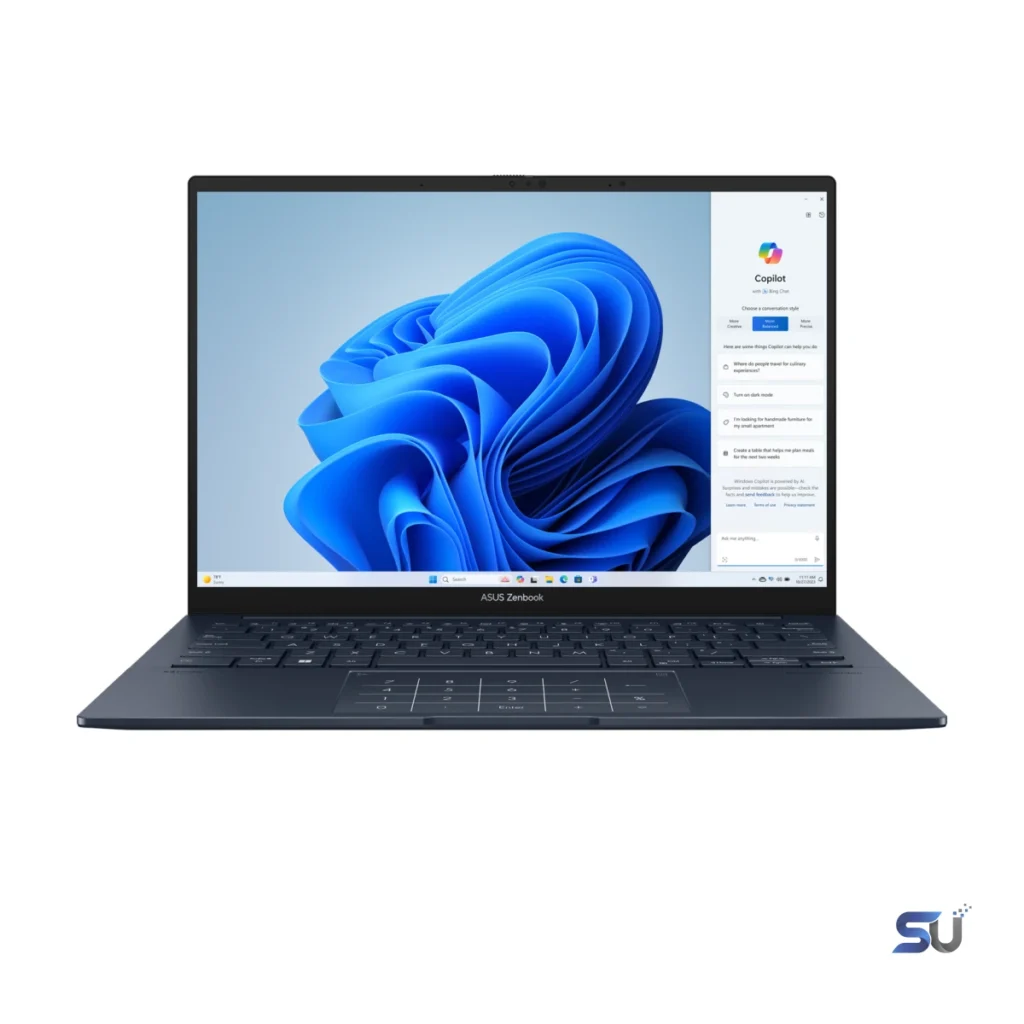
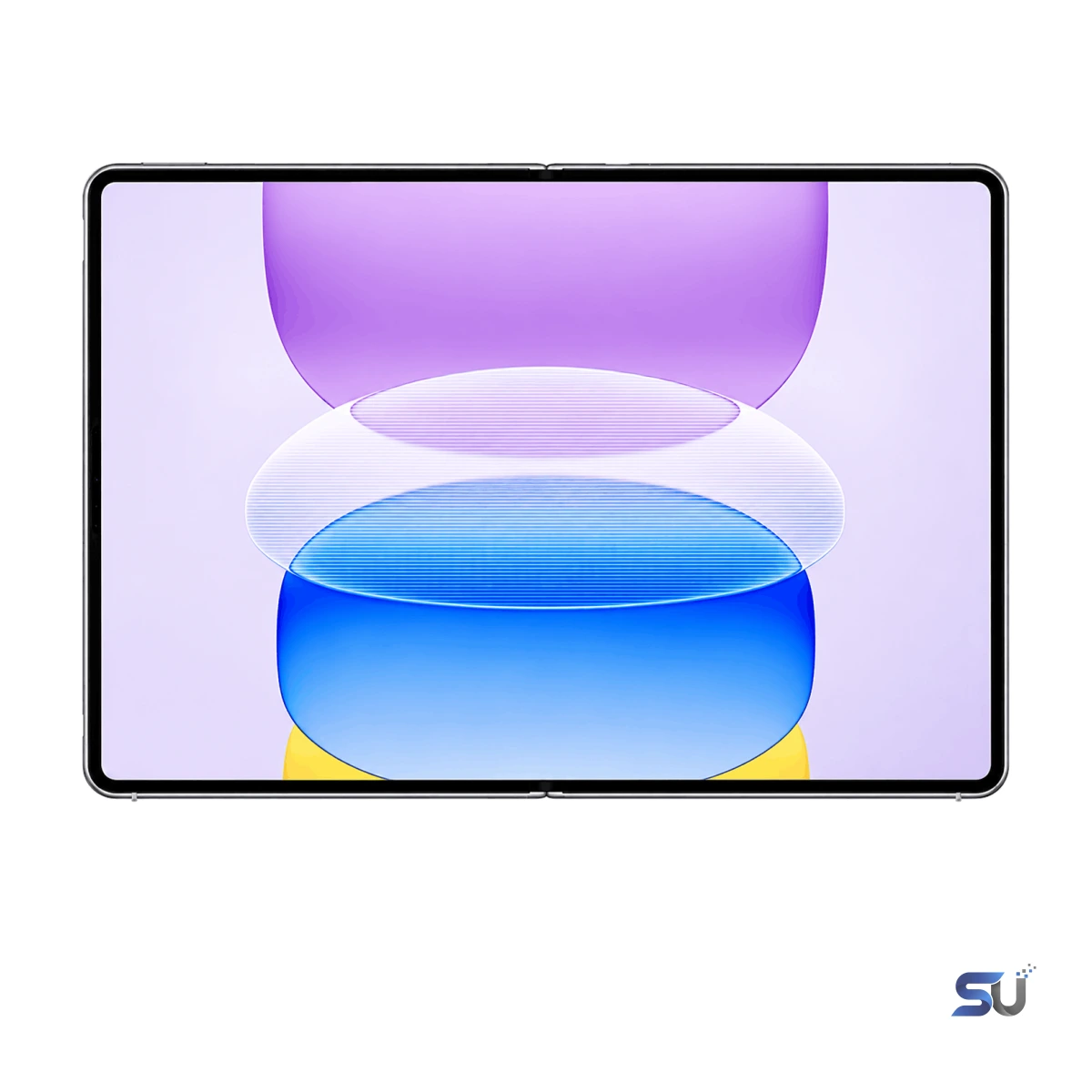
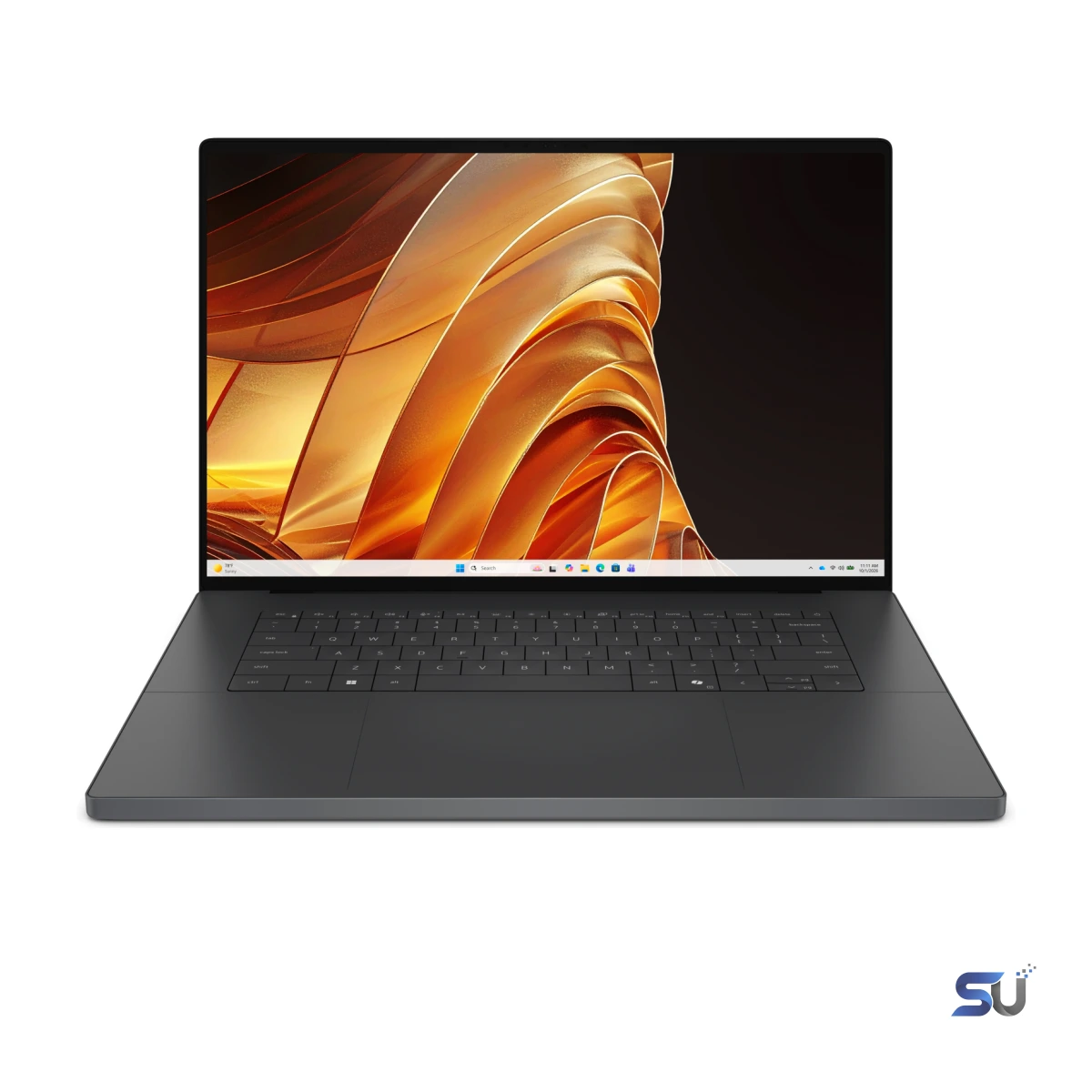
Morning light fills a small café table, and a traveller opens a slim laptop before the first meeting begins. Work starts quietly, without a heavy bag, a tangled charger, or a long wait for the screen to wake. The Asus Zenbook 14 14-inch 16GB fits that moment well, pairing a vivid OLED screen with portable hardware. Indeed, its story is less about raw excess and more about balance, speed, and quiet confidence.
ASUS built this machine for people who move between home, office, and airport lounges during a single week. Furthermore, the 16GB memory keeps everyday multitasking smooth, even when browsers, documents, and calls run together. For example, a student can research, write, and join a video call without constantly closing windows or apps. Thus, the appeal is practical rather than flashy, and that restraint shapes the whole machine. Buyers comparing thin Windows laptops will find the Asus Zenbook 14 14-inch 16GB easy to place in that busy market.
Design and Portability
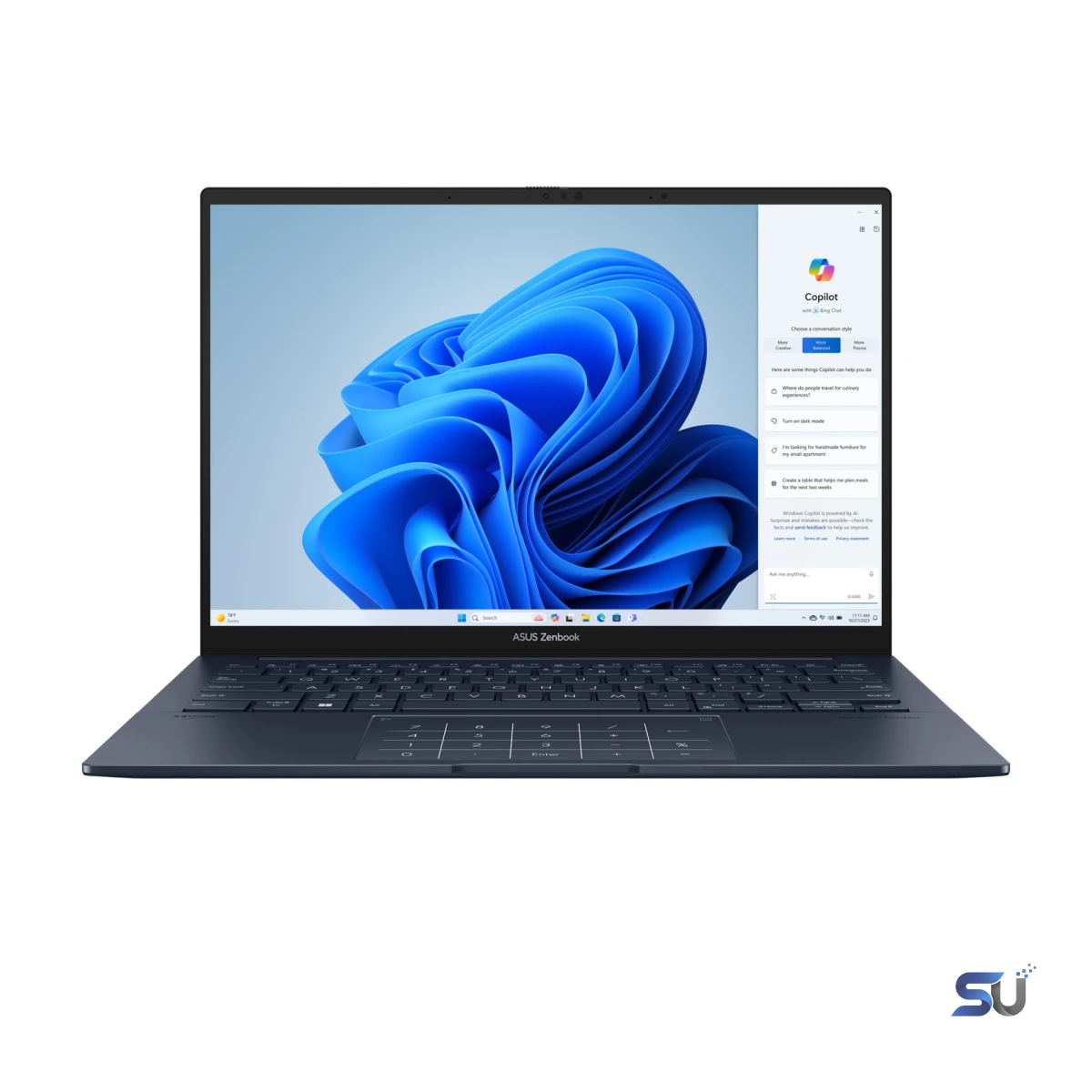
At 1.28 kg, this laptop disappears into a backpack far more easily than most 14-inch rivals manage today. Moreover, its 31.24 x 22.01 x 1.49 cm frame stays slim enough for narrow tray tables and crowded desks. Nevertheless, the all-metal chassis feels solid in the hand, with no sense of flex during daily carrying. ASUS also subjects the design to MIL-STD 810H testing, which adds reassurance for frequent travellers.
Two colours keep the look calm and professional, namely Ponder Blue and Foggy Silver finishes. Similarly, the backlit chiclet keyboard suits late-night writing, while the precision touchpad keeps navigation smooth. For instance, quiet keyboard feedback helps in libraries, shared offices, and quiet train carriages alike. As a result, the Asus Zenbook 14 14-inch 16GB feels designed for real journeys, not just showroom shelves.
Asus Zenbook 14 14-inch 16GB Display and Everyday Viewing
The 14-inch OLED panel immediately sets this laptop apart from cheaper LCD rivals in the same size class. With 2880 x 1800 (3K) resolution, text looks crisp, photos gain depth, and small interface details stay sharp. Furthermore, the 120Hz refresh rate makes scrolling feel fluid, which matters during long reading and research sessions. Indeed, 500 nits brightness supports bright rooms, while 1000 nits HDR peak adds punch to supported video.
VESA DisplayHDR True Black 1000 certification underlines the deep blacks that only OLED can deliver convincingly. Moreover, Corning Gorilla Glass protects the surface, and touch input adds a direct way to scroll or tap. For example, students can annotate notes by touch, while office workers can swipe through long documents quickly. Thus, the display suits both focused work and relaxed evening viewing without demanding constant brightness changes. Anyone buying mainly for screen quality will see why the Asus Zenbook 14 14-inch 16GB earns its place here.
Performance, Memory, and Storage
Intel Core Ultra Series 2 processors power this range, with three options spanning everyday speed and stronger multitasking. Firstly, the Intel Core Ultra 5 225H suits students and office workers who value efficiency over extreme speed. Secondly, the Intel Core Ultra 7 255H adds headroom for heavier multitasking, larger spreadsheets, and frequent video calls. Thirdly, the Intel Core Ultra 9 285H tops the range for demanding daily workloads that still fit a thin chassis.
All three chips share Intel Arc Graphics, which handles office visuals, streaming, and light creative tasks smoothly. Moreover, 16GB of LPDDR5X memory sits on board, keeping the system responsive when many apps stay open. Memory sits on board, so buyers should treat 16GB as the long-term configuration. Storage arrives as a fast M.2 NVMe PCIe 4.0 SSD, with 512GB or 1TB options depending on configuration. For instance, the 512GB model suits cloud-first users, while 1TB better serves large photo and project libraries. As a result, the Asus Zenbook 14 14-inch 16GB balances speed, memory, and storage without chasing gaming-laptop bulk. One M.2 2280 PCIe 4.0x4 slot provides the expansion route for compatible storage upgrades.
Battery Life and Charging
A 75Wh battery anchors the promise of long days away from a wall socket. ASUS rates everyday use at up to 15+ hours, which covers most workdays, lectures, and long train journeys. Furthermore, the large battery pairs well with an efficient processor, so idle drain stays modest overnight. Indeed, travellers can often leave the charger behind for a short day trip without worrying constantly.
When power finally runs low, the 65W USB-C charger restores energy quickly and travels lightly. Fast charging reaches 60% in 49 minutes, which rescues a morning that started with a forgotten overnight charge. Moreover, USB-C charging means one adapter can often serve a phone, tablet, and laptop together. Thus, the Asus Zenbook 14 14-inch 16GB suits commuters who value freedom from constant socket hunting.
Connectivity, Camera, and Sound
Two Thunderbolt 4 USB-C ports lead a practical selection that covers docks, fast storage, and external displays. Similarly, one USB 3.2 Gen 1 Type-A port keeps older drives, mice, and accessories useful without dongles. An HDMI 2.1 port and a 3.5mm audio jack complete the set for presentations, monitors, and wired headphones. Furthermore, Wi-Fi 7 (802.11be) and Bluetooth 5.4 keep wireless connections fast, stable, and ready for modern accessories.
The FHD camera with IR supports Windows Hello sign-in, so owners can unlock the laptop by glance. Moreover, a privacy shutter adds simple reassurance when the camera stays unused for hours at a time. For example, video calls look clear in home offices, while the shutter closes the lens between meetings. Super-linear speakers with Smart Amp, Dolby Atmos, and Harman Kardon tuning round out the media experience. As a result, the Asus Zenbook 14 14-inch 16GB handles calls, films, and music without demanding external speakers.
Software, Security, and Daily Comfort
Windows 11 Pro or Windows 11 Home ships on this laptop, depending on the configuration a buyer chooses. Furthermore, MyASUS, GlideX, and ScreenXpert arrive pre-installed to support device care, screen sharing, and workflow tools. Indeed, buyers should note that drivers require Windows 11 version 24H2 or later for full support. Moreover, Windows Hello through the IR camera offers a faster, password-free start to each working session.
The quiet keyboard deserves special mention, because it keeps typing discreet in shared spaces and late sessions. Similarly, the precision touchpad responds accurately to gestures, which reduces reliance on an external mouse. For instance, a writer can draft for hours without wrist strain from awkward cursor control or noisy keys. Thus, daily comfort becomes a genuine strength, not merely a footnote beside faster headline specifications.
Who Should Buy It, and Who Should Pause
Students will appreciate the light weight, vivid screen, and long battery life during campus days. Furthermore, office workers gain a calm, professional machine for documents, email, video calls, and presentations. Travellers and commuters benefit most, because the slim frame, quiet keyboard, and fast charging ease constant movement. Indeed, everyday multitasking feels smooth, thanks to 16GB memory and efficient Intel Core Ultra Series 2 processors.
Light photo editing, casual gaming, and frequent video calls all sit comfortably within this laptop's strengths. However, heavy gaming and demanding 4K video editing will expose the limits of integrated Intel Arc Graphics. Moreover, buyers wanting a large screen should look elsewhere, since this design deliberately stays at 14 inches. Nevertheless, for its intended audience, the Asus Zenbook 14 14-inch 16GB remains a thoughtful, well-judged portable companion.
Everyday Workflows on the Asus Zenbook 14 14-inch 16GB
A typical morning begins with email triage, calendar checks, and a short document review before the first call. Furthermore, the bright OLED screen keeps small text legible, even when the room fills with morning sunlight. For example, a manager can scan reports, approve budgets, and reply to clients without hunting for a charger. Thus, the first hour feels calm, organised, and productive, rather than rushed or fragmented by hardware delays.
Midday work often shifts to shared documents, spreadsheets, and video meetings that demand steady performance throughout. Moreover, 16GB memory supports that rhythm, keeping tabs, chat apps, and presentation files open at once. Similarly, Thunderbolt 4 ports allow a single cable dock to drive an external monitor and charge the laptop. Indeed, that one-cable setup transforms a small desk into a full workstation within seconds each morning.
Evening use turns gentler, with streaming, reading, and personal projects replacing spreadsheets and meeting windows. Nevertheless, the OLED screen keeps colours rich for films, while the quiet keyboard suits shared living spaces. For instance, a traveller can finish a film in a hotel room without disturbing neighbours through thin walls. As a result, one machine covers work, study, and leisure without demanding a second device for evenings.
Buying Advice and Configuration Choices
Choosing a processor starts with honest workload assessment, not simply chasing the fastest chip on offer. Firstly, everyday buyers will find the Ultra 5 225H ample for documents, browsing, and regular video calls. Secondly, multitaskers juggling large files and many apps should consider the Ultra 7 255H instead. Thirdly, power users with sustained demanding workloads can justify the Ultra 9 285H flagship option.
Storage choice follows a similar logic, balancing current files against future photo and project growth. Moreover, the 512GB option works well for cloud-first users who store most files online already. However, the 1TB option suits photographers, students, and creators who keep large local libraries. For example, a single year of high-resolution photos can quickly fill smaller drives without careful management.
Colour choice remains personal, yet both finishes suit professional settings without drawing unwanted attention. Similarly, Ponder Blue offers subtle character, while Foggy Silver presents a cleaner, more neutral appearance. Thus, buyers should choose the finish they enjoy seeing daily, since specifications stay identical across colours.
Caring for the Laptop Over Time
Good habits extend any laptop's useful life, and this slim machine rewards simple, consistent care. Furthermore, keeping vents clear and avoiding soft bedding during heavy work helps heat escape naturally. For example, a hard desk surface supports airflow better than blankets, cushions, or laps during long sessions. Thus, performance stays steadier, and the quiet design remains pleasant over many months of use.
Software care matters equally, with regular Windows updates keeping security and driver support current. Moreover, MyASUS offers a convenient place to check device health, updates, and support options. Similarly, backing up important work to cloud storage protects projects against accidental loss or damage. Indeed, a short weekly backup routine can save hours of frustration after an unexpected fault.
Frequently Asked Questions
Is 16GB of memory enough for everyday work?
Yes, 16GB handles browsing, documents, spreadsheets, streaming, and video calls together without constant slowdowns. Furthermore, the on-board LPDDR5X memory pairs with efficient processors to keep common tasks feeling responsive. However, memory stays fixed, so buyers planning very heavy creative work should weigh that limit carefully.
How long does the battery last on a normal day?
ASUS rates use at up to 15+ hours, which should cover a full workday for most owners. Moreover, real results vary with brightness, Wi-Fi use, and workload, so heavy video days will drain faster. Nevertheless, fast charging to 60% in 49 minutes helps recover quickly between meetings or classes.
Can the storage be expanded later?
Yes, the laptop includes one M.2 2280 PCIe 4.0x4 slot for compatible storage expansion. For example, owners can add a compatible SSD when photo libraries, projects, or game collections grow larger. Thus, buyers can start with 512GB and expand later, rather than paying for 1TB immediately.
Is this laptop good for travel?
Yes, the Asus Zenbook 14 14-inch 16GB weighs only 1.28 kg and measures just 1.49 cm thick. Furthermore, its 75Wh battery, fast charging, and quiet keyboard all support long days away from home. Indeed, the all-metal chassis and MIL-STD 810H testing add durability reassurance for frequent journeys.
Which processor options are available?
Buyers can choose Intel Core Ultra 5 225H, Intel Core Ultra 7 255H, or Intel Core Ultra 9 285H processors. Moreover, all three options use Intel Arc Graphics and share the same 14-inch OLED display platform. As a result, the Asus Zenbook 14 14-inch 16GB lets buyers pick speed without changing the portable design.
Summary
In short, this laptop succeeds by doing ordinary things exceptionally well, day after day, without fuss. Furthermore, the Asus Zenbook 14 14-inch 16GB combines a superb OLED screen, light weight, and long battery life. Indeed, its quiet keyboard, fast charging, and modern connectivity complete a package built for mobile professionals.
- Vivid 14-inch 3K 120Hz OLED display
- Light 1.28 kg all-metal design
- Up to 15+ hours of battery life
- Fast 65W USB-C charging
- Modern Wi-Fi 7 and Thunderbolt 4 ports
Nevertheless, buyers should accept fixed 16GB memory and integrated graphics limits before committing. Moreover, anyone seeking heavy gaming or a larger screen will find better fits elsewhere in the market. Thus, for students, office workers, and travellers, the Asus Zenbook 14 14-inch 16GB remains an easy recommendation.