
16-inch
128GB
3200 x 2000 (3.2K)
1TB / 2TB
NVIDIA Blackwell RTX 6144-core GPU
Still to discover
16-inch
Tandem OLED
3200 x 2000 (3.2K)
20-120
400
VESA DisplayHDR True Black 600
Yes
Still to discover
NVIDIA RTX Spark N1X, 20 Cores
20 cores
NVIDIA Blackwell RTX 6144-core GPU
128GB
1TB / 2TB
SSD Gen5x4 TLC
Still to discover
352.58 x 237.97 x 17.81 mm
2.02 kg (4.45 lb)
Still to discover
Backlit keyboard
Glass touchpad
Graphite
99Whr
Still to discover
Still to discover
Still to discover
3x USB4 Type-C with DisplayPort 2.1 and Power Delivery, 1x HDMI 2.1b, 1x headset (headphone and microphone combo) port, 1x SDXC card reader
6.0
Wi-Fi 7 (MediaTek 802.11be)
Still to discover
Still to discover
No
Windows 11 Home (Copilot+ PC)
Microsoft 365 30-day trial, McAfee+ Premium 12 months (non auto-renew)
Still to discover
Still to discover
Still to discover
Still to discover
Still to discover
Still to discover
Still to discover
Still to discover
Still to discover
2.02 kg (4.45 lb)
Corning Gorilla Glass 3 (seamless glass touchpad)
Still to discover
Still to discover
Specifications shown here are for reference only and may change or vary by variant. Please confirm the final details with the manufacturer or retailer before making a purchase.
A long project has a way of testing a laptop. It starts with a few open apps. Then a timeline grows, a model loads, and a render queue fills. Before long, the machine holds a whole day of work at once. That is when memory and patience matter most. A laptop that holds that load feels calm. One that cannot feels slow, even when its chip is fast. The Dell XPS 16 Creator Edition 128GB holds that load with ease.
A long project has a way of testing a laptop. It starts with a few open apps. Then a timeline grows, a model loads, and a render queue fills. Before long, the machine holds a whole day of work at once. That is when memory and patience matter most. A laptop that holds that load feels calm. One that cannot feels slow, even when its chip is fast. The Dell XPS 16 Creator Edition 128GB holds that load with ease.
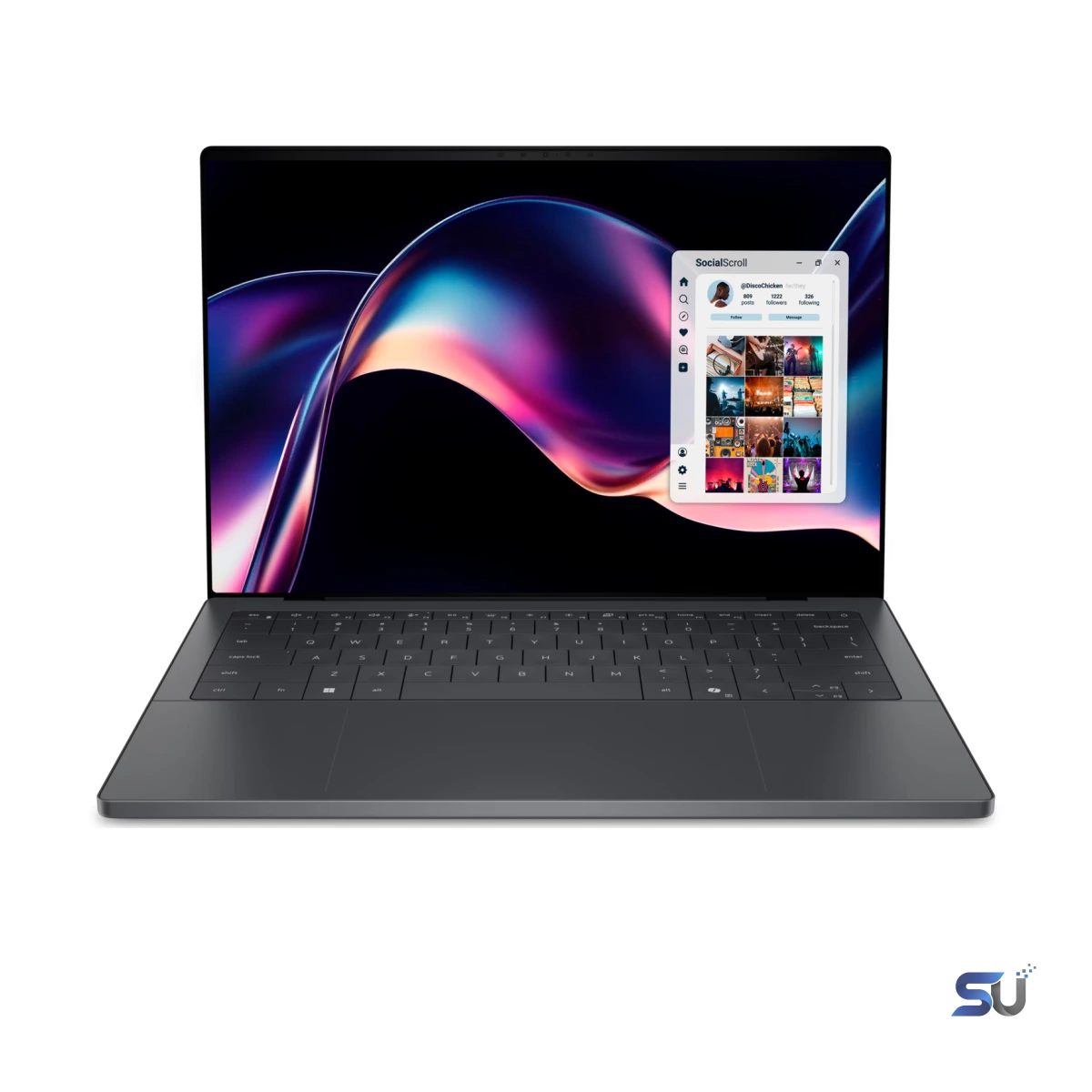
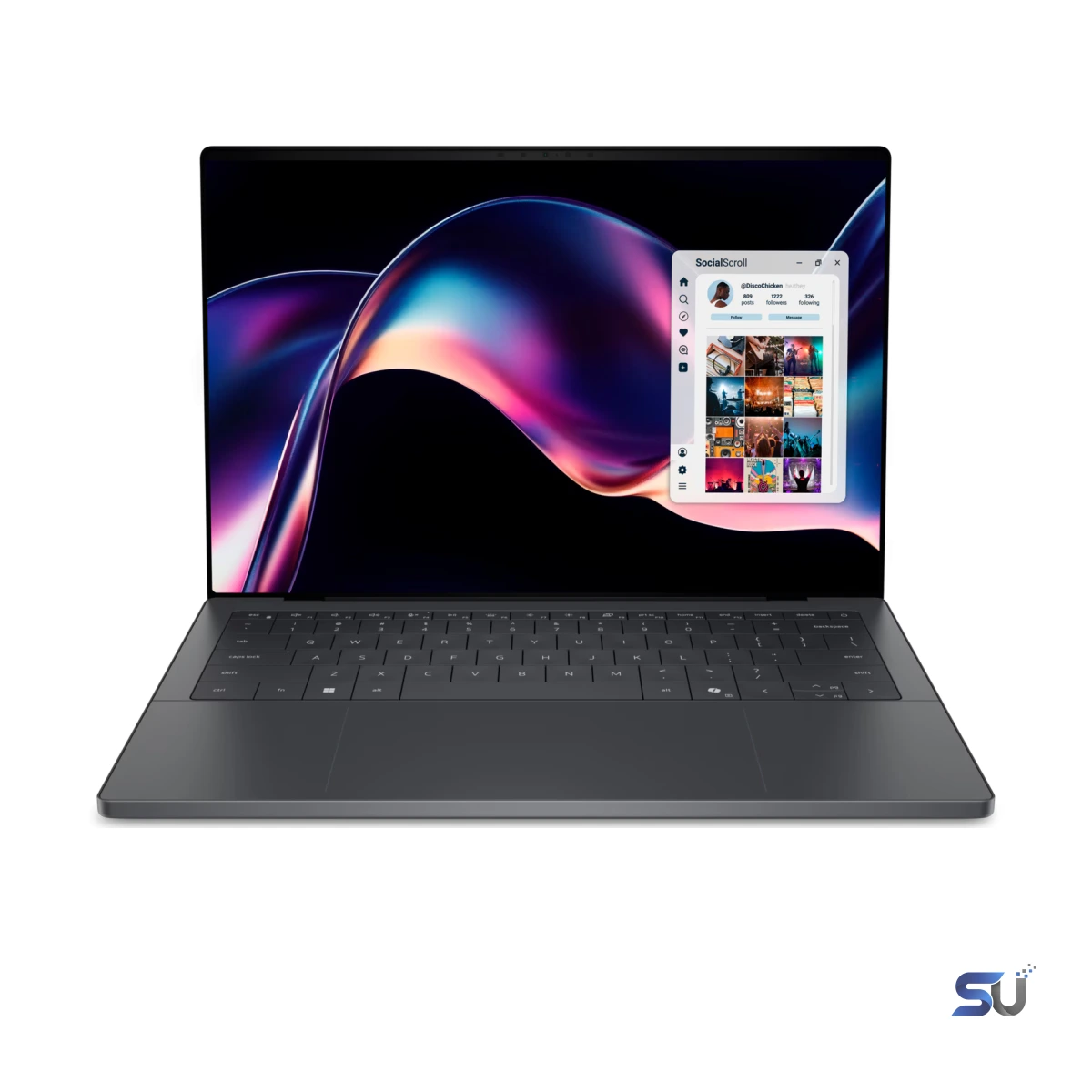
It pairs an NVIDIA RTX Spark N1X superchip with 128GB of unified memory and a 16-inch 3.2K tandem OLED touch display. It also carries a 99Wh battery and runs Windows 11 Home as a Copilot+ PC. Dell aimed it at people who create, build, and play on one machine, and this review follows a full working day with it, from the first edit to the last export.
Heavy creative work is not one task but many tasks at once. A video editor keeps a timeline, a preview, and a media library open. Meanwhile, a photo editor works through hundreds of large files in one session. A developer, on the other hand, trains a small model, tests it, then fixes the code. Each job adds weight, and the laptop must carry all of it without dropping a frame.
That load is where most laptops show their limits. A chip can be fast and still stall when memory runs short. Even a sharp screen can mislead when its colours drift. A body can be slim and still feel cramped when the ports run out. So the real test is not a single benchmark. Instead, it is a full day of mixed work. The question is simple. Does the machine keep up when the day gets busy?
Local AI work raises the bar further. A large model needs room to sit in memory and a GPU that can reach that memory fast. When both parts share one pool, the work flows better. Otherwise, data moves back and forth and time is lost. The superchip inside this laptop exists to solve this problem. It puts the CPU and GPU on the same memory pool, so large tasks stay close to the hardware.
The heart of the Dell XPS 16 Creator Edition 128GB is the NVIDIA RTX Spark N1X superchip. It joins a Grace CPU and a Blackwell RTX GPU in one package. In this 128GB setup, the superchip carries 20 cores and the Blackwell RTX GPU carries 6,144 cores. Together, they share 128GB of LPDDR5x unified memory at up to 9,400 MT/s. Both parts can reach the same data without copying it across a link.
For AI work, that shared access changes what is possible on a laptop. A large language model can sit in memory where the CPU and GPU can both use it. As a result, a developer can fine-tune a model on a desk, then run it again on the same machine. A creator can also run local AI tools that clean up audio, upscale images, or draft text, without sending work to a remote server. That local power keeps work private and close at hand when a network is slow or absent.
Dell rates the range at up to 1 petaflop of FP4 AI performance, and this 128GB setup sits at the top of that range. FP4 tensor cores help larger models run on the device itself, and CUDA runs natively on RTX Spark, so familiar AI tools can use the hardware right away. Therefore, work that once needed a desktop or a server can now fit in a bag.
With 128GB, a large model, a browser full of tabs, and a creative app can all stay open at once. There is less need to close one job to start another. A video timeline can sit beside a model, and a code editor can sit beside a test run. The machine stops forcing choices about what to keep open.
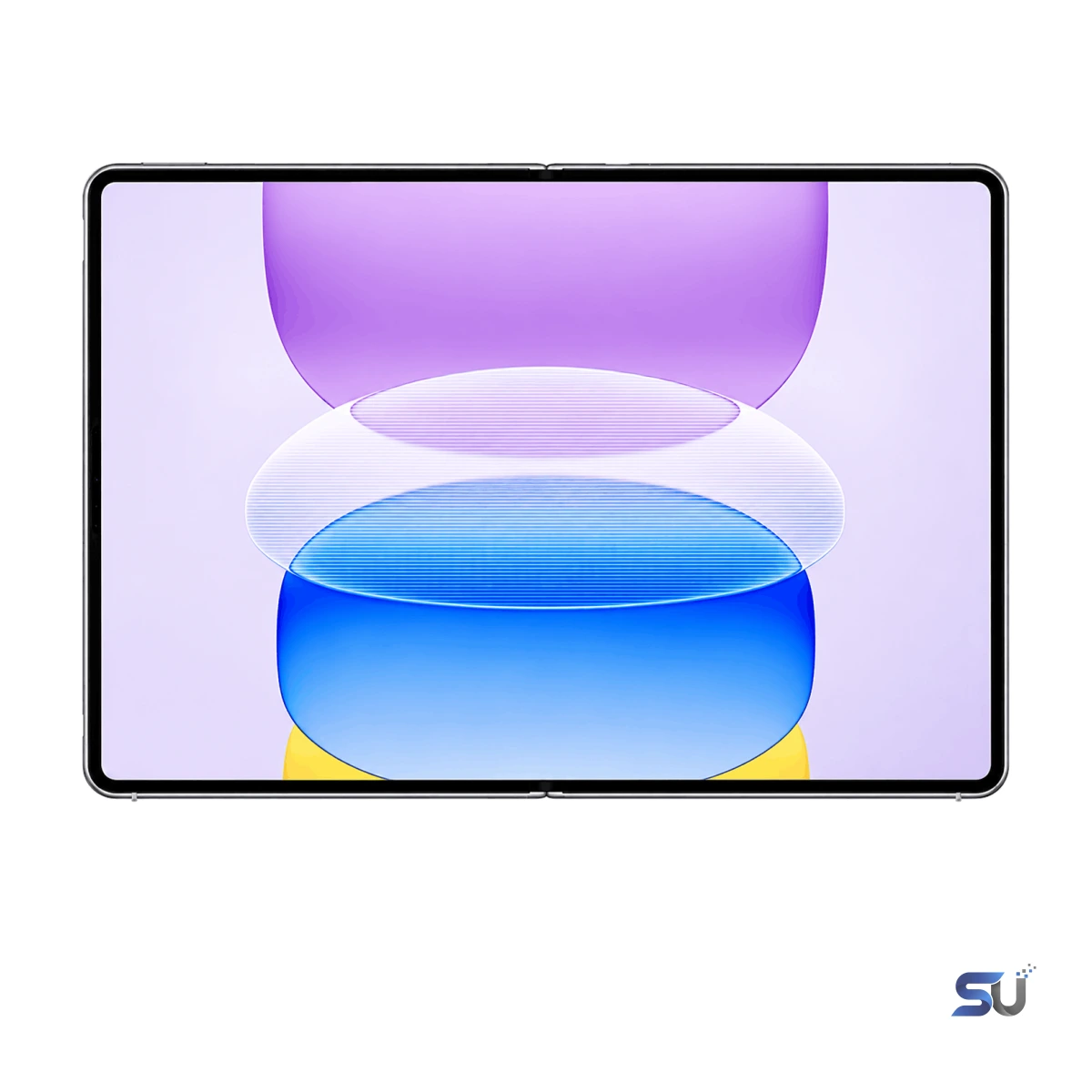
The screen is the part a creator looks at all day. This one measures 16 inches and shows 3,200 by 2,000 pixels. It is a tandem OLED touch panel. Two light-emitting layers work together to lift brightness and help the panel last longer, giving a bright, sharp image with deep blacks and strong contrast.
Colour accuracy is the point of this panel. It covers 100% of the DCI-P3 colour space, so on-screen colours match a finished file more closely. It also carries VESA DisplayHDR True Black 600 certification. Bright areas reach up to 1,000 nits at peak, while normal use sits at 400 nits. For example, blacks stay truly black when grading dark scenes or editing night photos. A display that lies about colour wastes hours. This one tells the truth about colour.
The refresh rate moves between 20Hz and 120Hz to suit the task. Still images and reading use the low end, which saves power. Video and games use the high end for smooth motion. Touch adds another way to work: a creator can tap a timeline, pinch to zoom a photo, or scroll a long page with a finger. In short, the Dell XPS 16 Creator Edition 128GB gives the screen a central role, and the rest of the machine keeps up with it.
Large projects need large storage. A single video shoot can fill hundreds of gigabytes. A model library can grow just as fast. This setup offers 1TB or 2TB of storage, so a whole project can live on the machine. In addition, there is no need to juggle external drives for everyday work. The files stay close and open fast.
The drive itself is a fast M.2 2280 SSD with DRAM, built on Gen5x4 TLC flash. In the 2TB setup, Dell lists it as a self-encrypting drive. That speed shows up in small moments. A project opens in seconds, a large file saves without a long wait, and a timeline scrubs without stutter. Over a long day, those saved seconds add up to real time.
Storage and memory work as a pair here. The 128GB of unified memory holds the active work, and the fast drive holds the project library. Together, they let a creator move between jobs without closing anything down, so a photo set, a video timeline, and a model can all stay within reach. That removes waiting from the day.
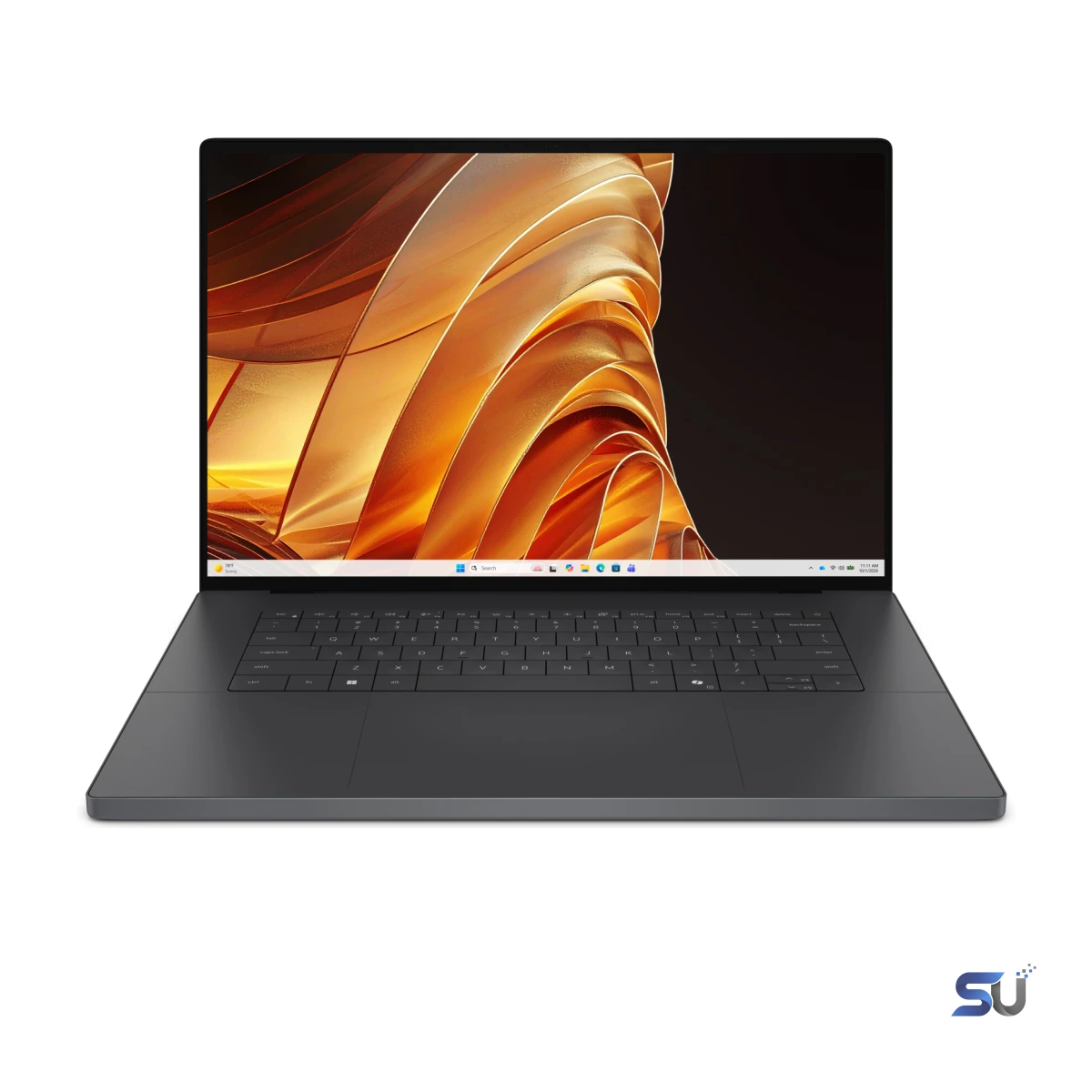
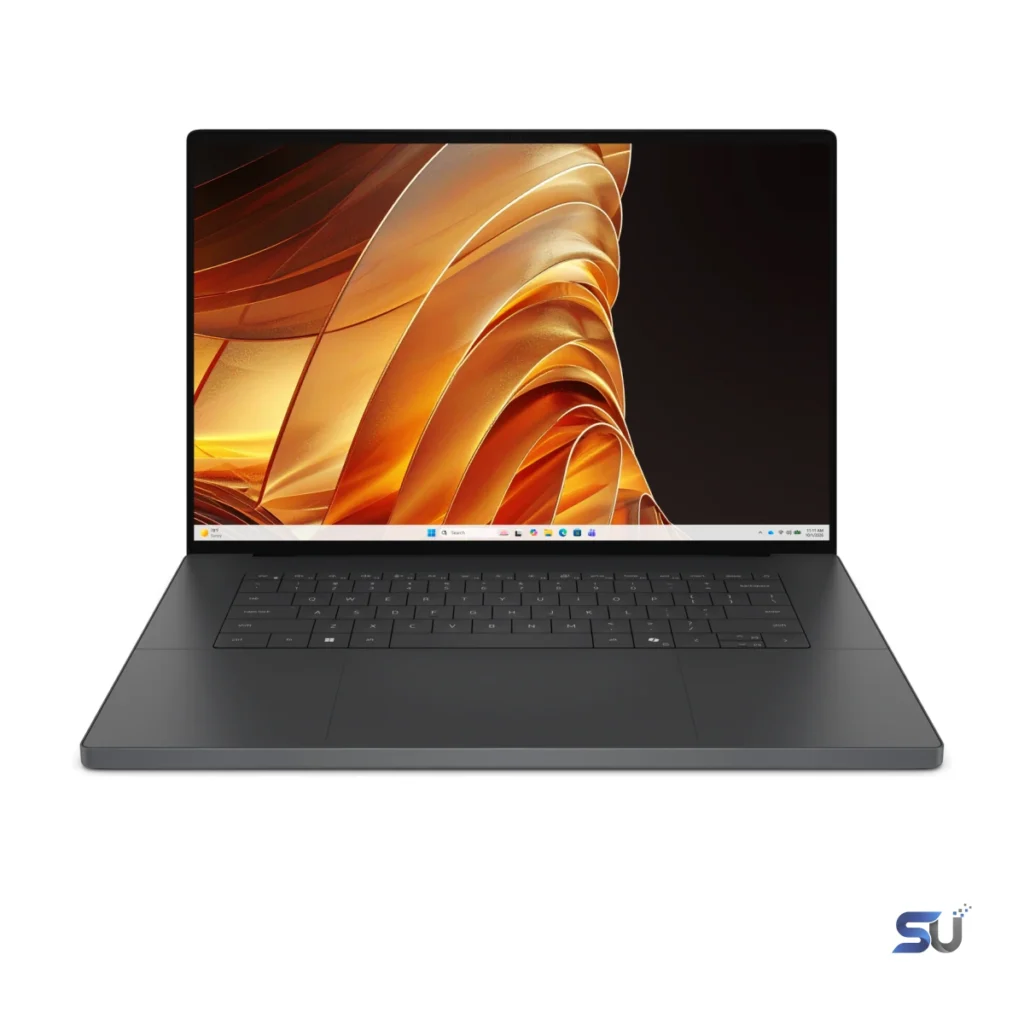
The Dell XPS 16 Creator Edition 128GB measures 352.58 by 237.97 by 17.81 mm and weighs 2.02 kg. It is slim for a 16-inch machine with this much power, so it fits in a bag beside a notebook and a charger, and on a desk its thin profile keeps the screen at a natural height. Graphite is the colour. It looks calm and plain, which suits a tool meant to be used, not shown off.
The keyboard is backlit, so late work is easy on the eyes. Its keys have room to move, and the layout stays clear. The touchpad is made of glass and stretches across the palm rest in one smooth surface. Dell uses Corning Gorilla Glass 3 for that seamless glass touchpad. It feels cool and flat under the hand and tracks with care. A good touchpad matters more than it seems, since it is the part of the laptop that a hand touches all day.
The slim body does not mean a weak body. Instead, it carries heavy work every day. Its weight is honest for a 16-inch creator laptop. It is not the lightest laptop on the market, nor does it try to be. It trades a little lightness for a larger screen, a bigger battery, and room for a superchip, which suits people who work in one place for hours at a time.
Ports decide how a laptop fits into a working life. This one carries three USB4 Type-C ports with DisplayPort 2.1 and Power Delivery. Those ports can drive an external display, charge the laptop, and move data fast. One HDMI 2.1b port links straight to a monitor or a projector. A headset port takes headphones and a microphone in one jack, and an SDXC card reader takes memory cards straight from a camera.
That card reader matters to photographers, since photos can move from a camera to the laptop without an adapter. A video editor can plug in a monitor through HDMI and a fast drive through USB4 together. A developer can connect a dock, a display, and a headset and still have a port free. As a result, the machine is ready for a full desk setup without extra boxes.
Wireless links are current as well. Wi-Fi 7, through a MediaTek 802.11be module, moves large files over a network fast. Bluetooth 6.0 links headphones, a mouse, and other accessories. Together, the wired and wireless links make the laptop easy to use at a desk, in a studio, or on the move, and most gear simply plugs in and works.
The battery holds 99Wh, which is a large capacity for a laptop of this size. It gives the machine a long working window away from a socket, so a creator can edit on the move, review work in a meeting, or finish a render on a train. The big battery suits the big screen and the powerful chip, and it keeps the machine going when a socket is out of reach.
Dell has not published a battery-life figure for this setup, and the battery-life field on this page stays marked as still to discover. Dell has also not stated a charging wattage, so the charging speed and fast charging fields stay marked the same way. That honesty matters, since a buyer should know what is known and what is not. The battery is large, and it charges through the USB4 Type-C ports with Power Delivery. Beyond that, no firm figures are stated, so none are claimed here.
In practice, a large battery and a display that can drop to 20Hz help the machine last. Light work uses little power, heavy work uses more, and the balance shifts with the task. However, a day of mixed work will stretch further than a day of non-stop rendering. That is true of every laptop. The 99Wh battery gives it a strong start.
The Dell XPS 16 Creator Edition 128GB runs Windows 11 Home as a Copilot+ PC. Copilot+ brings on-device AI features, such as help with writing, search, and recall. Those features run on the machine itself, which keeps them quick and private, and the familiar system lets most apps install and run without fuss. A creator can open a project and start work at once.
A few extras come with the machine. Microsoft 365 comes as a 30-day trial for documents, mail, and cloud storage. McAfee+ Premium covers security for 12 months, without automatic renewal. Those extras cover the basics of a new setup. Beyond that, it is a clean slate. A buyer can install trusted tools and leave the rest out. That is how a work machine should arrive.
The Dell XPS 16 Creator Edition 128GB runs games on the same hardware that runs AI models. The Blackwell RTX GPU brings ray tracing, DLSS, and Reflex to this laptop. Ray tracing adds depth to light, shadow, and reflection, DLSS lifts frame rates while keeping the image sharp, and Reflex cuts input lag in fast games. Together, they make the machine a strong gaming laptop after the work is done.
The 3.2K OLED display helps here too. Games look vivid on a panel with deep blacks and rich colour, and the 120Hz refresh rate keeps motion smooth. A creator can finish a render, then play a title, then return to work on the same machine. That range is part of the appeal. One laptop covers the whole day, from the first task to the last game.
This setup is for people whose work has grown past smaller machines. A creator with large photo libraries and long video timelines will feel the difference. Developers who run large models on the device will feel it too. Gamers who want a sharp OLED screen and strong graphics will enjoy it. A professional who keeps many heavy apps open at once will find the 128GB of memory hard to give up. For those buyers, the Dell XPS 16 Creator Edition 128GB is a clear step up.
However, it is not for everyone. A buyer who wants the lightest laptop will find lighter machines. Smaller screens are easy to find too. Anyone who needs a fingerprint reader should check the facts first, since Dell states no fingerprint sensor for this setup. And anyone who needs a firm battery-life figure will have to wait, since Dell has not published one. Those honest limits are worth weighing before a purchase.
The Dell XPS 16 Creator Edition 128GB is a laptop for people who do their heaviest work on the move. Its 128GB of unified memory, 20-core superchip, and bright tandem OLED display form a single idea: big work should fit in one machine. The slim graphite body, full set of ports, and large battery support that idea. The gaps are plain too. Dell states no battery-life figure and no charging wattage, so buyers should weigh those unknowns. Even so, for creators, developers, and players who want one powerful laptop for a long working day, it makes a strong case.