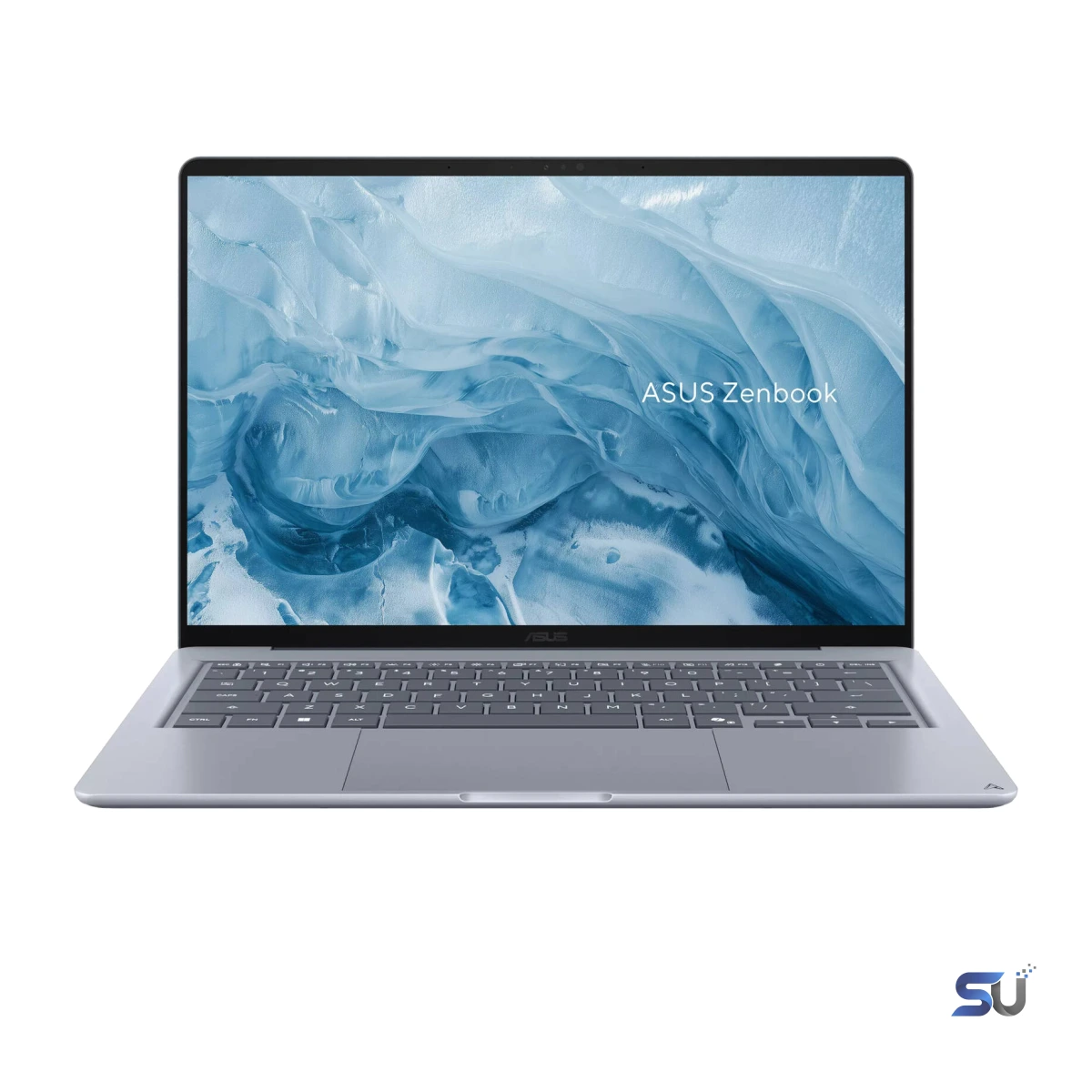
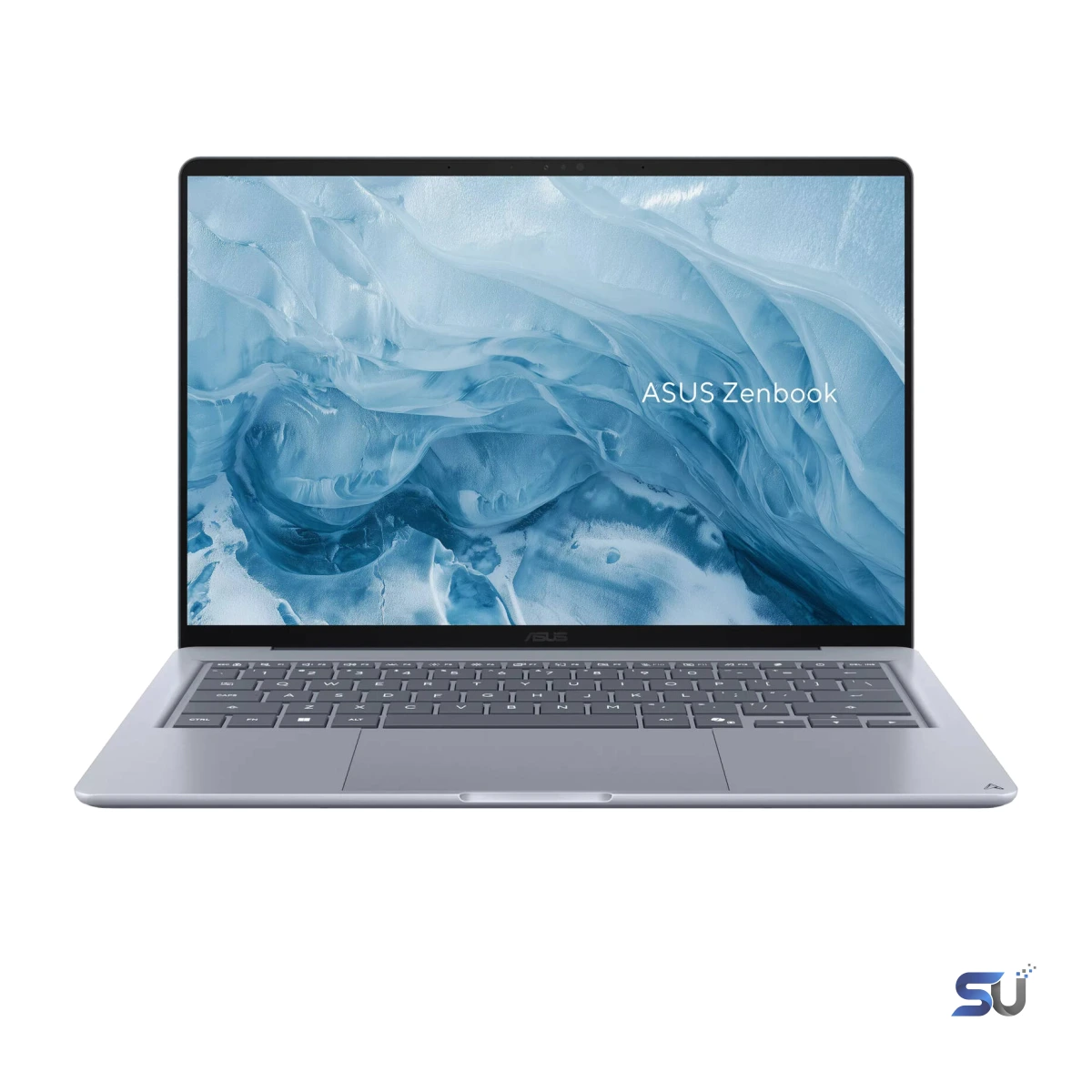
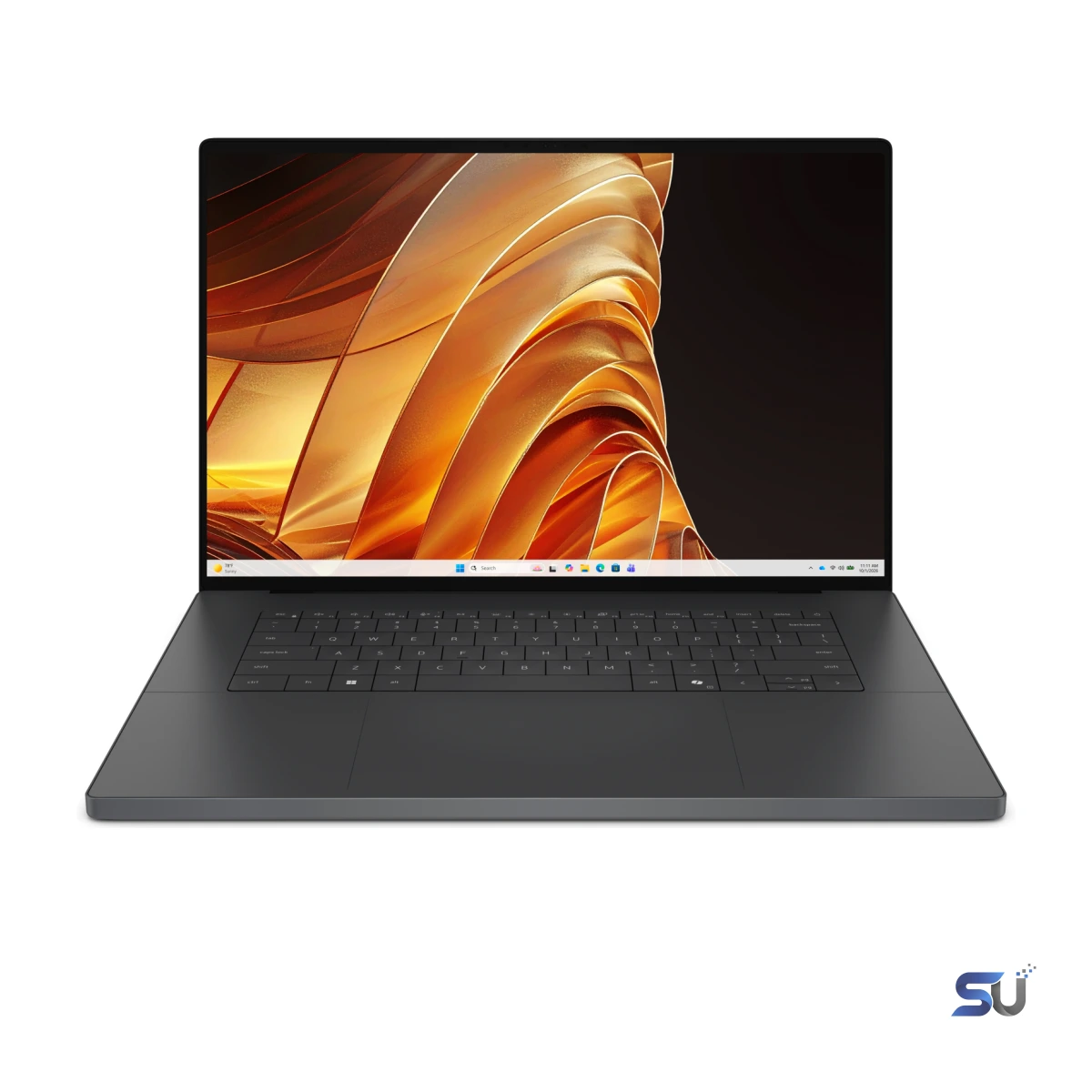
Some mornings decide whether a laptop is truly portable or merely small. The train is crowded, your bag must hold everything until evening, and you open the lid with one hand as the carriage sways. The screen wakes before you sit down, and the first thing you notice is not a specification. It is the feeling that this machine was made for days like this. ASUS built this laptop to pass exactly that test, and the Asus Zenbook 14 14-inch 16GB Intel sets the standard for the rest of the new Zenbook range. It pairs the brightest, sharpest screen in the family with the strongest processor options in this chassis.
ASUS launched the 2026 Zenbook 14 in India on November 5, 2026, as one family with three different processors. This Intel version, model number UX3480AA, is the one with the flagship display. In short, ASUS intended it as the default choice for people who work on a screen all day. Buy this one, and you are buying the screen first and everything else second.
Design and Portability
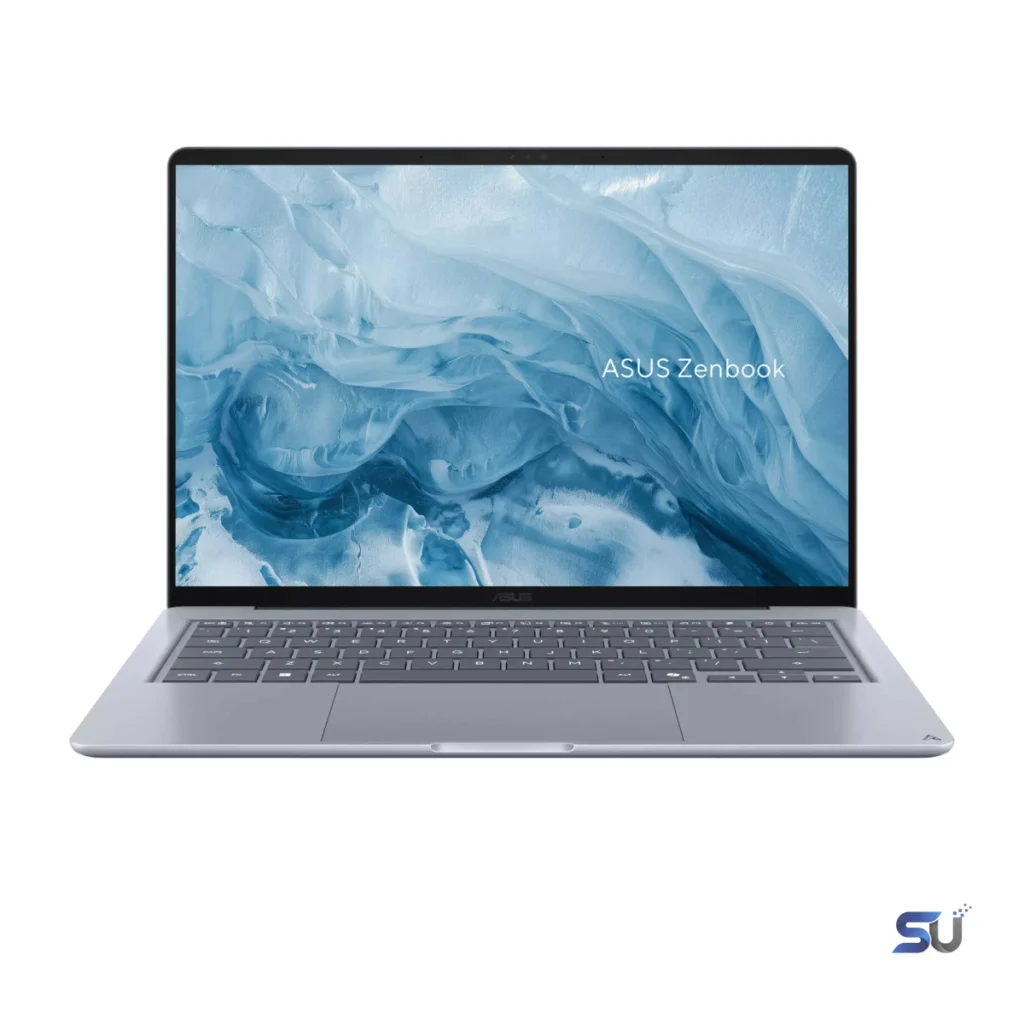
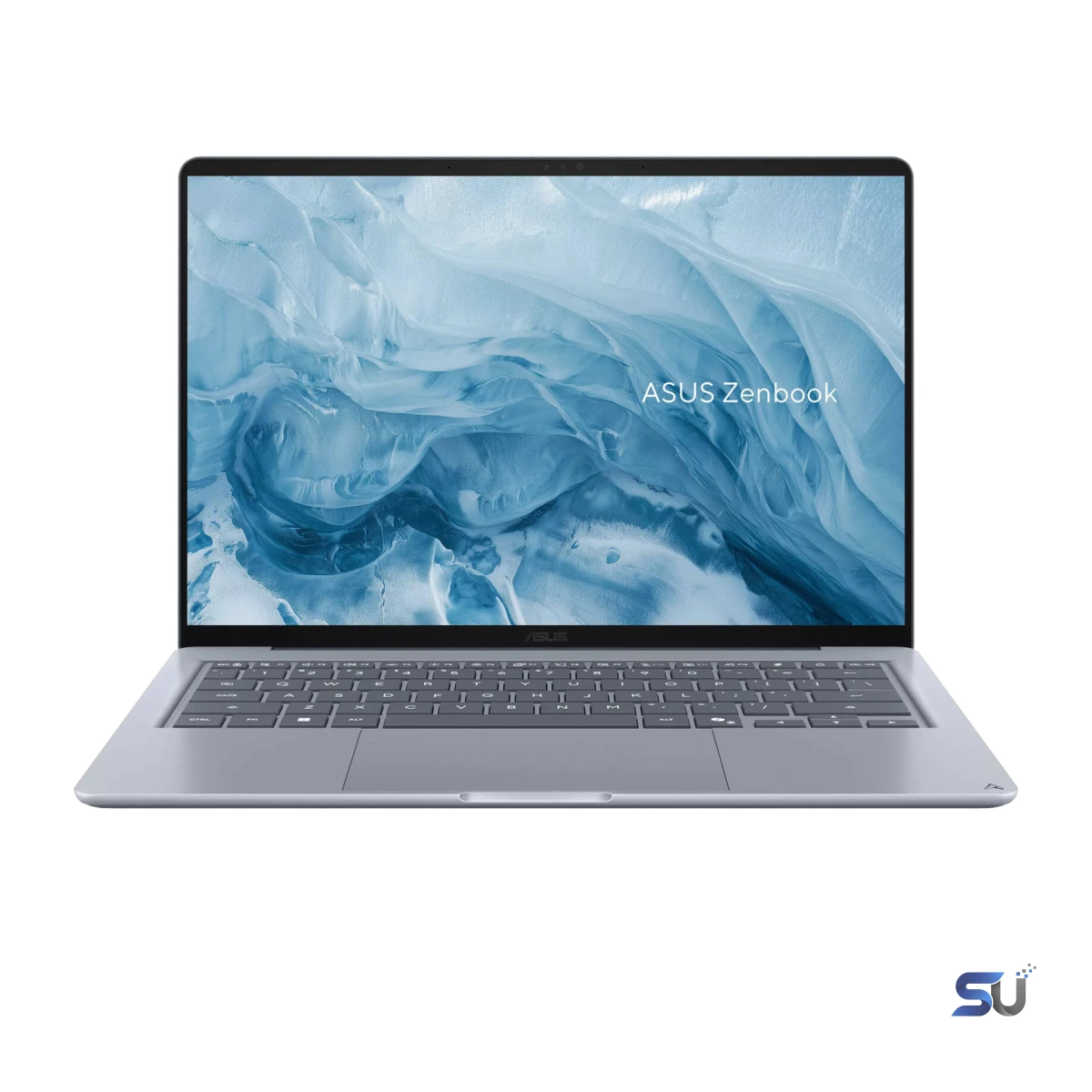
At 1.30 kg, the laptop is easy to carry in one hand with a notebook and a phone. At 31.12 x 21.58 x 1.39 ~ 1.69 cm, it slips into almost any bag. ASUS includes a sleeve in the box, and it is worth using. The chassis is Ceraluminum, a ceramic and aluminium composite with a warm, stone-like finish that resists fingerprints. It feels cool in the hand, and it is grippy enough to hold with one hand.
The three colours suit different tastes. Zabriskie Beige is quiet and looks expensive without trying. Arctic Blue is the classic, a cool metallic blue that reads as professional. Komodo Coral is the bold one, a warm reddish tone that is easy to find in a bag. The hinge opens smoothly and holds any angle.
ASUS tests durability the usual way, putting the machine through US MIL-STD 810H military standard tests. That covers the knocks, vibration, and temperature changes of years of commuting. In addition, the keyboard is a backlit Chiclet design with 1.7mm of key travel, enough depth to type on for hours, and the backlight makes late work easy. The precision touchpad is generous and responds cleanly to two-finger scrolling and Windows 11 gestures, so you can leave a mouse at home for most work.
Asus Zenbook 14 14-inch 16GB Intel Display and Everyday Viewing
The screen is the reason to choose this version. It is a 14-inch OLED panel at 3K resolution, 2880 x 1800, with a 16:10 aspect ratio. That gives documents, pages, and spreadsheets more vertical room than the older 16:9 shape.
The 120Hz refresh rate makes scrolling feel liquid and the cursor feel attached to your hand. After a week with it, a standard 60Hz screen feels slow. Brightness reaches 500 nits in normal use and 1100 nits at its HDR peak, so the screen stays readable in a bright room and HDR video has highlights that make you look twice.
Colour is where OLED earns its keep. The panel covers 100% of the DCI-P3 colour gamut, the wide space that films and modern photo work use. Its contrast ratio is 1,000,000:1, so blacks are genuinely black, not a dark grey that glows in a dim room. VESA DisplayHDR True Black 600 certification backs that up. The panel renders 1.07 billion colours, so gradients stay smooth instead of banding into steps. For photo editing, video grading, or eight hours a day in front of a screen, that mix of colour and contrast is the most valuable thing in this laptop.
Colour and Eye Comfort
The display is also a touchscreen. Tapping a link, scrolling a long page, signing a form, or zooming a photograph all become things you do without thinking. The touch layer does not dull the image. The panel emits 70% less harmful blue light than a conventional display, and it carries TÜV Rheinland certification and SGS Eye Care Display certification, so late evenings are easier on your eyes, on a screen that works all day and shows films in the evening.
Performance, Memory, and Storage
On the Asus Zenbook 14 14-inch 16GB Intel, the processor is the main decision, and ASUS gives you three honest options. The Intel Core Ultra 9 386H has 16 cores and 16 threads, runs at 2.1GHz, and boosts to 4.9GHz with 18MB of cache. Next, the Core Ultra 7 355 has 8 cores and 8 threads at 2.3GHz, boosting to 4.7GHz with 12MB of cache.
Completing the set, the Core Ultra 5 325 has 8 cores and 8 threads at 2.1GHz, boosting to 4.5GHz with 12MB of cache. Each of the three is an Intel Core Ultra Series 3 chip, and each includes an Intel NPU rated at up to 50 TOPS, the hardware that powers Copilot+ PC features in Windows 11, including on-device AI that keeps your work private.
Graphics come from Intel Graphics, the integrated graphics built into the processor. In practice, this laptop handles photo editing, 4K video playback, media-heavy presentations, and casual games without complaint. However, it is not a gaming laptop. If your week is built around large 3D renders or demanding games, look for a machine with a discrete graphics card. For the work most people actually do, the integrated graphics are fast, cool, and silent.
Memory and Storage
ASUS fits 16GB of LPDDR5X memory on board. It is fast, efficient, and fixed, so the 16GB you buy is the 16GB you keep. It is enough for a browser with a dozen tabs, a word processor, a spreadsheet, a video call, and music, all at once. Storage is a 512GB M.2 NVMe PCIe 4.0 SSD, which keeps Windows and apps loading quickly. If that feels tight later, a spare 1x M.2 2280 PCIe 4.0x4 slot sits inside for expansion. ASUS also bundles 100GB of cloud storage with Microsoft 365 Basic for one year.
Battery Life and Charging
The Asus Zenbook 14 14-inch 16GB Intel carries a 70Wh, 4-cell lithium-ion battery, generous for a laptop of this weight. It pairs with a 68W USB-C adapter that is small enough to vanish into a bag pocket. The adapter outputs 20V DC at 3.4A and accepts 100 to 240V AC, so it works anywhere without a voltage adapter. A morning charge covers a working day of documents, calls, and browsing with room to spare. Black pixels on an OLED panel draw almost no power, so a dark theme stretches the charge.
One honest note. ASUS does not publish a rated battery-life figure in hours on the technical specification sheet for this model. Do not judge it by a headline number. Battery life depends on brightness, on whether you run the display at 120Hz or 60Hz, and on how much AI work runs in the background. As a result, keep brightness at the level the room needs and close apps you are not using. Charging uses the same USB-C port as displays and data, so one small charger and one cable can serve the laptop, a phone, and earbuds.
Connectivity, Camera, and Sound
The Asus Zenbook 14 14-inch 16GB Intel connects the way a modern ultraportable should. The headline port is Thunderbolt 4 USB-C, with data up to 40Gbps, display output, and charging, so one cable at your desk can connect a monitor, a dock, and power together. Beside it sits a second USB-C port, USB 3.2 Gen 2 at up to 10Gbps, also with display output and charging.
In addition, there is a USB 3.2 Gen 1 Type-A port for older devices, an HDMI 2.1 port for a TV or projector without an adapter, and a 3.5mm combo audio jack for headphones. Two ports can charge the laptop, so you are never far from a top-up.
Wireless is Wi-Fi 6E on the 802.11ax standard, with a triple-band 2x2 radio that keeps video calls steady on a crowded network. Meanwhile, Bluetooth 5.4 pairs headphones, a mouse, and a phone without dropouts. The camera is full HD with infrared, so Windows Hello signs you in with a glance, and it has a physical privacy shutter. The built-in array microphone picks up your voice clearly on calls. Smart Amp Technology keeps the built-in speaker's sound clean at normal volumes.
Software, Security, and Daily Comfort
ASUS ships the laptop with Windows 11 Home. ASUS recommends Windows 11 Pro for business use, which matters if your employer has a standard build, but Home is right for most personal and student use. The pre-installed software is MyASUS, ASUS's utility for keeping the machine healthy. For example, AI Noise Canceling cleans up call audio, Battery Health Charging looks after the battery, and System Diagnosis checks the machine on days when something feels off. It also includes Live Update for drivers, TaskFirst, WiFi SmartConnect, a function key lock, Tru2Life video, and a Fan Profile for quiet or cool running.
ASUS handles security in hardware. A firmware TPM and Microsoft Pluton protect credentials and encryption keys. BIOS booting password protection asks who is turning the machine on. Windows Hello facial recognition through the infrared camera means you rarely type a password at all. The privacy shutter is the lock when you want the camera off. ASUS also bundles Microsoft Office Home 2024 with a lifetime licence and Microsoft 365 Basic with 100GB of cloud storage for a year.
Who Should Buy It, and Who Should Pause
The Asus Zenbook 14 14-inch 16GB Intel is an easy recommendation for students who need a light laptop with a beautiful screen for lectures, essays, and long library days. It fits office workers whose week is built from documents, spreadsheets, email, and video calls.
Frequent travellers will feel the same, because 1.30 kg, a 70Wh battery, and a screen that works in bright rooms are exactly what a moving day needs. As a result, if that describes your week, the Asus Zenbook 14 14-inch 16GB Intel fits it, and the touchscreen is a feature you will reach for without thinking after the first week.
Light photo editing is also fine, with honest limits, since the 100% DCI-P3 panel is a real advantage, along with casual gaming and video calls. Pause if you want heavy gaming, where integrated graphics are the wrong tool. For demanding 4K video editing, a larger screen and discrete graphics serve you better. And pause if you need a large screen, because a 14-inch panel, however beautiful, is still a 14-inch panel. These are the edges of the job ASUS designed this machine for.
Everyday Workflows on the Asus Zenbook 14 14-inch 16GB Intel
A day on the Asus Zenbook 14 14-inch 16GB Intel usually starts with the lid opening before the coffee is ready. The lock screen gives way with a glance, overnight updates are done, and the first document opens on a screen that makes a plain spreadsheet look considered. Mornings are for writing and reading. The 16:10 screen shows more of a page at once, so you scroll less. With 120Hz, the cursor stays smooth, and the touch screen is there when you want to tap a link or scroll with your hand. Meanwhile, by midday the laptop has moved to a meeting room or café table, where the weight and battery show their value, and the privacy shutter slides closed when the call ends.
Buying Advice and Configuration Choices
Choosing between the three processors in the Asus Zenbook 14 14-inch 16GB Intel is simpler than it looks, because they share everything else. The Core Ultra 5 325 is the sensible start for students and office workers. In the middle, the Core Ultra 7 355 suits heavier multitasking. The Core Ultra 9 386H is the top option for those who compile, render, or analyse and want 16 cores. Memory is 16GB on every configuration and storage is 512GB, so there is no wrong choice there, and the spare M.2 slot lets storage grow later. Colour is the only decision that shows, so choose Zabriskie Beige, Arctic Blue, or Komodo Coral. Buy for the hardest work you do every week.
Frequently Asked Questions
Does the Asus Zenbook 14 14-inch 16GB Intel have a touchscreen?
Yes. The 14-inch 3K OLED display is a touchscreen. You can tap, scroll, and zoom with your fingers as well as using the keyboard and trackpad, and the touch layer does not reduce image quality.
Which processors can I choose from?
ASUS lists three Intel Core Ultra Series 3 options: the Core Ultra 5 325, the Core Ultra 7 355, and the Core Ultra 9 386H. All three include an Intel NPU rated at up to 50 TOPS for Copilot+ PC features.
How much storage does it have, and can I add more?
The Asus Zenbook 14 14-inch 16GB Intel ships with a 512GB M.2 NVMe PCIe 4.0 SSD. It has a spare 1x M.2 2280 PCIe 4.0x4 slot, so storage can grow later. ASUS also bundles 100GB of cloud storage with Microsoft 365 Basic for one year.
Is the keyboard backlit?
Yes. It is a backlit Chiclet keyboard with 1.7mm of key travel, and the precision touchpad supports the multi-finger gestures Windows 11 relies on.
What is in the box?
ASUS lists a sleeve in the box, with the laptop and the 68W USB-C adapter, so it is ready to carry from day one.
Summary
Overall, the Asus Zenbook 14 14-inch 16GB Intel is the pick for buyers who want the best screen in the range, with a 3K 120Hz OLED touchscreen, three capable Intel Core Ultra Series 3 processors with a 50 TOPS NPU, a 70Wh battery in a 1.30 kg Ceraluminum body, and ports led by Thunderbolt 4.
- 14-inch 3K (2880 x 1800) OLED touchscreen, 120Hz, 500 nits, HDR True Black 600, 100% DCI-P3
- Intel Core Ultra 5 325, Core Ultra 7 355, or Core Ultra 9 386H, with Intel NPU up to 50 TOPS
- 16GB LPDDR5X memory and a 512GB M.2 NVMe PCIe 4.0 SSD, with a spare M.2 slot
- 70Wh battery with a 68W USB-C adapter, in a 1.30 kg Ceraluminum body
- Thunderbolt 4, USB-C, USB-A, HDMI 2.1, Wi-Fi 6E, Bluetooth 5.4, and an FHD IR camera with a privacy shutter
- Windows 11 Home with MyASUS and Microsoft Office Home 2024