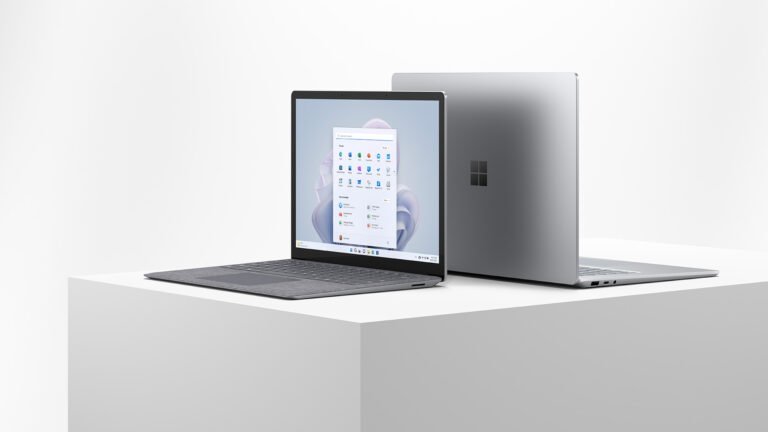
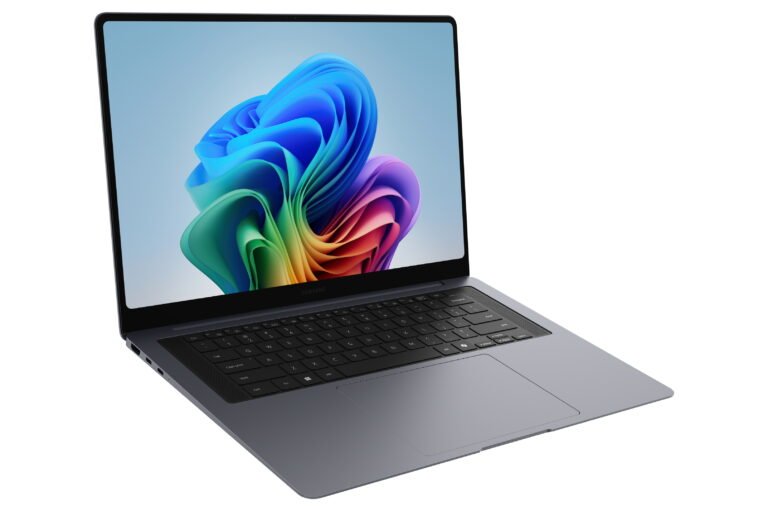
A touchscreen can make a large work laptop easier to use, but it cannot rescue weak fundamentals. Samsung gets the important basics right here. The Samsung Galaxy Book6 Touch combines direct screen control with a current Intel processor, useful ports and a battery designed for long working days. The harder question is whether touch alone justifies choosing it over the cheaper standard model or the more impressive Pro.
This Samsung Galaxy Book6 Touch review is based on desk research. Specs Universe has not physically tested the laptop. Hard specifications come from the published Specs Universe record for the 16-inch 16GB configuration. Official information, independent reporting and recurring owner discussions add context. We clearly separate manufacturer claims from measured evidence.
Samsung Galaxy Book6 Touch review: quick verdict
The Galaxy Book6 Touch 16-inch 16GB is a practical Windows laptop for study, office work and home use. Its touchscreen is the reason to consider this version. The 16-inch IPS LCD supports direct touch input and runs at 120Hz, which should make scrolling and pen-free navigation feel smoother than the standard 60Hz Book6.
The screen remains modest in other ways. Resolution is 1920 x 1200, brightness is listed at 350 nits, and Samsung does not specify a supported HDR format. It cannot match the contrast or deep blacks of the AMOLED panels used by more expensive Galaxy Books. Still, a large 120Hz touch display can be useful for documents, maps, presentations and shared desk work.
Performance comes from an Intel Core Ultra 7 355 with Intel Graphics, 16GB of LPDDR5X memory and a 512GB M.2 PCIe 4.0 SSD. That setup suits normal multitasking, coding, web work and lighter photo editing. It is not intended for demanding 3D rendering or high-end gaming.
Battery capacity is 61.2Wh, and Samsung supplies a 45W USB-C adapter. The company claims up to 24 hours of video playback under controlled conditions. Daily results will be lower and will depend on brightness, touch use, applications and background activity.
We recommend this model when touch input and a 120Hz screen will be used often. Otherwise, the standard Book6 may offer similar everyday performance for less. If display quality matters more than touch alone, the Book6 Pro is the stronger upgrade.
The exact Touch configuration
This review covers device record 3941. It is the Samsung Galaxy Book6 Touch 16-inch 16GB, not the standard Book6, Pro, Edge or Ultra. Similar names do not mean identical hardware.
- 16-inch IPS LCD touchscreen
- 1920 x 1200 resolution and 120Hz refresh rate
- 350-nit listed brightness
- Intel Core Ultra 7 355 processor
- Intel Graphics
- 16GB LPDDR5X memory
- 512GB M.2 PCIe 4.0 SSD
- 61.2Wh battery and 45W USB-C adapter
- Wi-Fi 6E, Bluetooth 5.4 and Windows 11 Home
The 16GB memory capacity is suitable for ordinary Windows work. It can support browser tabs, communication tools, documents and normal creative applications together. The record does not promise user-upgradeable memory, so people with heavy virtual-machine, video or data workloads should consider a 32GB laptop at purchase.
Storage is fixed at 512GB on this canonical record. That is enough for Windows, applications and a useful collection of local files. However, large photo libraries and video projects can fill it quickly. Samsung supports internal SSD expansion, although the slot format can differ by laptop size. A fast external drive is another simple option.
Touch changes how the screen is used
The Samsung Galaxy Book6 Touch display favors interaction over image quality. Its 120Hz refresh rate makes motion smoother, and direct touch can speed up simple actions. Scrolling a long page, moving around a map and showing a presentation to someone nearby can feel more immediate.
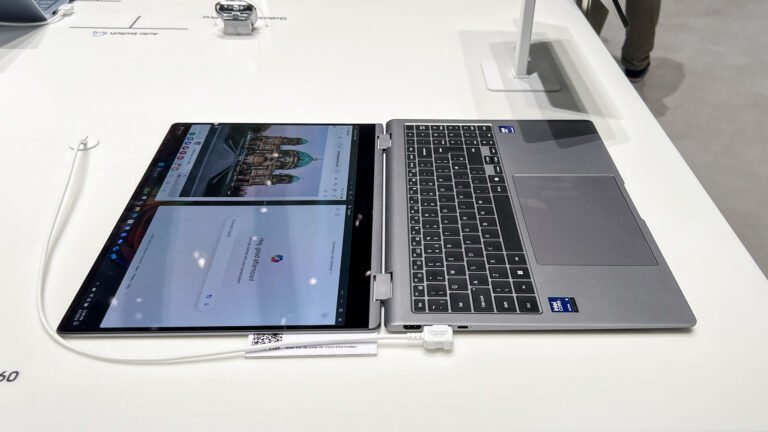
This is still a traditional clamshell laptop. The canonical record does not describe a 360-degree hinge or tablet mode. Therefore, touch is an extra input method rather than a complete replacement for a tablet. Anyone expecting a convertible should look at a Lenovo Yoga or another proper 2-in-1.
The 1920 x 1200 resolution provides useful vertical space for documents and websites. On a 16-inch panel, it favors readable scaling over very fine detail. The 350-nit brightness should work indoors, yet bright windows and reflections can make a glossy touchscreen harder to see.
IPS technology offers stable viewing angles and avoids some OLED-specific concerns. However, black levels and contrast will not look as rich as Samsung’s Dynamic AMOLED 2X displays. The device page also lists no named cover-glass grade and no specific HDR format.
Touchscreens collect fingerprints. That is hardly a scandal, but it affects a laptop more than a tablet because the display also sits upright for normal work. A clean microfiber cloth will become a useful accessory. Avoid harsh household cleaners unless Samsung approves them.
Size, keyboard and desk use
The body measures 357.1 x 248.0 x 16.8mm and weighs 1.85kg. It is thicker and heavier than the standard 16-inch Book6 record. That difference matters during frequent travel, although the laptop remains manageable for movement between home, class and office.
Gray is the listed color. Samsung does not state the exact chassis alloy in the official specifications checked by Specs Universe. We will not guess. Wider Book6 coverage describes a restrained professional design, but those impressions do not prove the construction of every regional Touch configuration.
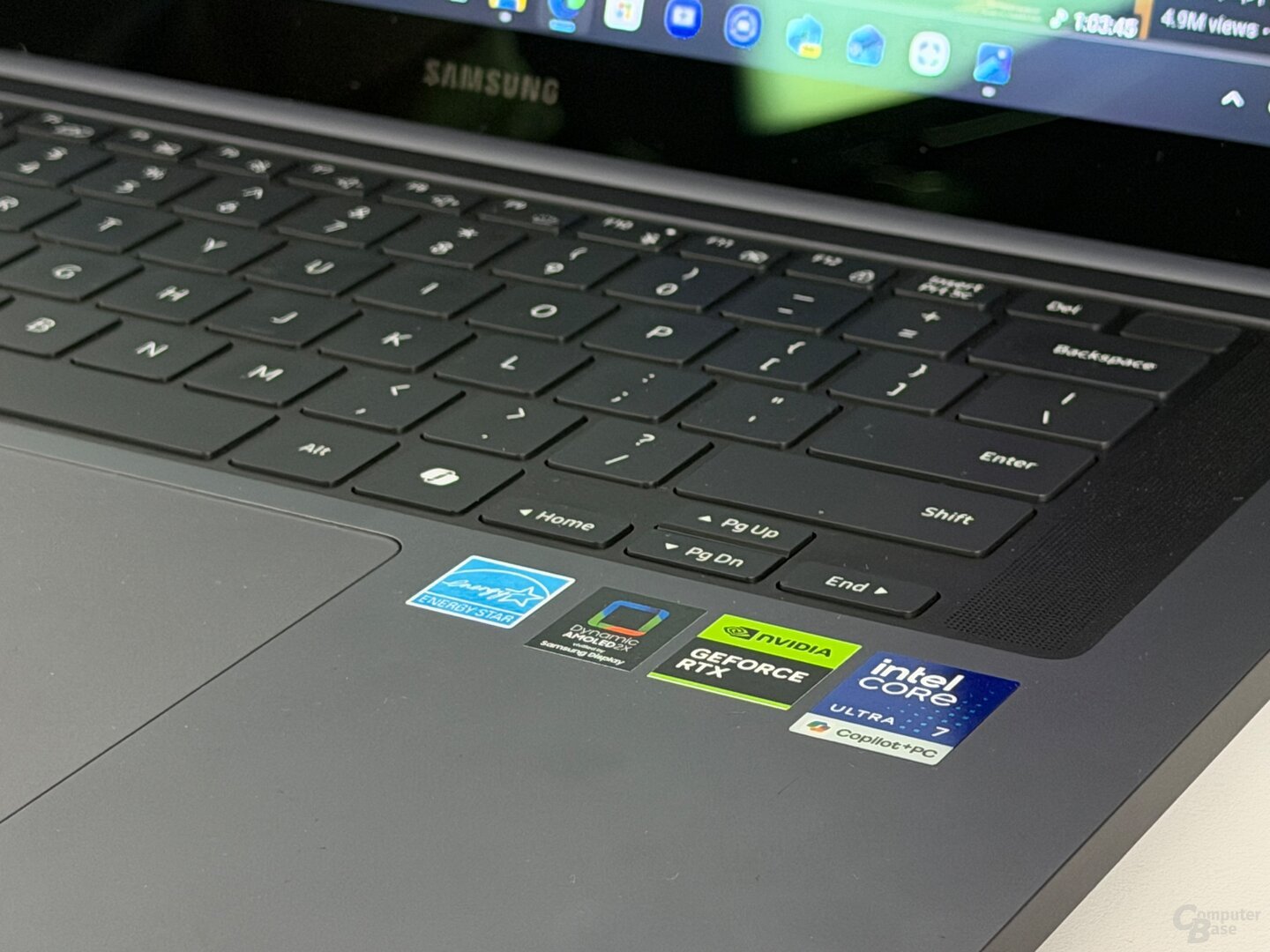
The two-tone keyboard includes a Copilot key and numeric keypad. A number pad is valuable for spreadsheets, accounts and repeated numerical entry. It also shifts the typing area away from the center, so comfort depends on personal habit.
A conventional clickpad handles pointer input. The touchscreen does not make the trackpad less important because most precise work still happens with the keyboard and pointer. Published exact-model measurements for key travel, actuation force and click force are not available in the Specs Universe record.
The power button includes a fingerprint reader. That provides quick Windows sign-in without depending on the webcam. For long writing sessions, test the keyboard and wrist position during the return window. Specifications cannot settle comfort.
Performance is built for productivity
Samsung Galaxy Book6 Touch performance centers on the Intel Core Ultra 7 355. The exact core and thread layout follows the selected Series 3 processor. Intel Graphics handles display output, video acceleration and lighter creative work.
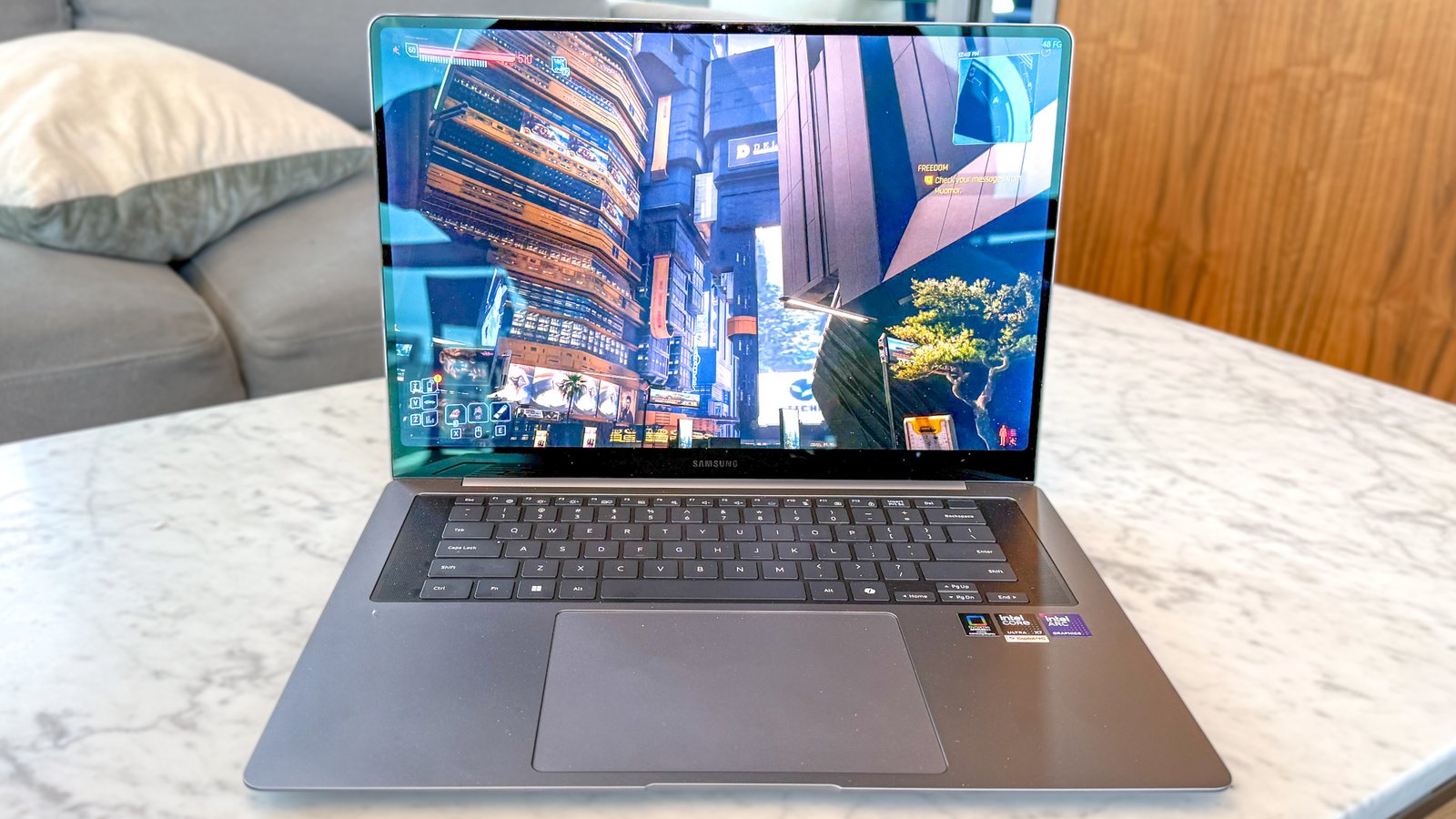
The combination should be responsive for office applications, web research, streaming, meetings and code editing. Sixteen gigabytes of LPDDR5X memory helps several applications remain open, while the PCIe 4.0 SSD should keep startup and file access quick.
Exact-device benchmark evidence remains limited. Specs Universe lists no verified Geekbench, Cinebench, 3DMark or gaming result for this configuration. Therefore, figures from the Pro, Ultra or Enterprise edition do not belong here.
Integrated graphics can run casual, older and less demanding games with sensible settings. They are not a substitute for a dedicated GPU. Serious 3D work, advanced video effects and modern games at high quality require another laptop.
Samsung has not published a measured fan-noise result or sustained thermal-throttling percentage for this exact configuration. Expect the fan to become audible during updates, exports and long processor loads. Keep the vents clear and install firmware updates through Samsung Update.
Ports make it useful in real offices
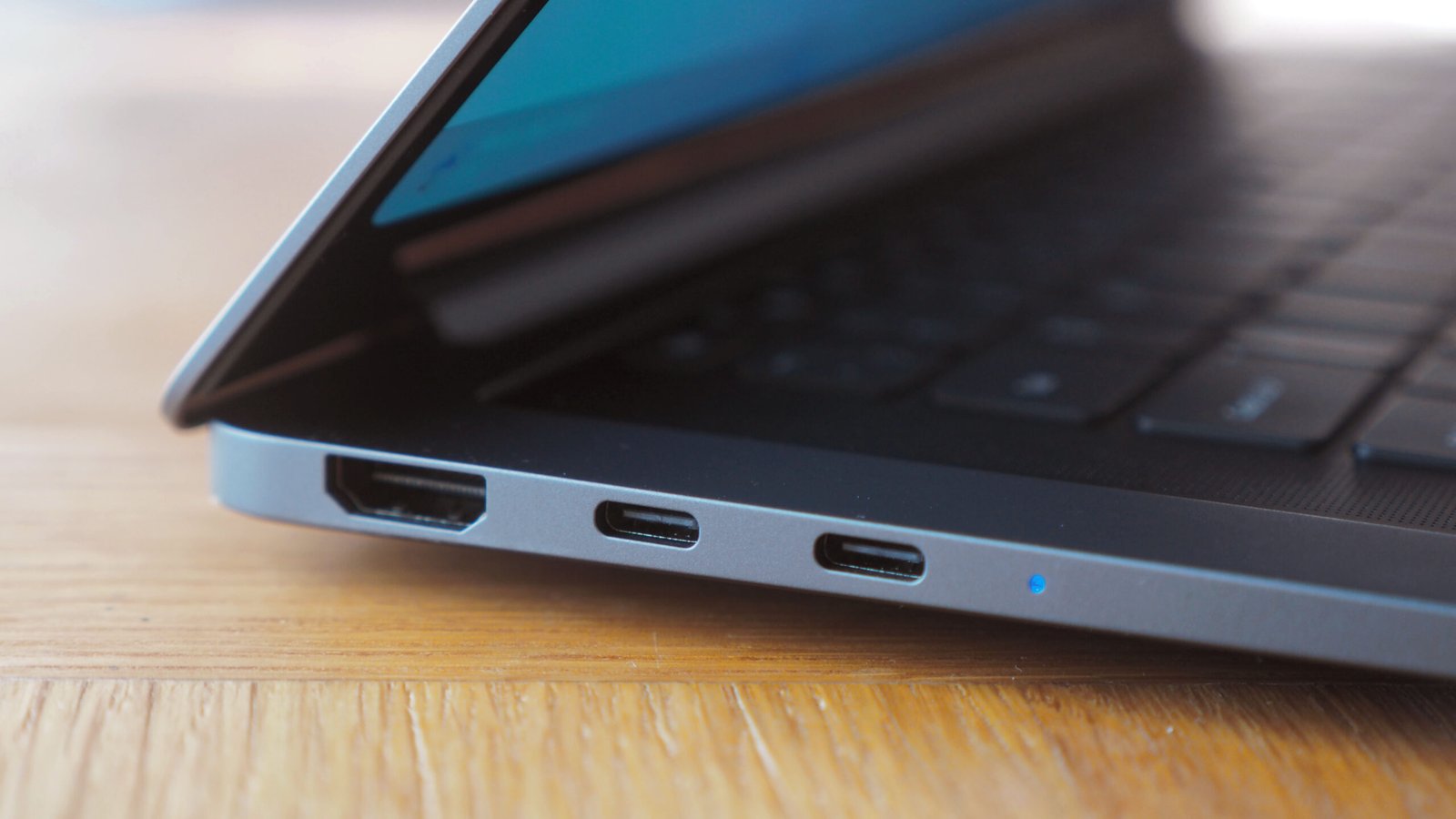
The port selection is one of the laptop’s strongest practical features. It includes two USB-C 3.2 Gen 2 ports, two USB-A 3.2 Gen 1 ports, HDMI, RJ45 Ethernet, microSD, a 3.5mm audio connection and a security slot.
Ethernet supports stable wired networking in offices, classrooms and hotels. HDMI connects common monitors and projectors. Two USB-A ports keep existing accessories useful, while microSD makes small-camera and media transfers easier.
The USB-C ports do not carry a Thunderbolt 4 label in the canonical record. That limits the appeal for advanced docks, the fastest external storage and complex display arrangements. At a high price, this difference from the Pro deserves attention.
Wi-Fi 6E and Bluetooth 5.4 cover wireless connections. Wi-Fi 6E needs a compatible router to use the 6GHz band, but it also works with older networks. Bluetooth supports headphones, mice and other accessories.
Webcam, audio and Galaxy software
The 2MP webcam records at 1080p Full HD. It should be suitable for ordinary meetings and classes, although lighting and software processing strongly affect the final image. The canonical record does not contain an independent webcam score.
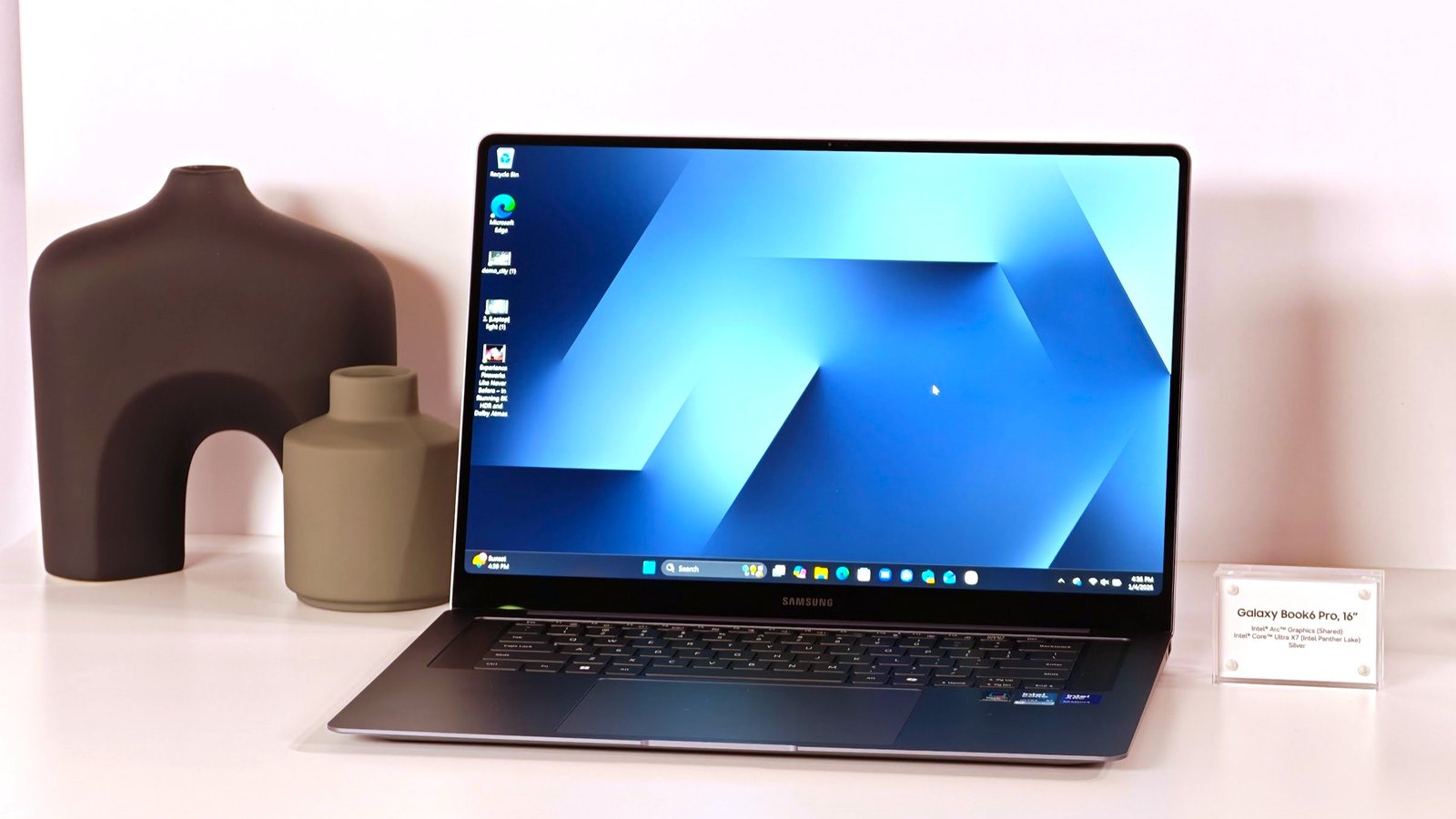
Stereo speakers support Dolby Atmos, while dual-array microphones capture voice. The setup is practical rather than luxurious. Headphones remain useful for private calls, and an external microphone makes sense for regular teaching or streaming.
The laptop runs Windows 11 Home. Samsung adds Galaxy ecosystem apps and lists Copilot+ PC features on supported configurations. Feature availability can depend on processor support, accounts, Windows version and region. AI branding should not lead the buying decision.
Galaxy integration has clearer value if a Samsung phone or tablet is already part of daily work. File sharing and connected-device tools can reduce small delays. Otherwise, the machine behaves like a normal Windows laptop, and some pre-installed apps may go unused.
Early owner discussions across the Book6 family often praise Samsung’s screens and connected features. Concerns include configuration confusion, soldered memory and questions about long-term hinges. Those themes deserve attention, but isolated comments do not prove a general defect.
Battery life and charging
The 61.2Wh battery supports 45W USB-C charging. Samsung claims up to 24 hours of local video playback. That is a manufacturer figure from controlled conditions, not a promise for mixed work.
Daily endurance depends on screen brightness, refresh rate, video calls and processor load. The touchscreen and 120Hz mode can also affect power use. Static documents at modest brightness will demand less energy than video editing or constant conferencing.
Independent reporting on the standard Book6 family points to strong all-day potential. However, that coverage does not replace an exact battery test of this Touch configuration. The fair expectation is a full workday under lighter use, not the full manufacturer maximum.
The 45W adapter is small enough for travel. Samsung also promotes fast charging across this family, although the exact Specs Universe record does not include a verified zero-to-full time. A short top-up can still be useful between meetings.
A basic phone charger may not maintain the battery during active work. Use a compatible USB-C Power Delivery adapter and suitable cable. After setup, update Windows and Samsung software, then check overnight standby drain during the return period.
US price and buying value
Samsung’s US Book6 page presents touch input as an available 16-inch option. Prices and promotions can change quickly, and listings may combine standard and Touch configurations. Confirm the exact model code, Intel Core Ultra 7 355, 16GB memory and 512GB storage before checkout.
The price gap from the standard Book6 should reflect how often touch will be used. Paying a reasonable premium makes sense for presentations, direct navigation and shared desk work. Paying a large premium for occasional scrolling does not.
The Book6 Pro becomes attractive when prices overlap. Its AMOLED display offers much stronger contrast and color, while faster connectivity suits demanding docks. The Touch model counters with Ethernet, more USB-A ports and a numeric keypad.
International versions may change the keyboard, software, warranty and exact retail bundle. An imported deal can lose its appeal if Samsung US will not provide normal service. Check warranty coverage and the return policy before purchase.
Three realistic alternatives
A Lenovo Yoga 7i is the clearest alternative when touch must extend into tablet use. Its 360-degree hinge supports folded modes that the Galaxy Book6 Touch does not claim. Choose Samsung for the familiar clamshell design and broad port selection.
The HP Envy x360 16 is another large touch option. Configurations vary, but it often combines a convertible hinge with stylus-friendly use. Compare processor, memory and display details carefully because the family name covers many versions.
Samsung’s own Book6 Pro is the better choice for display quality, lower weight and premium connectivity. The standard Book6 is better value when touch does not matter. These internal alternatives make the Touch version a focused purchase rather than the automatic middle choice.
Who should buy it?
The Galaxy Book6 Touch suits students, office staff and home workers who want direct screen input on a large Windows laptop. It is especially useful for presentations, maps, casual creative interaction and shared viewing.
Skip it if a convertible hinge, pen-first workflow, dedicated graphics or Thunderbolt is required. Also consider the lighter Pro if the laptop travels every day. The 1.85kg weight is reasonable, but it is not effortless.
Owners of a recent Book5 should upgrade only when touch, longer support or the newer processor solves a clear need. A familiar new model is not automatically a necessary purchase.
Samsung Galaxy Book6 Touch review verdict
The Galaxy Book6 Touch 16-inch 16GB is a sensible productivity laptop with one useful upgrade over the standard version. Its 120Hz touchscreen makes navigation smoother, while the Core Ultra 7 processor, 16GB memory and broad port selection cover normal work well.
The IPS display is functional rather than beautiful, and integrated graphics limit demanding creative work. It is also heavier than the standard Book6 record. Most importantly, touch does not turn it into a convertible.
We recommend it when direct screen control will be part of everyday work and the price remains clearly below the Book6 Pro. Otherwise, save money with the standard model or pay more for the Pro’s better display. The Touch version is good at its specific job, but only the right routine makes that job worth paying for.