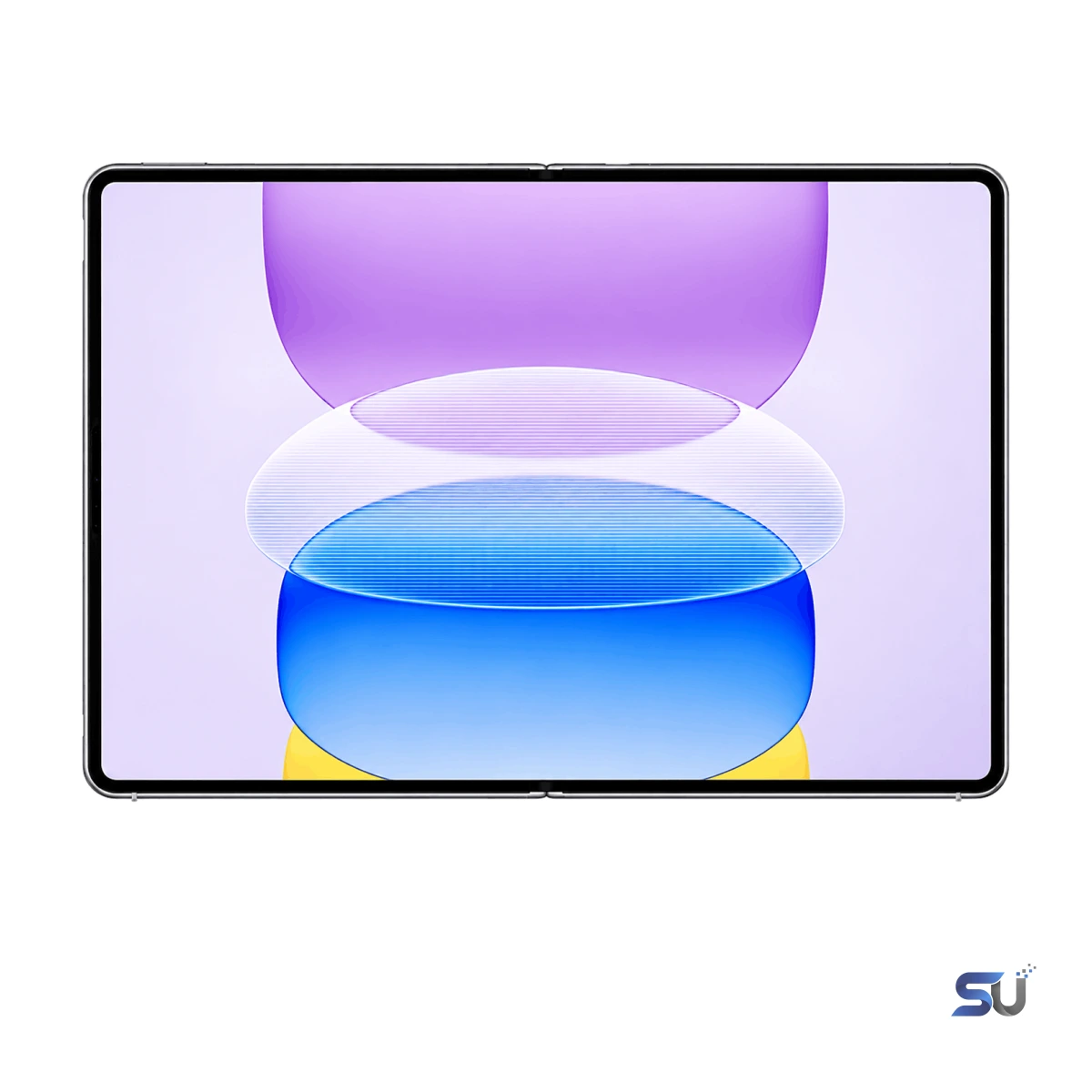
Overview
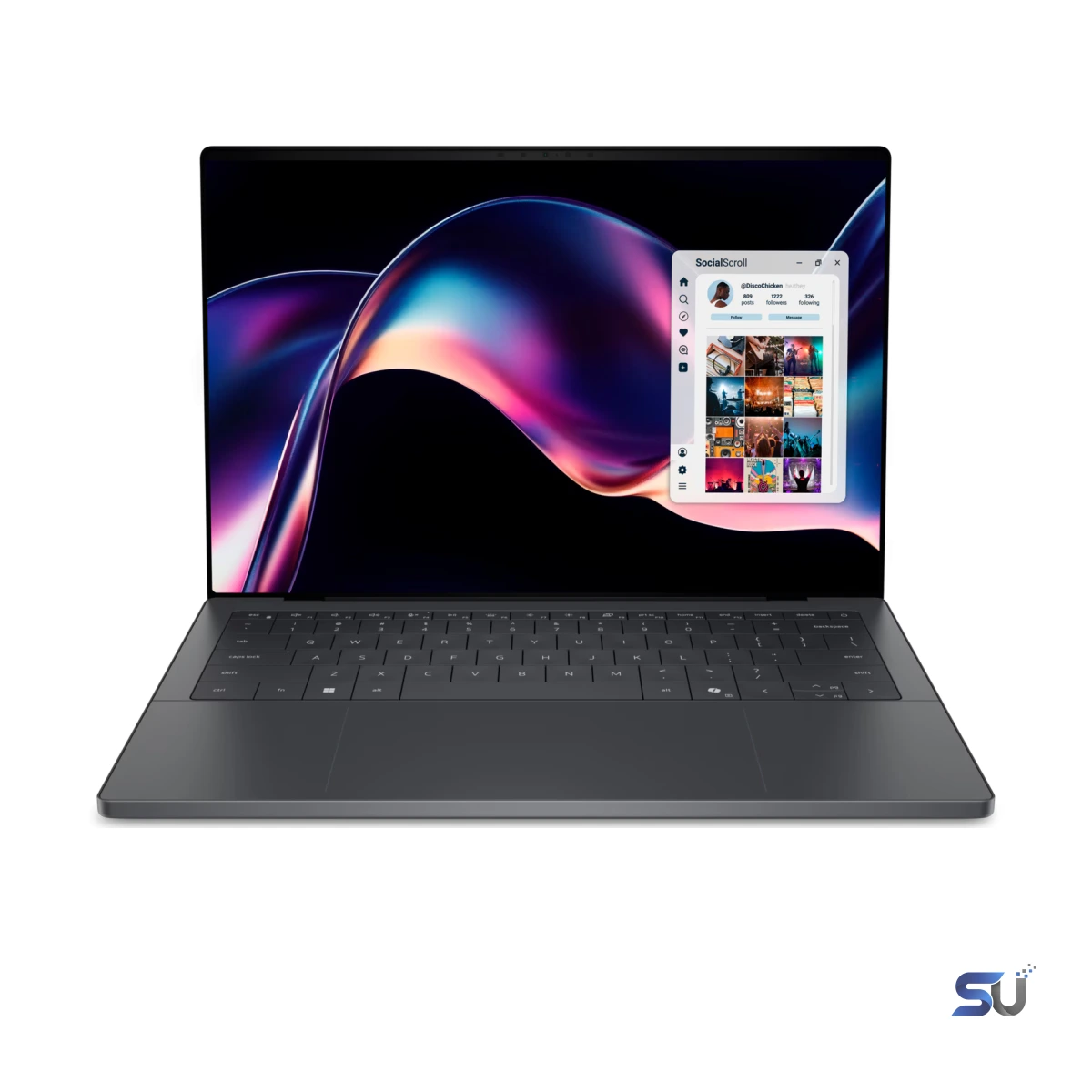
Dell shuffled its laptop names during 2025. Furthermore, the XPS badge returned at the start of 2026 for the Dell XPS 14 14-inch 16GB. The return gives this machine a familiar name and a clear place in Dell's premium lineup.
This is a Copilot+ PC running Windows 11 Home. Its hardware centers on an Intel Core Ultra 5 325 processor and 16GB of LPDDR5X memory. Moreover, storage options reach up to 4TB. Dell targets the Dell XPS 14 14-inch 16GB at office workers and students. For example, buyers who want a polished 14-inch laptop without gaming hardware will find it fits well.
Dell released this model in January 2026. Thus, its timing matters for shoppers comparing current lineups. A January launch keeps the design fresh against rivals released in late 2025. Similarly, buyers get modern wireless standards, a current Intel platform, and Windows 11 Home from the start.
Copilot+ PC features add AI assistance inside Windows 11 Home. For instance, they help with everyday tasks like writing, searching, and organizing files. The features stay optional rather than intrusive. Indeed, users can ignore them or use them when they save time.
Dell positions this XPS against other premium 14-inch laptops. However, the comparison turns on screen quality, keyboard feel, and weight rather than raw power. This model wins on balance rather than extremes. Nevertheless, it suits buyers who value a calm, reliable daily machine.
Design and Build
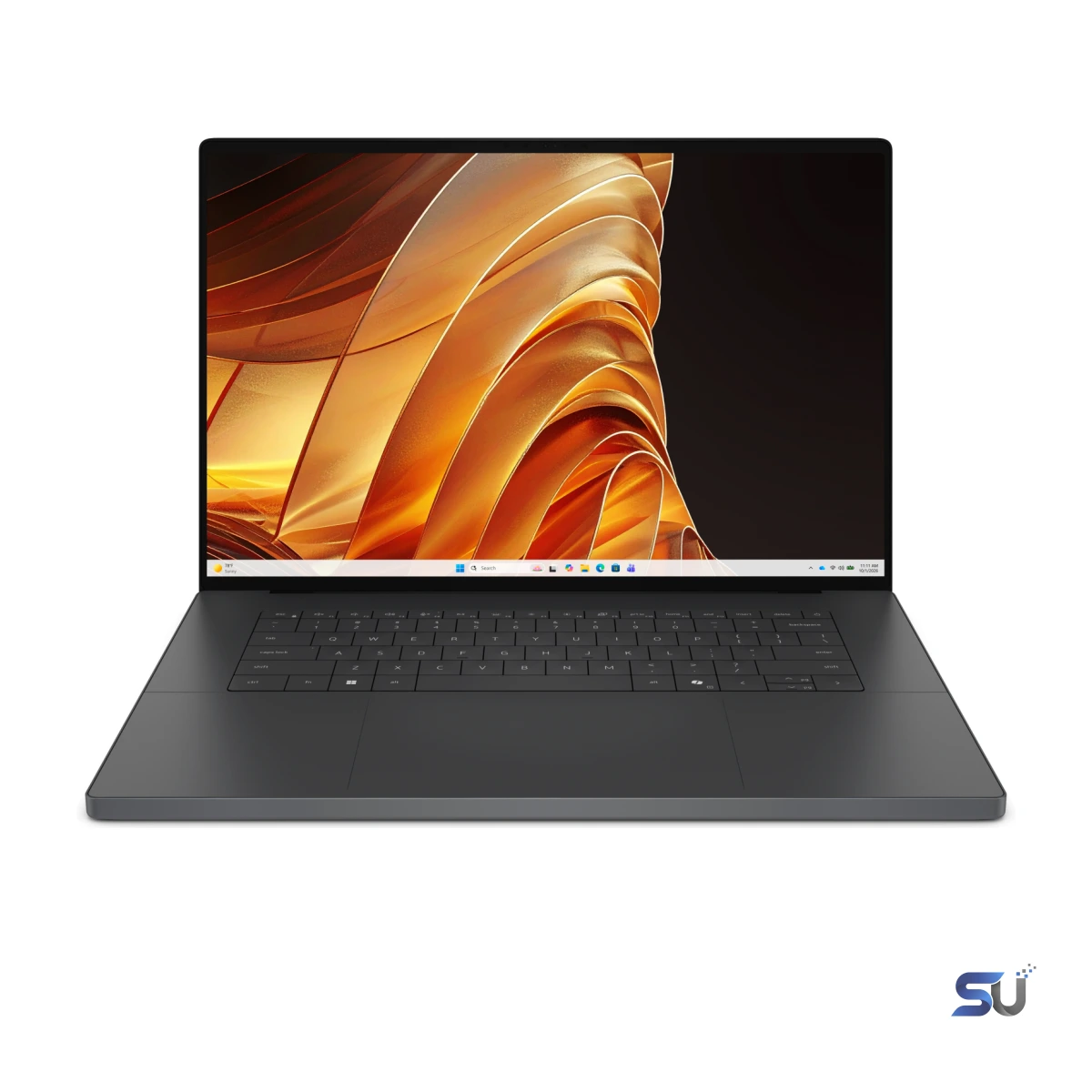
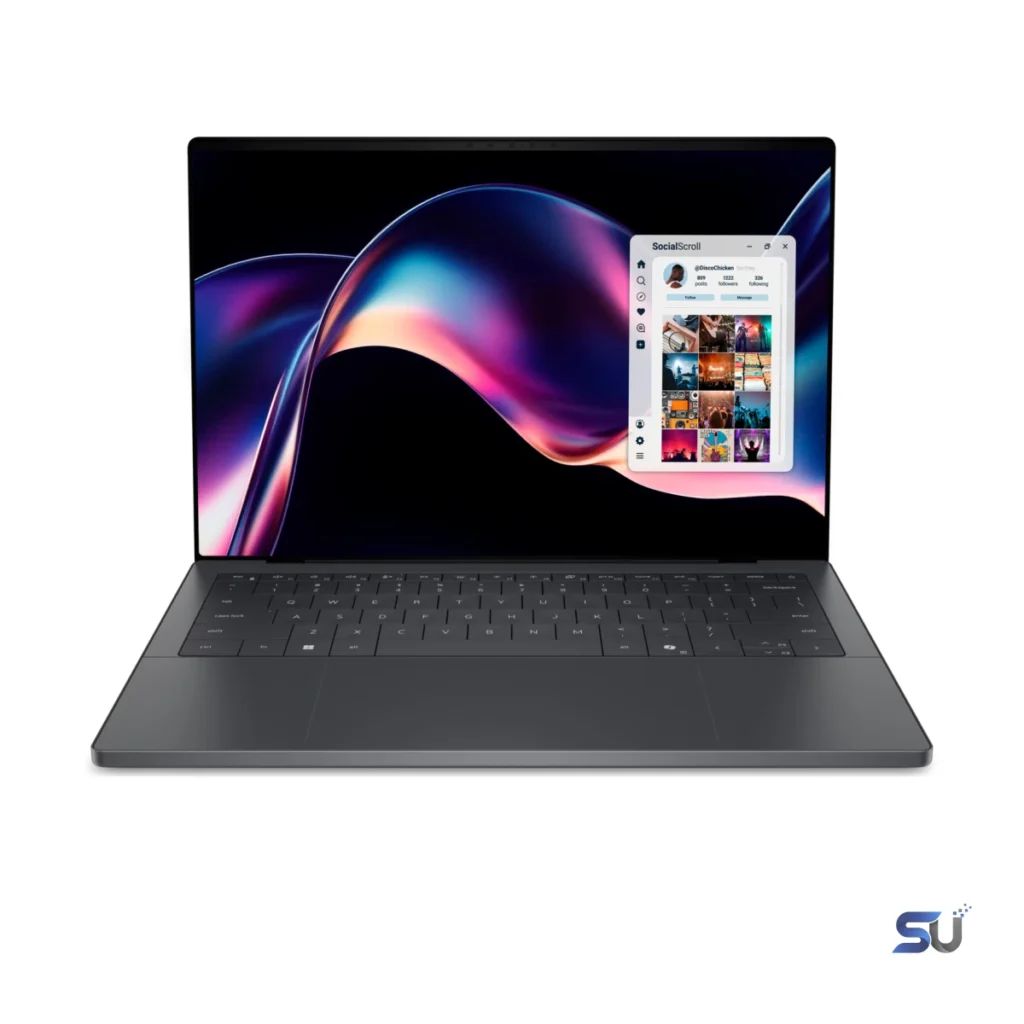
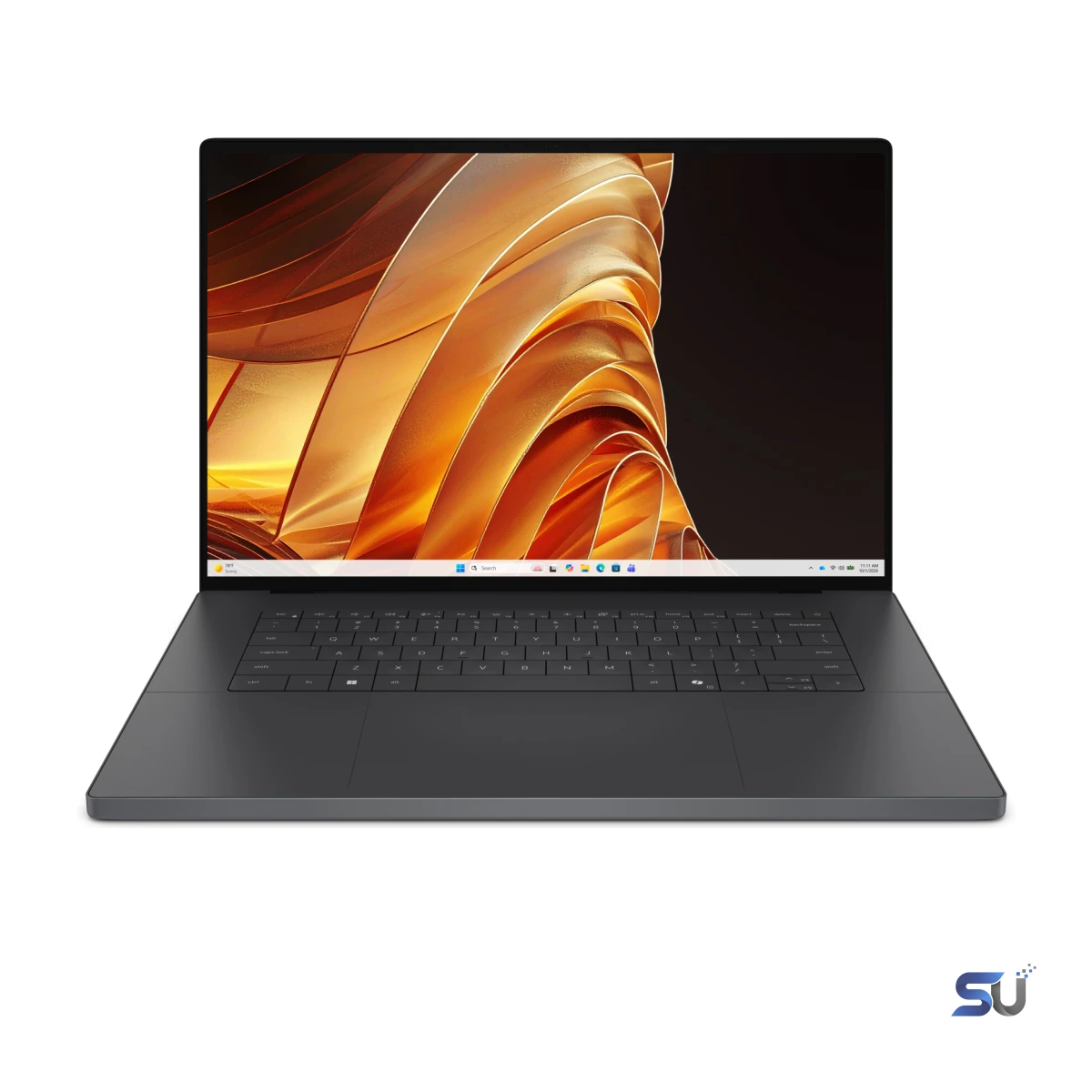
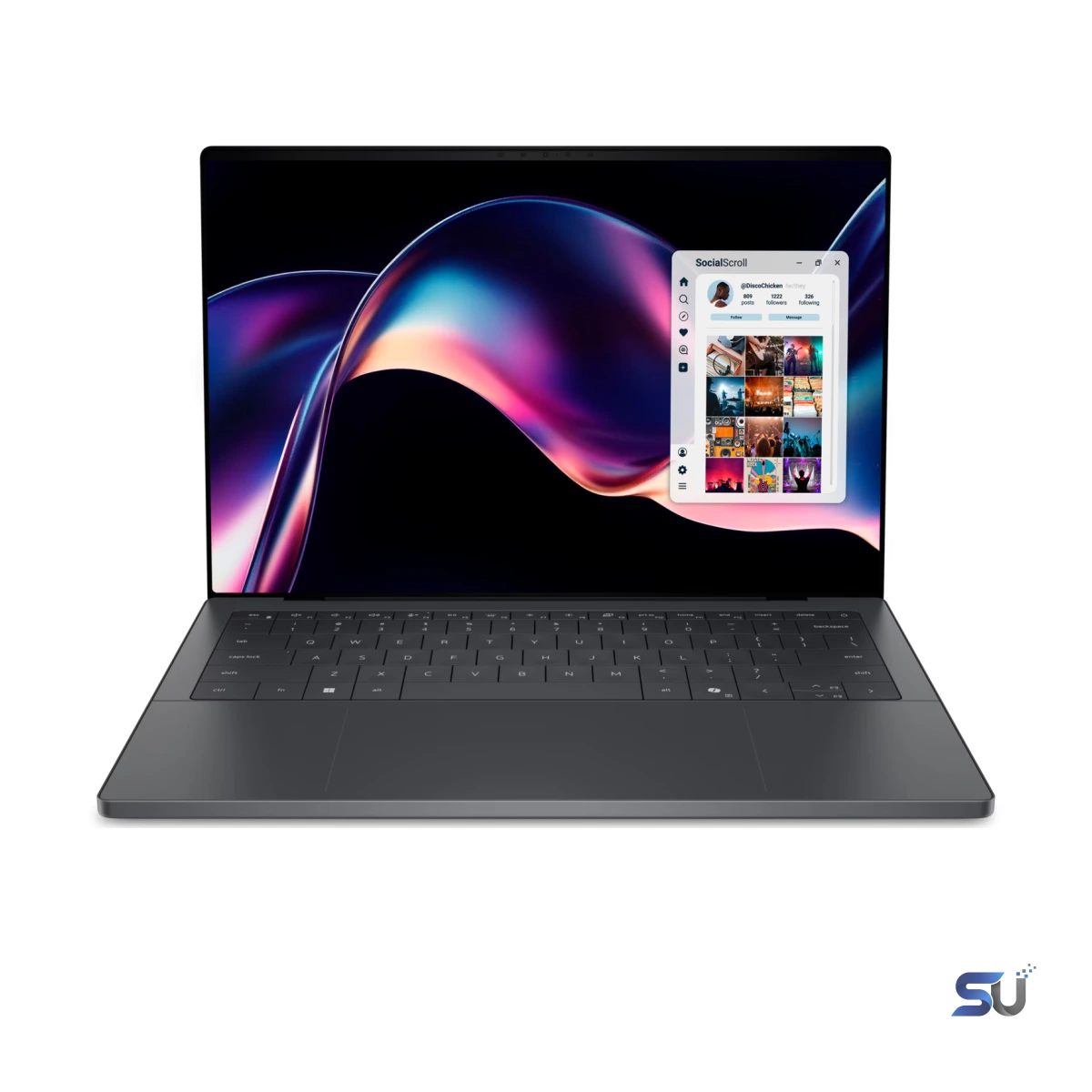
Graphite and Shimmer are the two finishes for the Dell XPS 14 14-inch 16GB. Furthermore, both look restrained in offices and classrooms. Dell pairs them with a machined aluminum chassis. As a result, the build feels premium without shouting for attention.
A seamless glass touchpad spans the lower deck. Moreover, it responds evenly across its surface. The backlit keyboard uses large keys with a clean layout. Thus, typing stays comfortable during long sessions.
At 1.38 kg, the machine competes with lighter ultraportables. However, it still feels solid rather than fragile. The 17.5 mm thickness keeps the profile slim in a bag. Indeed, Dell balances portability with a reassuring weight.
Color choice changes only the exterior finish. For instance, Graphite suits conservative offices. Similarly, Shimmer suits buyers who want a lighter look. Both finishes share the same internal hardware and screen.
The lid carries minimal branding. Moreover, Dell keeps the exterior clean and professional. That restraint helps in meetings and presentations. As a result, the design ages well because it avoids trendy details.
Display
The 14-inch screen uses an IPS LCD panel. Furthermore, resolution reaches 1920 x 1200. Brightness peaks at 500 nits. Thus, a 120Hz refresh rate keeps scrolling smooth.
HDR support is absent on this 2K configuration. However, buyers who need touch should note one detail. Touch is available only on the 2.8K OLED variant. Nevertheless, this model keeps a matte finish instead.
Screen protection here means a matte finish. For example, it softens glare without dulling text. Video calls benefit from reduced reflections. Similarly, the panel suits bright rooms and window seats.
The 14.0-inch size balances portability and workspace. Moreover, smaller screens cramp spreadsheets. Larger screens add weight and bulk. As a result, this size fits desks, laps, and bags equally well.
Video playback looks crisp at 1920 x 1200. Furthermore, text stays sharp during long reading sessions. The panel covers 100% of sRGB. Thus, colors look accurate for documents and photos.
Performance
Intel Core Ultra 5 325 powers this configuration. Moreover, the processor combines eight cores with eight threads. Its boost clock reaches 4.8 GHz. However, the design favors efficiency over peak gaming power.
NanoReview tested the Dell XPS 14 14-inch 16GB with this processor and 16GB. Furthermore, Geekbench 6 returned 3,012 single-core and 9,995 multi-core scores. Those numbers suit office apps, browsing, and light creative work. Nevertheless, heavy rendering still favors larger workstations.
Memory runs at up to 7467 MT/s. For instance, that speed keeps many tabs responsive. The 16GB capacity fits mainstream work well. However, buyers should note the memory is not user-upgradable.
Thermal behavior stays controlled under normal loads. Moreover, NanoReview recorded 45.7 dB at maximum load. That level is audible but not distracting. As a result, everyday tasks run quieter than stress tests suggest.
Everyday responsiveness defines this configuration. For example, apps launch without waiting. Browser tabs switch quickly. Similarly, the machine feels fast for the work it targets.
Storage Options
Dell offers four storage sizes for the 16GB configuration. Furthermore, choices span 512GB, 1TB, 2TB, and 4TB. Smaller drives use M.2 2230 Gen4 x4 NVMe modules. Similarly, larger drives use M.2 2280 Gen4 x4 NVMe modules.
Students and office workers rarely need more than 512GB. However, photographers and video editors benefit from larger drives.
Cloud storage complements local drives well. For instance, many buyers pair a smaller SSD with cloud folders. As a result, that approach keeps costs down while preserving space.
Battery and Charging
A 70Wh battery powers the Dell XPS 14 14-inch 16GB. Furthermore, Dell bundles a 100W USB Type-C AC adapter. Charging takes 1:30 hr for a full charge. Thus, that pace suits overnight charging and quick top-ups.
Dell does not publish a single battery-life hour figure here. However, real endurance depends on brightness, apps, and wireless use. The 70Wh capacity supports a full workday for light tasks. Nevertheless, heavy workloads shorten that window noticeably.
USB-C charging simplifies travel packing. For example, one cable standard covers many devices. Docks in offices and hotels use the same connector. Similarly, buyers can leave proprietary chargers behind.
Connectivity and Everyday Extras
Three Thunderbolt 4 ports handle most connections. Moreover, each uses USB Type-C with DisplayPort 2.1. Power Delivery runs through the same ports. However, Dell omits USB-A and HDMI ports entirely.
Wireless connectivity uses Intel Wi-Fi 7 BE211 2x2. Furthermore, Bluetooth 6.0 pairs mice, earbuds, and phones. Those standards keep the machine current for years. As a result, offices with Wi-Fi 7 benefit most.
Windows 11 Home ships as the standard system. Moreover, Copilot+ PC features come included. Updates follow Microsoft's regular schedule. Thus, the system stays familiar for most buyers.
Fingerprint sign-in supports fast Windows access. For instance, it avoids typed passwords each morning. That convenience suits shared offices and classrooms. Similarly, security stays simple rather than complex.
The audio jack still matters for many buyers. However, wired earbuds avoid charging and pairing. That reliability helps during calls and travel. Furthermore, Dell keeps the universal 3.5 mm jack alongside USB-C.
Why the Dell XPS 14 14-inch 16GB Fits Daily Work
Office workers gain a bright screen and a calm keyboard. Moreover, students gain a portable machine for lectures and essays. Everyday users gain a machine that stays quiet and cool. As a result, the balance suits mixed daily routines.
Demanding 3D gaming sits outside this machine's brief. Furthermore, heavy 4K rendering also exceeds its comfort zone. Buyers with those needs should consider gaming laptops. Nevertheless, this XPS stays focused on mainstream work.
Commuters benefit from the 1.38 kg weight. For example, the laptop rides comfortably in a shoulder bag. Its slim profile fits narrow sleeves. Thus, daily travel stays easy rather than burdensome.
Summary
The Dell XPS 14 14-inch 16GB succeeds by staying focused. Moreover, it pairs a bright 120Hz display with efficient Intel power. The slim aluminum design travels well. Furthermore, battery charging stays fast and simple.
- Bright 500-nit 120Hz 2K display with a matte finish
- Efficient Intel Core Ultra 5 325 processor with 16GB of memory
- Slim 1.38 kg aluminum design with Gorilla Glass 3 palmrest
- Fast 100W USB-C charging with a 1:30 hr full charge
- Modern connectivity with Thunderbolt 4, Wi-Fi 7, and Bluetooth 6.0
Buyers wanting a larger screen should look elsewhere. Similarly, gamers wanting heavy power should also look elsewhere. For everyone else, this XPS offers a refined daily laptop.
Frequently Asked Questions
Does the Dell XPS 14 14-inch 16GB have a touchscreen?
No, this 2K configuration is non-touch. However, touch is available only on the 2.8K OLED variant. That variant uses a different screen and price.
How much storage can buyers choose?
Dell offers 512GB, 1TB, 2TB, and 4TB for the 16GB configuration. Furthermore, smaller drives use M.2 2230 Gen4 x4 modules. Larger drives use M.2 2280 Gen4 x4 modules.
Can the memory be upgraded later?
No, the 16GB LPDDR5X memory is not user-upgradable. However, buyers should choose 16GB with confidence. The capacity suits mainstream work for years.
What ports does the laptop include?
It includes three Thunderbolt 4 USB Type-C ports. Moreover, those ports support DisplayPort 2.1 and Power Delivery. A universal audio jack completes the set.
How fast does the battery recharge?
NanoReview measured a full charge in 1:30 hr. Furthermore, the bundled adapter delivers 100W over USB-C. Fast charging helps between meetings and classes.
Is the Dell XPS 14 14-inch 16GB good for students?
Yes, its weight and bright display suit campus life. Moreover, the 16GB memory handles research and writing tasks. Battery charging stays convenient during busy days.
Does the laptop include USB-A or HDMI ports?
No, neither port is included. However, three Thunderbolt 4 ports handle connections. A universal audio jack remains for wired headphones.