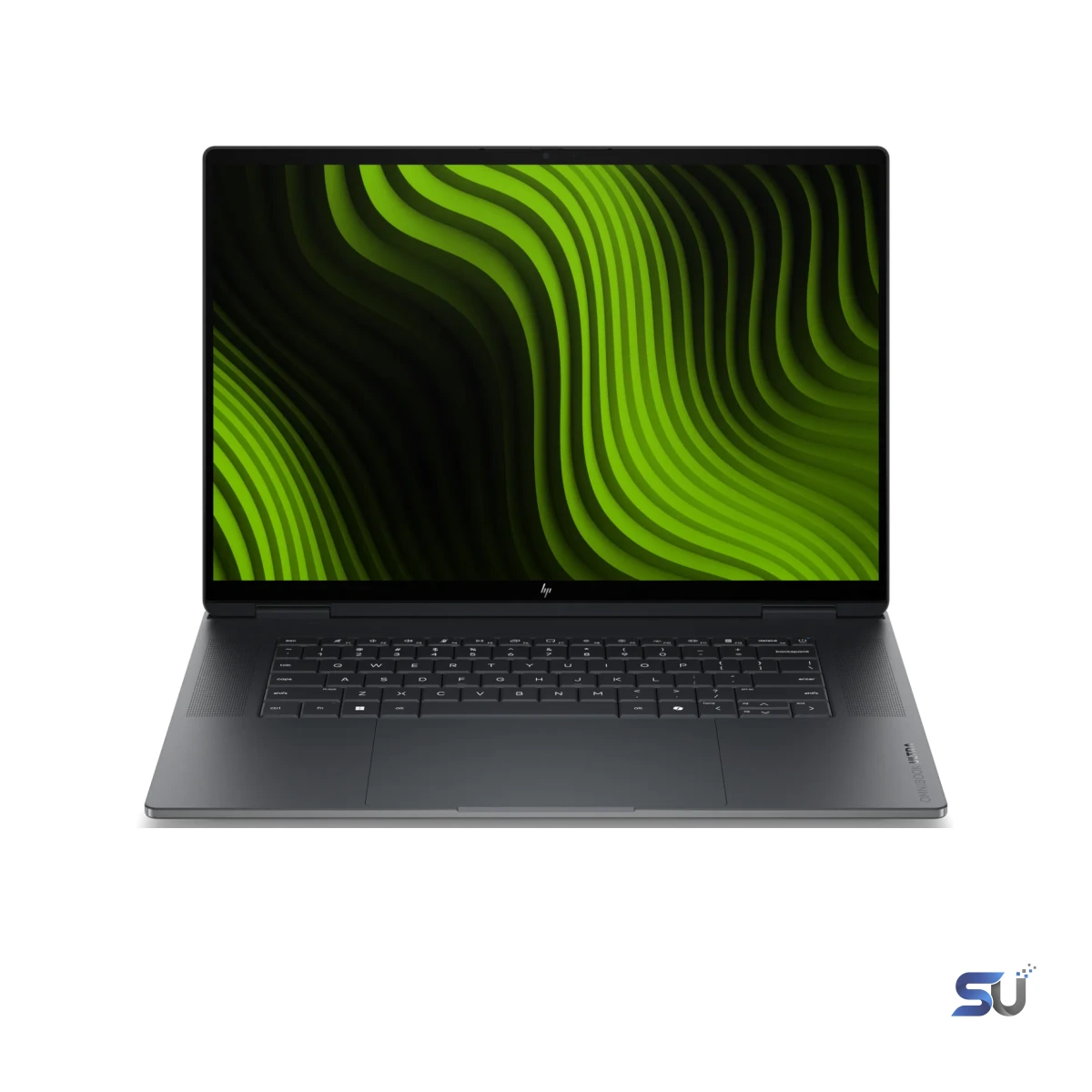

16-inch
128GB
2880 x 1800
1TB
NVIDIA Blackwell RTX 6144-core GPU
Still to discover
16-inch
OLED
2880 x 1800
120Hz
500 nits
VESA DisplayHDR True Black 1000
Yes
Corning Gorilla Glass 3
NVIDIA RTX Spark N1X with 6144-core GPU and 20-core CPU
20 cores
NVIDIA Blackwell RTX 6144-core GPU
128GB
1TB
PCIe Gen5 NVMe M.2 SSD
microSD media card reader
14.01 x 10.1 x 0.62 in
4.89 lb
Aluminum
Full-size, backlit, darker eclipse gray opaque keyboard
HP Imagepad
Eclipse gray
6-cell, 99 Wh Li-ion polymer
140 W USB Type-C GaN power adapter
Supports battery fast charge: approximately 50% in 30 minutes
Still to discover
2 USB Type-A 10Gbps; 1 HDMI-out 2.1; 1 headphone/microphone combo; 2 USB Type-C 40Gbps (USB Power Delivery 3.2, DisplayPort 2.1, HP Sleep and Charge)
6.0
MediaTek Wi-Fi 7 MT7925 (2x2)
5MP IR camera with HDR auto switch, temporal noise reduction and integrated dual array digital microphones
Quad speakers; HP Audio Boost; Poly Studio; DTS Virtual:X
Still to discover
Windows 11 Home
1-month Adobe free trial offer; McAfee Online Protection 30-day trial; PC Game Pass 3-month trial; Otter.ai; Copilot in Windows with Copilot key; 1 month trial for new Microsoft 365 customers
Still to discover
Still to discover
Still to discover
Still to discover
Still to discover
Still to discover
Still to discover
Still to discover
Still to discover
4.89 lb
Aluminum
Still to discover
Still to discover
Specifications shown here are for reference only and may change or vary by variant. Please confirm the final details with the manufacturer or retailer before making a purchase.
Some workdays are not about speed. They are about space. The project will not fit. Models will not load. Timelines stutter each time you scrub through them. You keep a browser full of tabs open because closing them costs more time than leaving them alone. Most laptops ask you to choose. Close something. Shrink something. Wait a little longer. The HP OmniBook Ultra 16 128GB answers that day differently.
Some workdays are not about speed. They are about space. The project will not fit. Models will not load. Timelines stutter each time you scrub through them. You keep a browser full of tabs open because closing them costs more time than leaving them alone. Most laptops ask you to choose. Close something. Shrink something. Wait a little longer. The HP OmniBook Ultra 16 128GB answers that day differently.
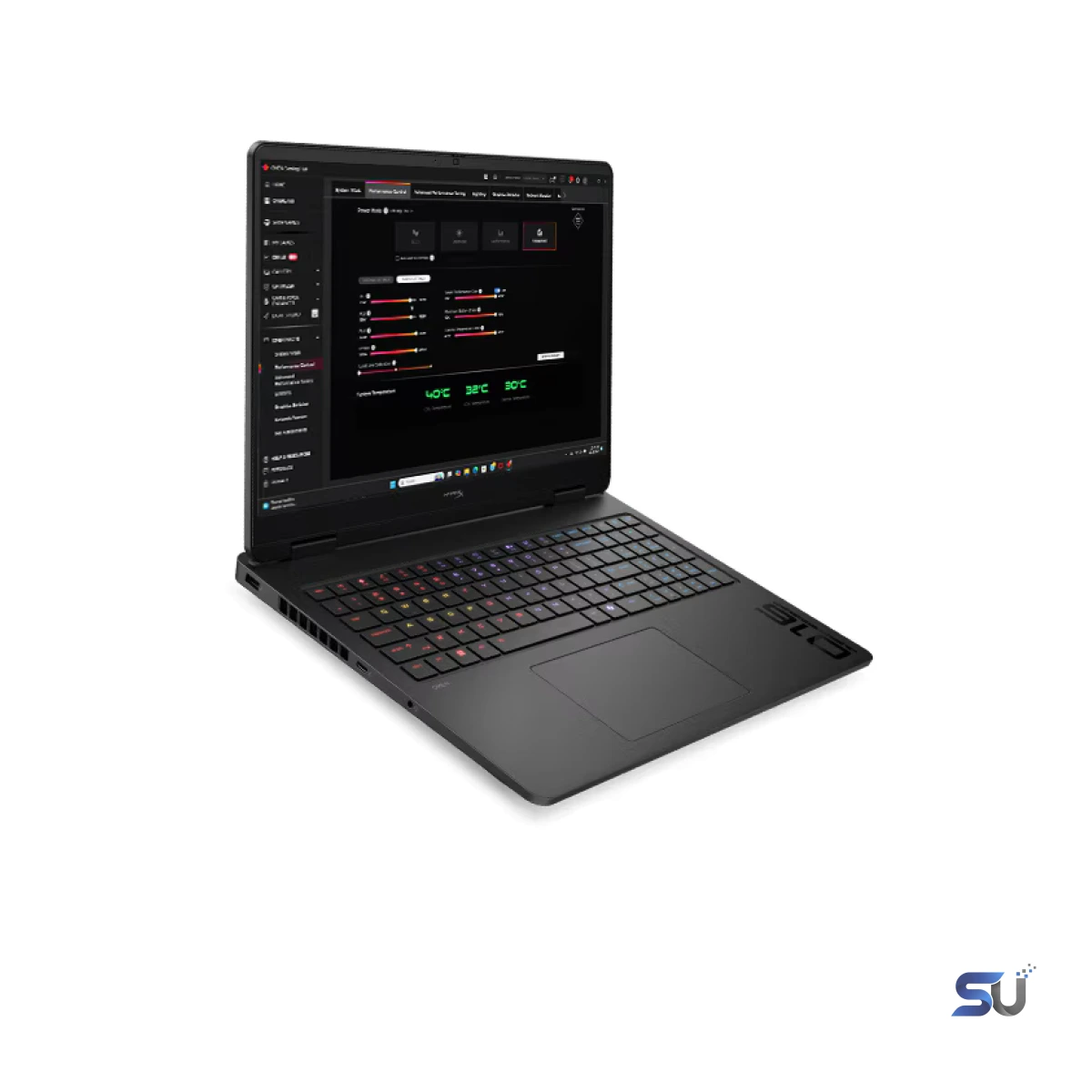
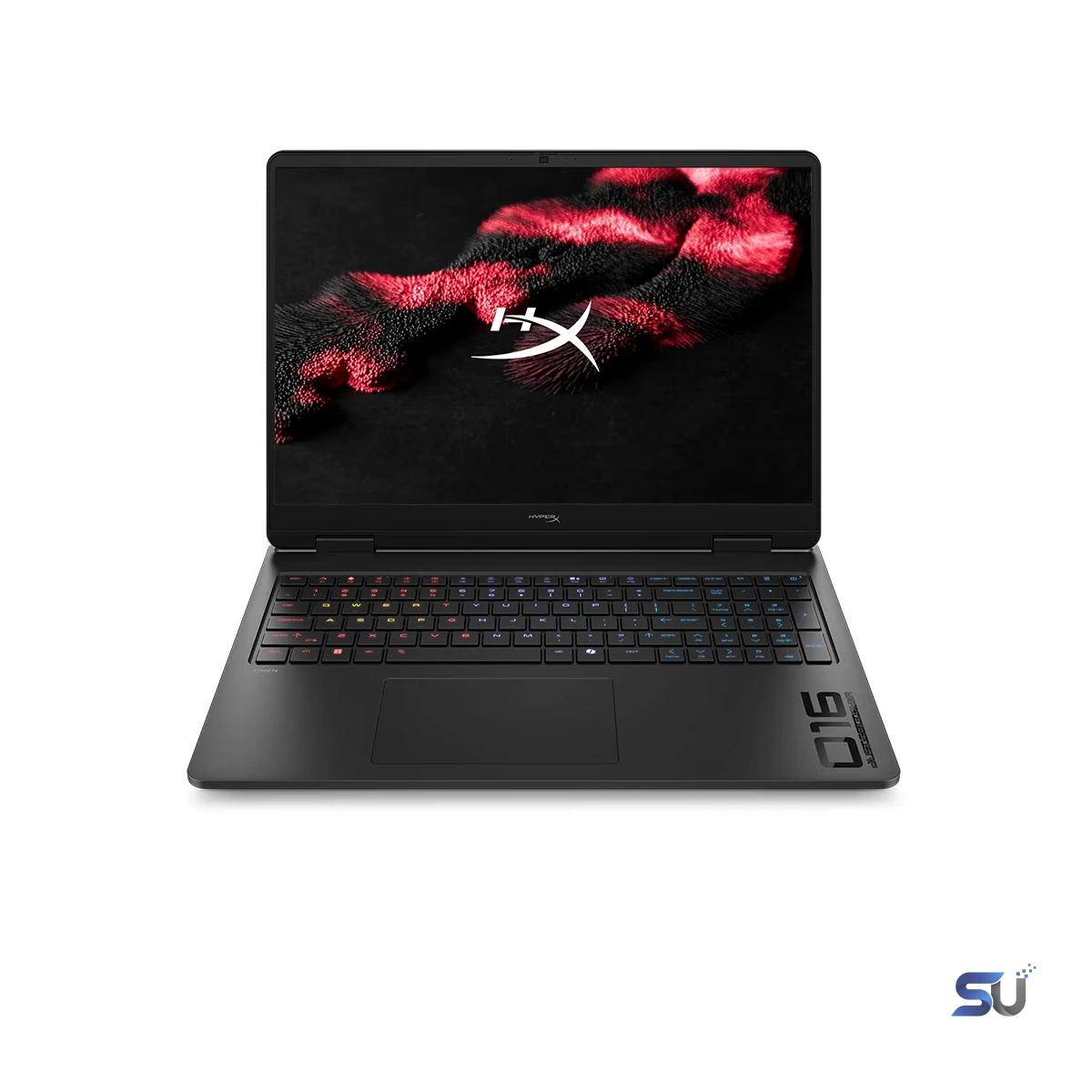
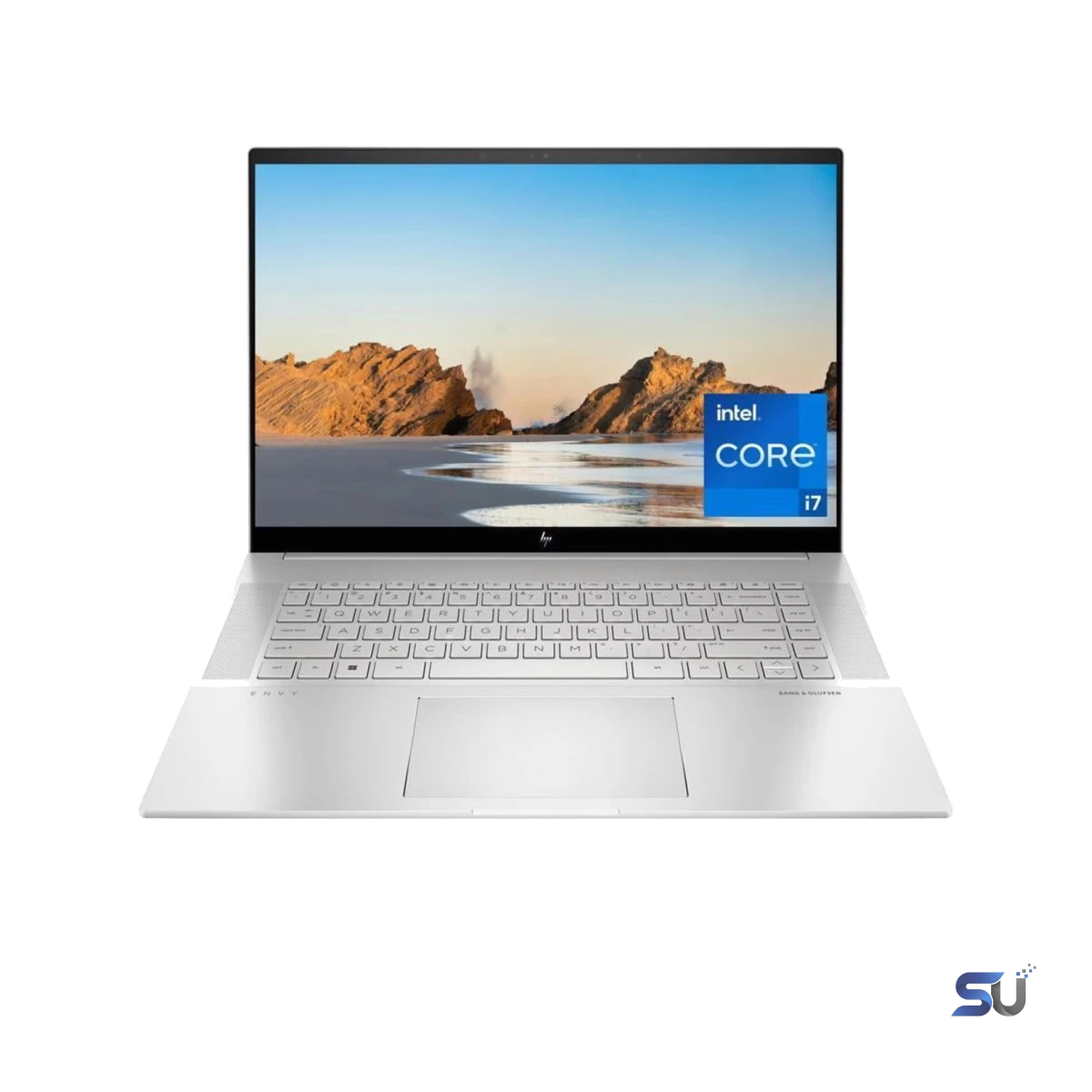
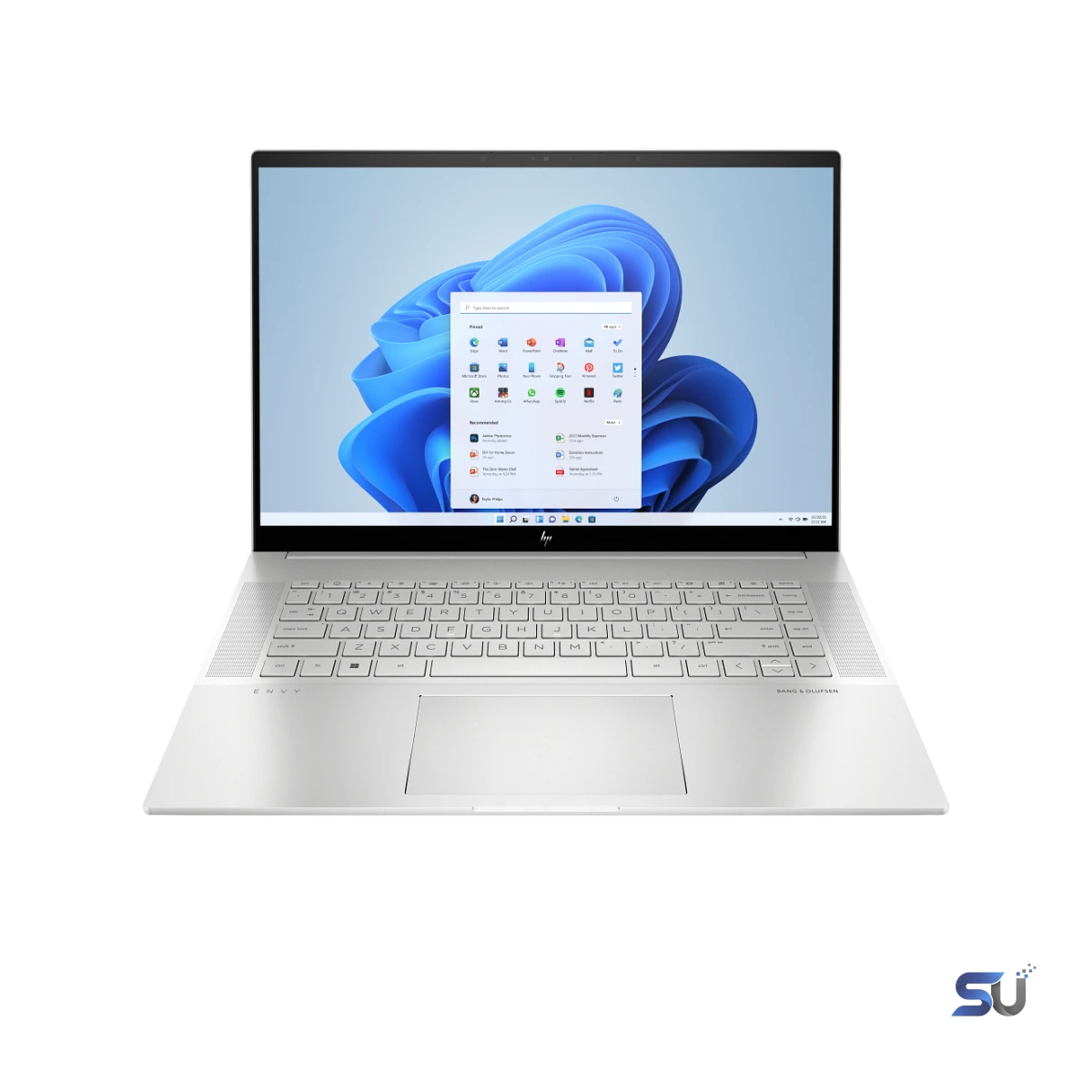
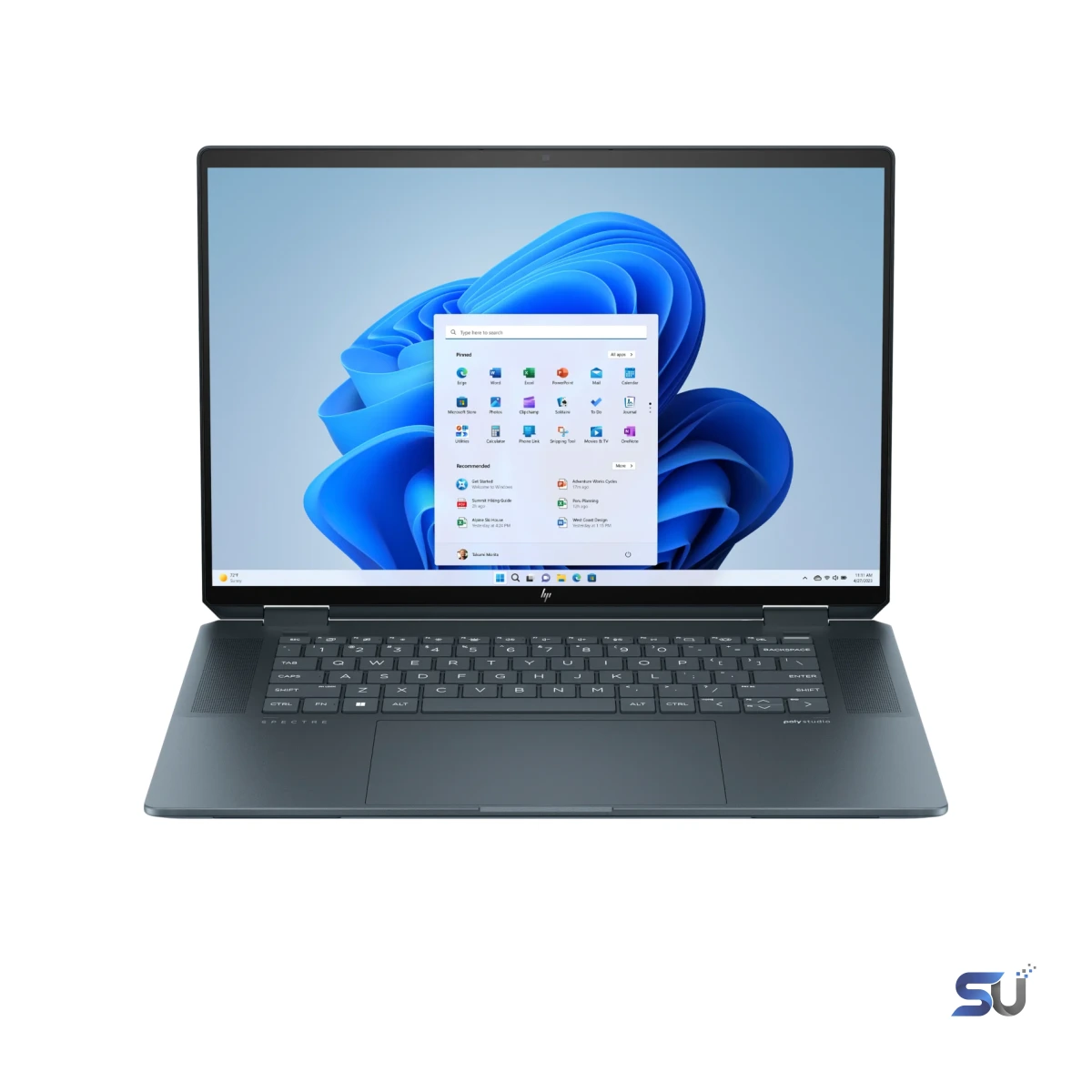
The HP OmniBook Ultra 16 128GB takes the opposite approach. It starts from a simple idea. Your work is large. It will stay large. So the machine should absorb it, not argue with it. This is a thin 16-inch laptop with 128GB of fast unified memory at its centre. It also has a sharp OLED screen, a large battery and fast charging. In short, it gives heavy work room to breathe.
That idea shapes the whole laptop. Memory sits at the centre of the design. The screen, the battery and the ports all support the same goal. Above all, they keep a big workload moving without constant pauses. This review looks at how that works in practice. It also looks at who should buy this model, and who should not.
Headroom is a plain word. It still matters more than most specs. A fast processor can feel slow. It waits for data. Files swap in and out constantly. You reload work you used a moment ago. However, generous memory cuts that waiting to a minimum. Large models stay loaded. Long timelines keep their media close. Many heavy apps can sit open together. As a result, the machine does not need to choose between them.
That changes the feel of a working day. You notice fewer pauses. Apps restart less often. Small compromises disappear. Those compromises add up. They can cost you an afternoon. The HP OmniBook Ultra 16 128GB carries 128GB of LPDDR5x memory at 9400 MT/s. The memory is onboard, so you choose it when you buy. Therefore, choose it with care. If your work is light, you will never use this much memory. If your work is heavy, you will use it every day.
Think about the project that is bigger than planned. It always arrives. Clients send larger files. Models grow. Timelines gain new scenes. A laptop with room absorbs that growth, while a laptop without room fights it. Headroom is insurance against that fight. You pay for it once. In return, you benefit from it for years.
The NVIDIA RTX Spark N1X sits at the centre of the HP OmniBook Ultra 16 128GB. It pairs a 6144-core Blackwell RTX GPU with a 20-core CPU. HP built it for local AI work. You can run models on the machine in front of you. There is no need to send each prompt away and wait. Testing an idea takes seconds, so you can change it and test again. Meanwhile, your data stays local while you work. For developers, that means fast iteration. For creators, it means AI tools that join the workflow.
The HP OmniBook Ultra 16 128GB shines when AI work is routine, not a demo. The model stays loaded. Your editor stays open. For instance, your browser, image tools and notes stay open too. You can switch between them without a rebuild each time. That sounds small. It feels large in daily use. In other words, it turns AI from an interruption into a normal part of the day.
Here is what that headroom lets you do at once.
Picture a heavy session. A local model runs. Datasets sit open. Video timelines render in the background. For instance, a dozen reference tabs wait in the browser. On a laptop with modest memory, something has to give. Usually it is the app you need next. Here, the working set has room. The 1TB PCIe Gen5 NVMe M.2 SSD loads large files fast. In addition, the memory keeps that data close. You do not fetch it again and again.
The microSD reader also helps. It brings photos and footage in from a camera card. No dongle needed. That matters when the card is full and the deadline is close. Small details like this add up. They keep a heavy session moving. As a result, they remove the little interruptions that break concentration.
The HP OmniBook Ultra 16 128GB is not a gaming machine. Say that plainly. HP aimed the graphics at AI and creative acceleration. It did not aim them at frame rates in demanding games. Local inference runs well here. Image and video acceleration runs well too. In particular, parallel creative work benefits from the wide GPU and the deep memory pool. Buy it for that work, and it will feel made for you. In contrast, buy it for gaming, and you will buy the wrong tool.
You stare at a laptop screen all day. So the screen matters. This 16-inch 3K OLED panel measures 2880 by 1800 pixels. Text stays crisp at normal reading distance. At the same time, two documents can sit side by side. Neither feels cramped. In fact, OLED delivers deep blacks and precise contrast. Photos and video look as their creators intended. In addition, the multitouch surface adds direct control. Tap, scroll and pinch on the screen itself.
The panel refreshes at up to 120Hz. It responds in 0.2ms. Scrolling stays smooth. Cursor movement stays clean. Corning Gorilla Glass 3 protects the surface from daily knocks. Meanwhile, brightness reaches 500 nits in normal use. It climbs to 1100 nits for HDR content. The panel also carries VESA DisplayHDR True Black 1000 certification. It covers 100% of DCI-P3. Colours stay accurate. Highlights stay bright. Shadows keep their detail.
Low blue light characteristics help during long sessions. In fact, your eyes work less hard in the evening. As a result, that matters when the day runs long. A good screen does not shout. It simply stays comfortable hour after hour. Overall, this one does that well.
Colour accuracy is not a luxury for photographers and editors. It decides whether a grade survives export. It decides whether a retouch looks right on another screen. This panel covers 100% of DCI-P3. Similarly, it gives editors a wide, accurate gamut. OLED contrast keeps shadow detail visible. It does not crush shadows into black. The 3K resolution shows fine detail without constant zooming. Consequently, that saves time across a long day.
For example, a grade that looks right here will look right elsewhere too. That trust matters. In fact, you can judge a scene with confidence. You can retouch a portrait without second-guessing the screen. The display earns that trust. It does so day after day, not just in a first impression.
The HP OmniBook Ultra 16 128GB pairs the touch panel with a large HP Imagepad. You can choose either input. Touch suits creative tools well. Scrub a timeline with a finger. Tap a tool. Pinch to zoom into a detail. Some people will use touch every day. Others will forget it until the one moment it saves a fiddly drag. Either way, it stays out of the way when you do not want it.
Practical details show up after the first week. In fact, the novelty fades. The laptop becomes a tool. At 120Hz, text stays legible while you scroll. It does not blur into grey. Meanwhile, the 0.2ms response keeps fast movement clean. At 500 nits, the screen stays readable near a window. At 1100 nits, HDR video gains real depth. As a result, these numbers describe a screen you can live with. In fact, they do not just impress in a showroom.
Big work needs a big battery. The HP OmniBook Ultra 16 128GB carries a 6-cell, 99 Wh lithium-ion polymer battery. That is about as large as a laptop battery gets in this class. HP does not publish a rated battery-life figure for this model. So this review quotes no hours number. Any review that offers one is guessing. What HP does state is the fast-charge behaviour. The battery reaches about 50% in about 30 minutes. In practice, that number matters. It can save a meeting. It can save a deadline.
The laptop also ships with a 140 W USB Type-C GaN power adapter. Gallium nitride packs more power into a smaller body. It also runs cooler than older designs. The adapter stays compact for its output. It charges over USB-C. One cable and one brick can serve the laptop and often your other devices too. Consequently, a large battery, fast charging and a compact charger keep the laptop useful all day. In fact, they do not just keep it useful until mid-afternoon.
Heavy work needs connections without a bag full of adapters. This laptop has two USB Type-A ports at 10Gbps. They suit older drives and peripherals. An HDMI-out 2.1 port handles an external display. A headphone and microphone combo jack handles audio. Two USB Type-C ports at 40Gbps complete the set. Those ports support USB Power Delivery 3.2 and DisplayPort 2.1. They also support HP Sleep and Charge. Finally, they can charge the laptop, drive a display and move data fast. The microSD reader rounds out the set.
The two USB-C ports deserve a closer look. At 40Gbps, they move large files fast. For example, a video project can copy in minutes, not hours. In addition, DisplayPort 2.1 lets them drive a sharp external monitor. USB Power Delivery 3.2 lets them charge the laptop. HP Sleep and Charge lets them charge a phone even when the laptop sleeps. One port can do many jobs. Two ports can do them at once. That flexibility matters when your desk is also a studio, an office and a meeting room.
The HP OmniBook Ultra 16 128GB offers equally modern wireless connectivity. MediaTek Wi-Fi 7 arrives in the form of the MT7925 (2x2). It handles busy networks well. Similarly, Bluetooth 6.0 keeps headphones, mice and accessories connected. The 5MP IR camera suits video calls. It has HDR auto switch and temporal noise reduction. In addition, dual array digital microphones pick up your voice clearly. You do not need a separate headset. For a laptop that lives on calls and shared networks, these details matter.
For all its power, this is a thin machine. The aluminium chassis measures 14.01 by 10.1 by 0.62 inches. It weighs 4.89 lb. No one would call it the lightest 16-inch laptop you can buy. It does not pretend to be. Nevertheless, it is slim enough to carry with comfort. At the same time, it is solid enough to survive the journey. In addition, the Eclipse gray finish stays understated. It will not date in a year. This is a laptop for work. It looks like one, in the best sense.
The keyboard is full-size, with a backlight. It uses a darker Eclipse gray finish. A Copilot key puts Windows AI help one press away. The keys have room to breathe. That matters when you type all day. In fact, backlighting keeps the keyboard usable in dim rooms. Audio comes from quad speakers. HP Audio Boost, Poly Studio tuning and DTS Virtual:X shape the sound. Video calls sound clear. Media has more presence than you expect from a thin laptop. Above all, the HP OmniBook Ultra 16 128GB is a machine you will carry, type on and listen to every day. In short, those details decide whether a laptop earns its place.
This configuration suits a specific buyer. Above all, knowing whether that is you matters most. Pick this model if you run local AI models. Go for it if you edit large photo and video projects. It also suits heavy multitaskers with many apps open. In fact, large files and datasets are another reason to choose it. If a laptop has run out of room on you before, at the worst moment, this one answers that problem. For that buyer, the extra memory is not a luxury. It is the point of the machine.
Do not choose it if your work is lighter. If you mainly write, browse, stream and take video calls, a smaller memory configuration will serve you just as well. As a result, you will never notice the difference, and you will spend less. Do not choose it if you need the lightest possible laptop for constant travel. Do not choose it if you want a dedicated gaming machine. Memory only helps when your work can actually use it. Nevertheless, choose it if you would rather pay for headroom now than pay for it in lost time later.
The HP OmniBook Ultra 16 128GB is a specialist tool. In the right hands, it is hard to beat. Overall, it is a thin, well-built 16-inch laptop with a superb OLED screen, a large battery, fast charging and more memory headroom than almost anything else in its class. For the buyer who needs that headroom, the choice is simple. For everyone else, a smaller configuration makes more sense. In summary, that is the honest way to judge it.