
16-inch
64GB
2880 x 1800
2TB
NVIDIA Blackwell RTX 6144-core GPU
Still to discover
16-inch
OLED
2880 x 1800
120Hz
500 nits
VESA DisplayHDR True Black 1000
Yes
Corning Gorilla Glass 3
NVIDIA RTX Spark N1X with 6144-core GPU and 20-core CPU
20 cores
NVIDIA Blackwell RTX 6144-core GPU
64GB
2TB
PCIe Gen5 NVMe Performance M.2 SSD
microSD media card reader
14.01 x 10.1 x 0.62 in
4.89 lb
Aluminum
Full-size, backlit, darker eclipse gray opaque keyboard
HP Imagepad
Eclipse gray
6-cell, 99 Wh Li-ion polymer
140 W USB Type-C GaN power adapter
Supports battery fast charge: approximately 50% in 30 minutes
Still to discover
2 USB Type-A 10Gbps; 1 HDMI-out 2.1; 1 headphone/microphone combo; 2 USB Type-C 40Gbps (USB Power Delivery 3.2, DisplayPort 2.1, HP Sleep and Charge)
Bluetooth 6.0
MediaTek Wi-Fi 7 MT7925 (2x2)
5MP IR camera with HDR auto switch, temporal noise reduction and integrated dual array digital microphones
Quad speakers; HP Audio Boost; Poly Studio; DTS Virtual:X
Still to discover
Windows 11 Home
1-month Adobe free trial offer; McAfee Online Protection 30-day trial; PC Game Pass 3-month trial; Otter.ai; Copilot in Windows with Copilot key; 1 month trial for new Microsoft 365 customers
Still to discover
Still to discover
Still to discover
Still to discover
Still to discover
Still to discover
Still to discover
Still to discover
Still to discover
4.89 lb
Aluminum
Still to discover
Still to discover
Specifications shown here are for reference only and may change or vary by variant. Please confirm the final details with the manufacturer or retailer before making a purchase.
Some laptops arrive with a loud promise. Then they spend every day reminding you of the compromise behind it. The screen shines, but the battery fades fast. The processor runs fast, but the machine weighs a ton. Or the design looks great until you need a port that is not there. The best laptops remove those trade-offs one by one. They stop getting in the way, and they let the work take over. That is the standard for this review. The HP OmniBook Ultra 16 64GB is HP's answer to that test. It pairs a new AI-focused processor with a large OLED touchscreen. It also has a generous battery and a body that feels lighter than it looks.
Some laptops arrive with a loud promise. Then they spend every day reminding you of the compromise behind it. The screen shines, but the battery fades fast. The processor runs fast, but the machine weighs a ton. Or the design looks great until you need a port that is not there. The best laptops remove those trade-offs one by one. They stop getting in the way, and they let the work take over. That is the standard for this review. The HP OmniBook Ultra 16 64GB is HP's answer to that test. It pairs a new AI-focused processor with a large OLED touchscreen. It also has a generous battery and a body that feels lighter than it looks.
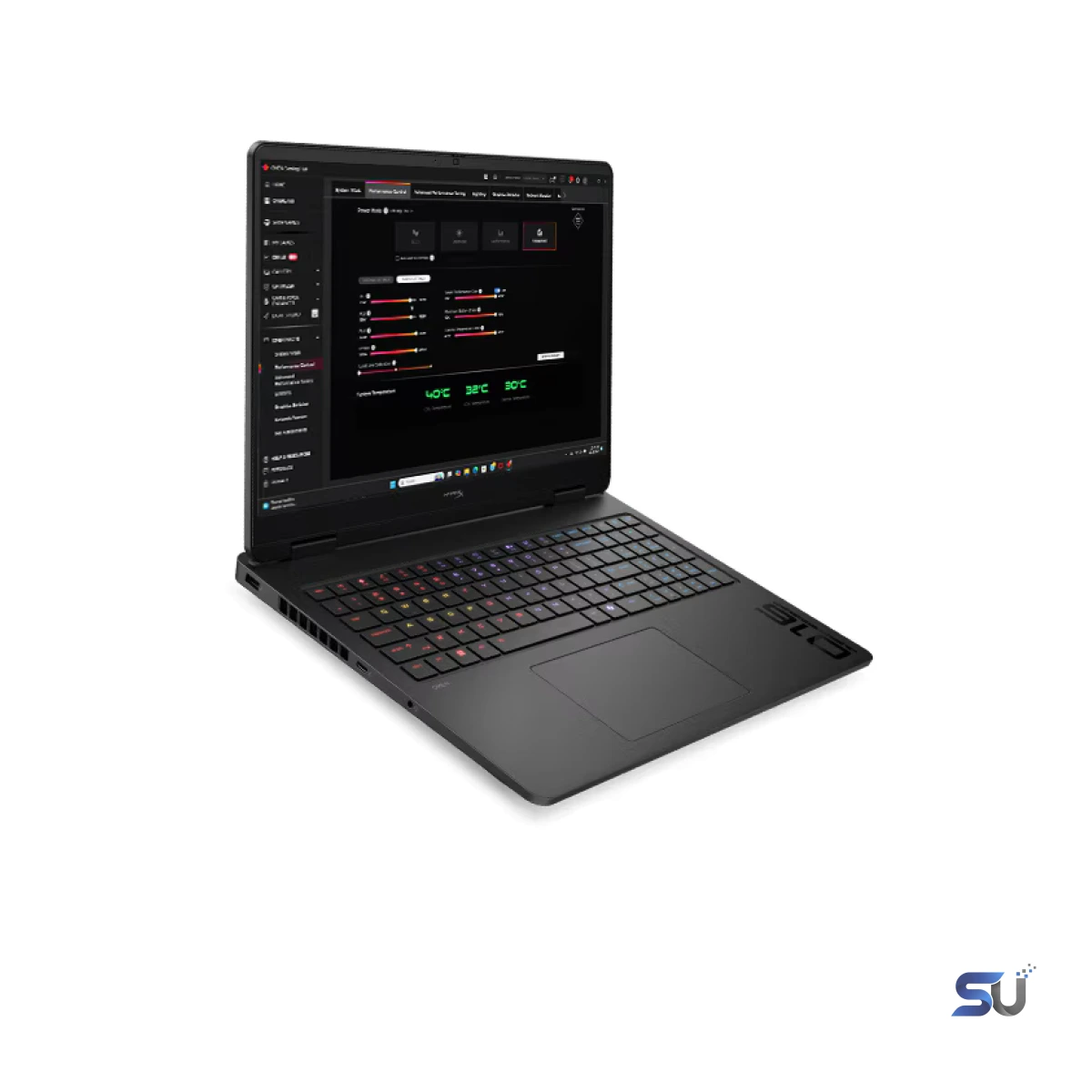
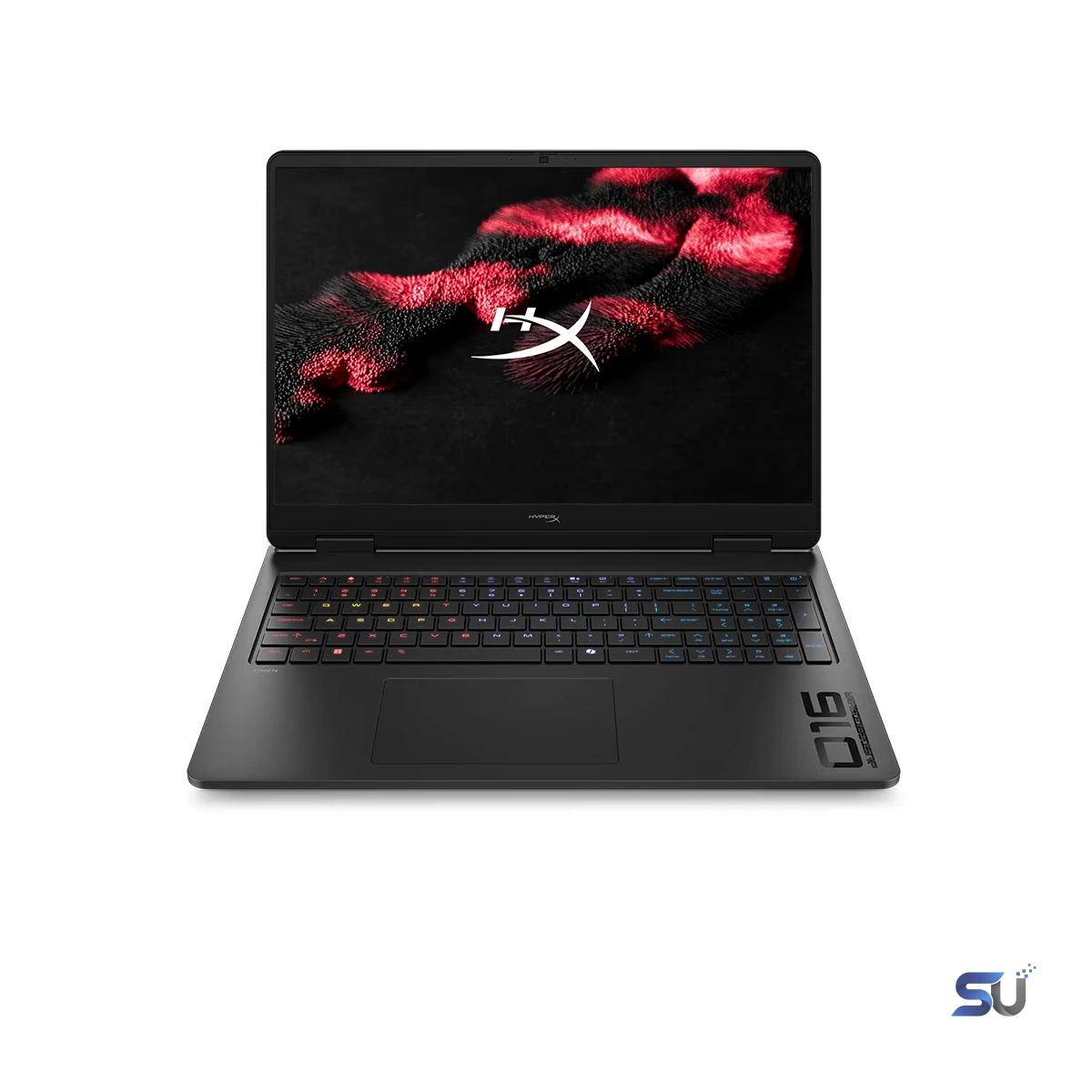
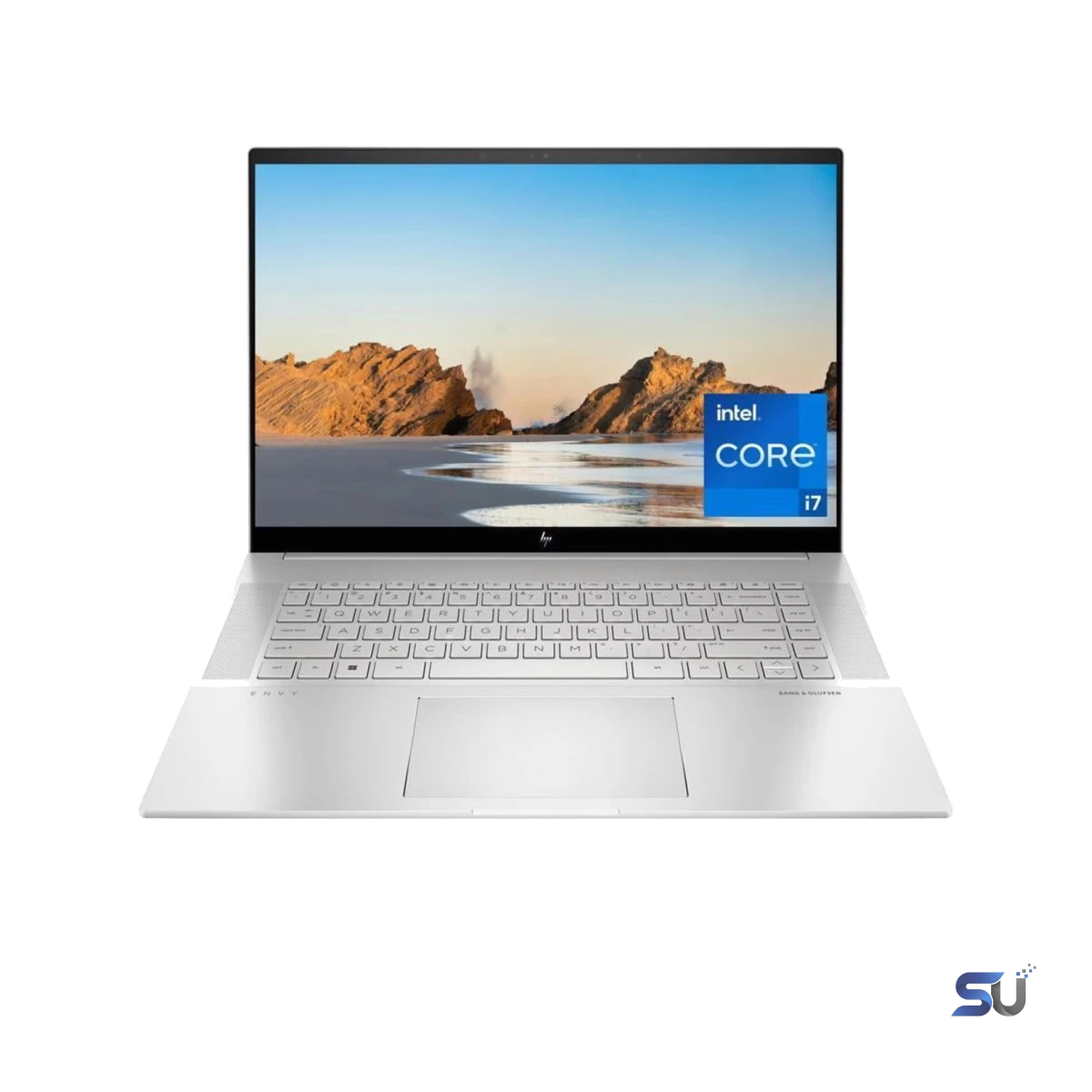
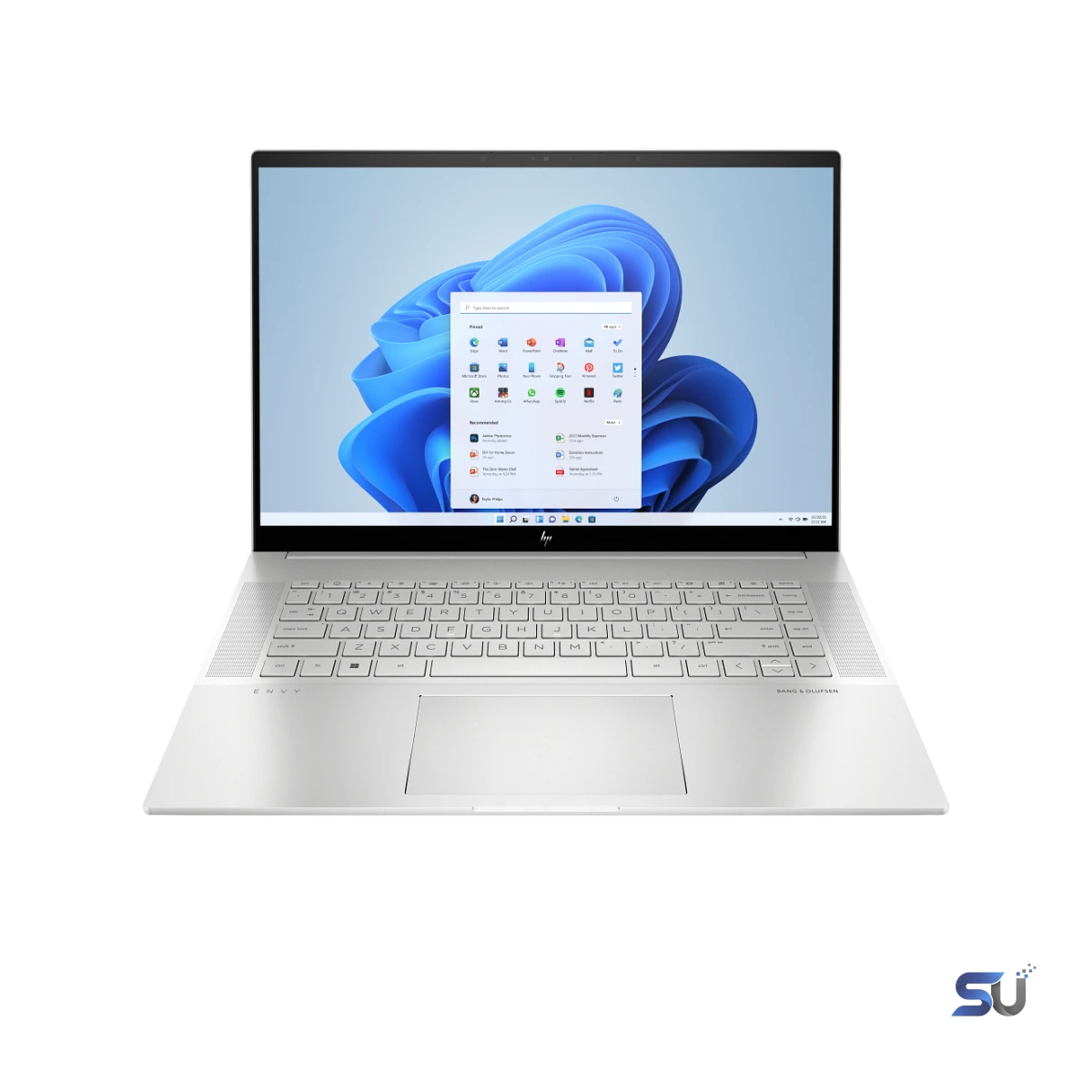
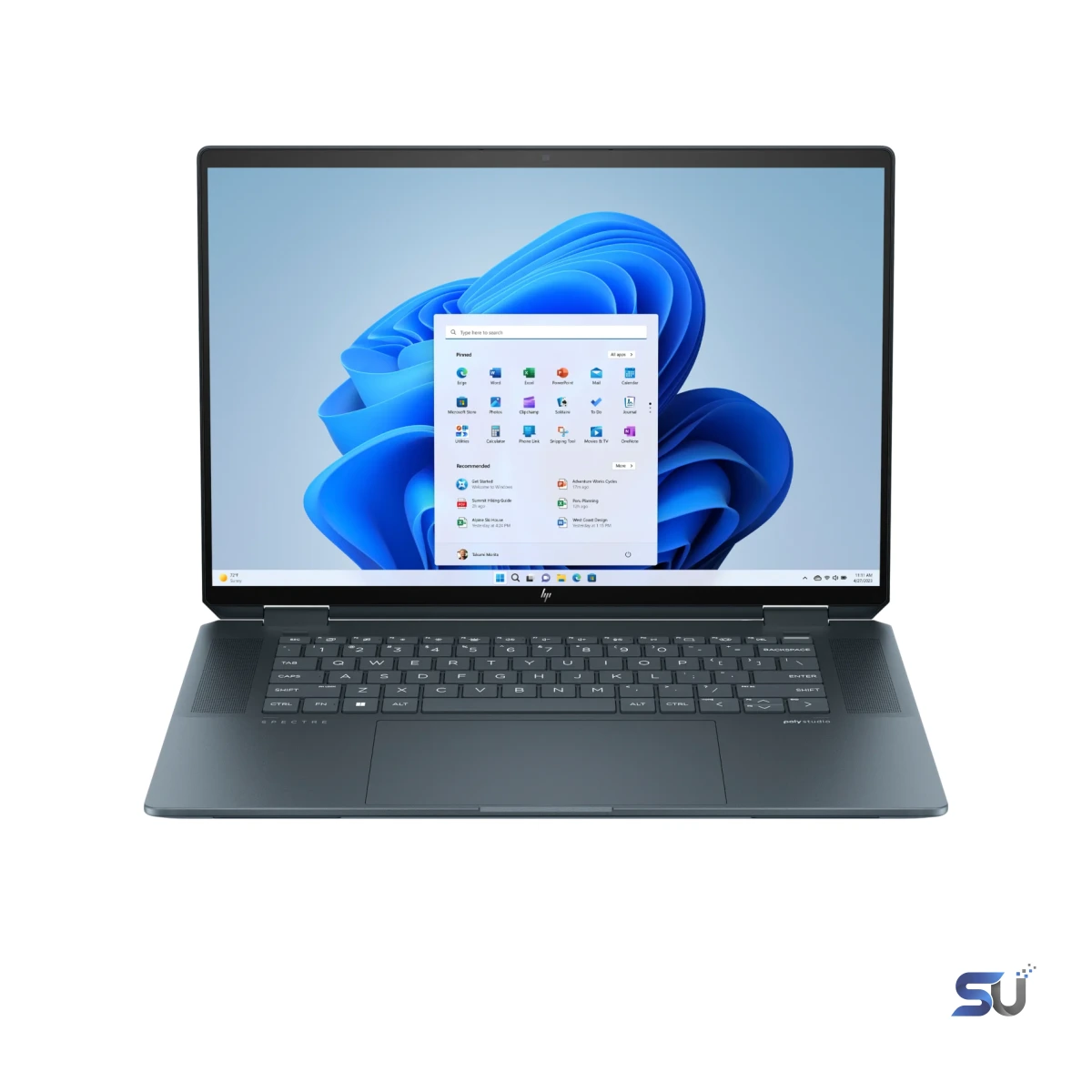
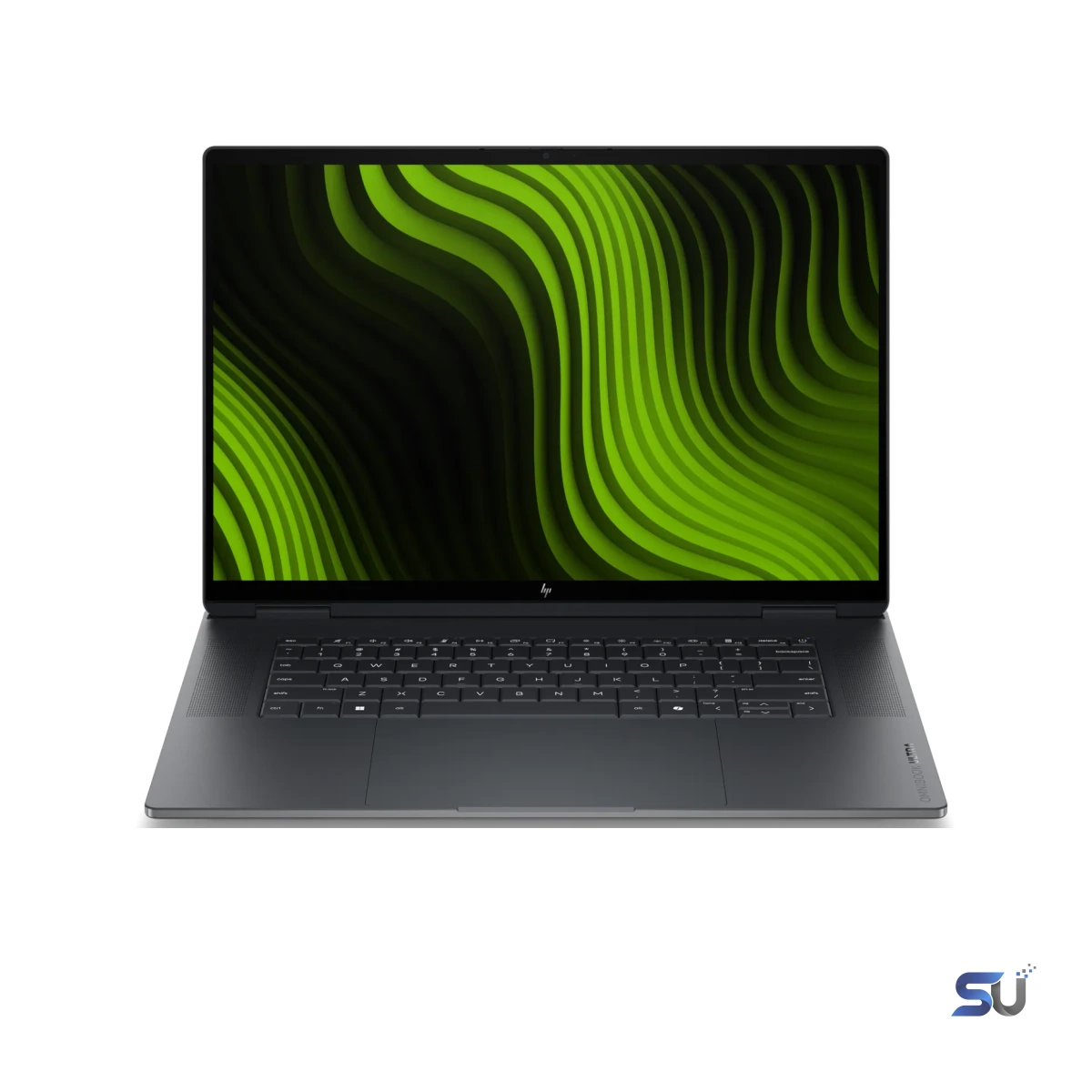
First, look at the shape of the machine. It measures 0.62 inches thick and weighs 4.89 pounds. So a big-screen laptop still feels easy to carry. A 16-inch display often means a desk-bound machine. Yet this one moves well between rooms, meetings, and home and office. It opens and closes a dozen times a day without complaint. The aluminium body feels solid in the hand. Its lid opens smoothly. Eclipse gray hides fingerprints and scuffs well. This design does not beg for attention. It simply works, and then it gets out of the way.
The build earns its keep day after day. HP uses aluminium for the body, and recycled metal for the cover, keyboard frame, and base. Recycled metal makes up at least half of the metal in the laptop. Ocean-bound plastic goes into the speaker enclosures and the bezel. Recycled plastic goes into the keycaps. These choices do not change how the machine feels. They simply make better use of material that already exists. At 15.73 millimetres at its thinnest point, the laptop slips into a bag without a second thought. Its footprint measures 14.01 by 10.1 inches, which is compact for a 16-inch machine.
The keyboard is full-size and backlit. It uses a lattice-less design, so each key gets a little more room. The haptic glass touchpad feels large and smooth. Its click feels precise rather than hollow. The HP OmniBook Ultra 16 64GB pairs that hardware with a clean layout. Your fingers find the right keys without looking down. That sounds small. Yet it matters on long work days. The keyboard is the main point of contact with the machine.
The screen defines this laptop. It is a 16-inch 3K OLED panel at 2880 by 1800 pixels. It refreshes at up to 120Hz and responds in 0.2 milliseconds. Corning Gorilla Glass 3 protects the glass. Colour is the headline here. The panel covers 100 percent of the DCI-P3 colour gamut. Photos, video, and design work look rich and accurate. They never look washed out or overcooked. Brightness reaches 500 nits in standard use and 1100 nits for HDR content. The display also carries VESA DisplayHDR True Black 1000 certification. Dark scenes keep their depth instead of turning grey.
For anyone who edits images, grades video, or reads text all day, that screen is hard to give up. The detail is sharp, the blacks are deep, and the colours stay true from one angle to another. Under the glass, UWVA technology keeps the picture consistent. The edge-to-edge glass with micro-edge bezels makes the screen feel larger than the body around it. Also, Low Blue Light support takes some sting out of late sessions. The fast refresh rate keeps scrolling and window movement smooth rather than smeared.
Touch is part of the deal too. The panel supports multitouch, so you can tap, swipe, and pinch directly on the glass. That feels natural for scrolling long documents, zooming into photos, and signing off on a layout. The HP OmniBook Ultra 16 64GB treats the display as the main workspace, not as an afterthought. Everything else in the machine exists to keep up with it.
Under the lid sits the part that sets this laptop apart. It runs an NVIDIA RTX Spark N1X processor with a 6144-core GPU and a 20-core CPU. The graphics use NVIDIA Blackwell technology. HP built this machine for local AI work, and it rates AI performance at up to 1 petaflop of FP4 performance. In plain terms, models and AI tools can now run on the laptop in front of you. They no longer need a distant server. Your files stay on the machine. Developers can build and test AI features locally. Creators can use AI-assisted editing without a round trip. That changes how the day flows, because the waiting disappears.
The memory matches the processor. In this configuration, the HP OmniBook Ultra 16 64GB carries 64GB of LPDDR5x unified memory at 9400 MT/s, onboard. Both share that memory. Large models and large projects never squeeze through a narrow memory window. Storage is a 2TB PCIe Gen5 NVMe Performance M.2 SSD. The machine starts quickly. Large files open without a pause. Projects with thousands of assets stay responsive. A microSD media card reader adds a simple way to move photos and video from a camera. Photographers and videographers will appreciate that.
Games are not the point here, and the laptop does not pretend otherwise. It has no dedicated gaming GPU. Instead, it puts its power into AI work, creative apps, and heavy multitasking. That focus shapes the whole machine. It stays thin and light, and it keeps the battery for the work that matters. Buyers who want a gaming laptop should look elsewhere. Buyers who want an AI workstation that travels will find a lot to like.
The battery is a 6-cell, 99Wh lithium-ion polymer unit. That is a large battery for a laptop this thin. It fills most of the space inside the base, and it gives the machine real stamina for a working day. The charger is a 140W USB Type-C GaN power adapter. It is compact for its output, and it connects through USB-C. Fast charging supports a top-up to around 50 percent in 30 minutes. As a result, a short break can add a useful chunk of charge. That matters when you move between meetings and only get a few minutes near a socket.
The HP OmniBook Ultra 16 64GB keeps its charging simple. One adapter handles the whole laptop, and USB-C means the same cable can serve other devices too. The two USB-C ports also support Power Delivery. A compatible dock or charger can power the machine at your desk. That removes the need to carry a second charger for the office. It also means fewer cables in the bag. HP does not state a battery-life figure in hours for this configuration, so this review does not invent one. The battery is large and the processor is efficient. That points in the right direction. Still, the honest answer is to watch for independent testing before judging endurance.
The port selection is generous for a thin laptop. It includes two USB Type-A ports at 10Gbps and one HDMI-out 2.1 port. It also includes two USB Type-C ports at 40Gbps. Those USB-C ports support USB Power Delivery 3.2, DisplayPort 2.1, and HP Sleep and Charge. A headphone and microphone combo jack sits on the side too. You can connect a monitor, a mouse, a keyboard, and a headset without a dongle in most cases. That is a real advantage for a machine that moves between desks.
Wireless is current too. The laptop uses MediaTek Wi-Fi 7, model MT7925, with a 2x2 antenna setup. It also includes Bluetooth 6.0. Together, they keep connections fast and stable on modern networks. The webcam is a 5MP IR camera. It includes HDR auto switch and temporal noise reduction. Dual array digital microphones sit beside it. HP pairs the camera with a privacy shutter and a microphone mute key. Those two controls give you a direct way to switch the camera and the microphones off. The HP OmniBook Ultra 16 64GB also includes a discrete TPM for hardware security. That covers the basics for work calls and for sign-in with Windows Hello.
Audio gets four speakers, with HP Audio Boost, Poly Studio, and DTS Virtual:X. That is a strong setup for a thin laptop. Video calls sound clear, and music has more body than the usual thin-laptop sound. Sensors include an accelerometer, a gyroscope, and an IR thermal sensor. They support features like automatic screen rotation and thermal management. These details do not make headlines, but they shape the daily experience. A laptop lives or dies on its details, and HP has paid attention to them here.
The laptop ships with Windows 11 Home. HP adds Copilot in Windows, with a dedicated Copilot key on the keyboard. That key puts AI help one press away. The machine also ships with a set of trial offers. They include a one-month Adobe trial, a 30-day McAfee Online Protection trial, and a three-month PC Game Pass trial. In addition, Otter.ai comes with the machine, and new Microsoft 365 customers get a one-month trial. These are trials, not lifetime licences, so check the terms before you rely on them. They still give you a useful way to test software that fits this machine.
Security starts with the camera and the microphones. The privacy shutter blocks the lens, and the mute key silences the microphones. The discrete TPM adds hardware protection for keys and credentials. Windows Hello uses the IR camera for face sign-in. That is faster than typing a password, and it keeps your face data on the device. The HP OmniBook Ultra 16 64GB also supports the AI features in Windows. Local models run on the N1X processor. Those features work without sending every file to a server. For people who handle sensitive work, that local approach matters a lot.
This laptop suits people whose work lives on the screen and in AI tools. For example, AI developers can run and test models locally. Creators can edit photos and video on a large, accurate display. Heavy multitaskers can keep many apps open at once. The 64GB of unified memory gives them room to breathe. Storage is a 2TB SSD, so the work fits too. And the 99Wh battery with the 140W GaN charger supports long days away from a desk. If that sounds like your working life, this machine deserves a close look.
It also suits people who value a great screen above all else. Students who edit video, analysts who live in spreadsheets, and writers who read all day will all feel the benefit. The touchscreen adds a direct way to interact with documents and timelines. A large touchpad and a full-size keyboard support long sessions. By contrast, the HP OmniBook Ultra 16 64GB is not a machine for everyone, and it does not try to be. It is a machine for people who know what they need and who will use what it offers every day.
No laptop fits everyone, and this one has clear limits. It has no dedicated gaming GPU, so gamers should look at a gaming laptop instead. It is not the lightest 16-inch machine, and travellers who count every gram should compare it with lighter options. The price sits at the premium end. The value depends on how much you use the AI power and the OLED screen. If you only browse and write, a simpler laptop will serve you well for less. However, that is not a flaw in this machine. It is a reminder to match the tool to the job.
The HP OmniBook Ultra 16 64GB also asks you to trust a new platform. The RTX Spark N1X is a new kind of processor, and the software around it is still maturing. Early buyers should check that their key apps run well on it before they commit. The release date for this configuration is still to discover, and independent test results are still to discover too. Those gaps are normal for a new machine, but they are worth noting. A careful buyer will weigh them against the clear strengths of the screen, the memory, and the battery.
The HP OmniBook Ultra 16 64GB is a focused machine, and that focus is its strength. It gives you a superb OLED touchscreen, serious local AI power, and a large battery in a thin aluminium body. Gaming and bargain hunting are not its goals. Instead, it tries to be the best tool for AI work and creative work on the move. On that measure, it succeeds. If your work matches its strengths, it will repay the attention every day you use it.
Buy it for the screen, the memory, and the AI power. Buy it because it turns a thin laptop into a real workstation. The HP OmniBook Ultra 16 64GB will not suit everyone, and that is fine. Finally, the right buyer will know it at once. They will open the lid, see the screen, and feel the machine disappear into the work. That is what a great laptop does, and this one does it well.